
INTEGRATIONS & CONNECTORS
Connect your systems. Move device work forward.
Evercycle is ready to use with pre-integrated logistics, repair, buyback, ITAD, and recycling specialists. Connect your systems when useful to turn device context into coordinated action.
Start ready to use. Extend as your operation grows.
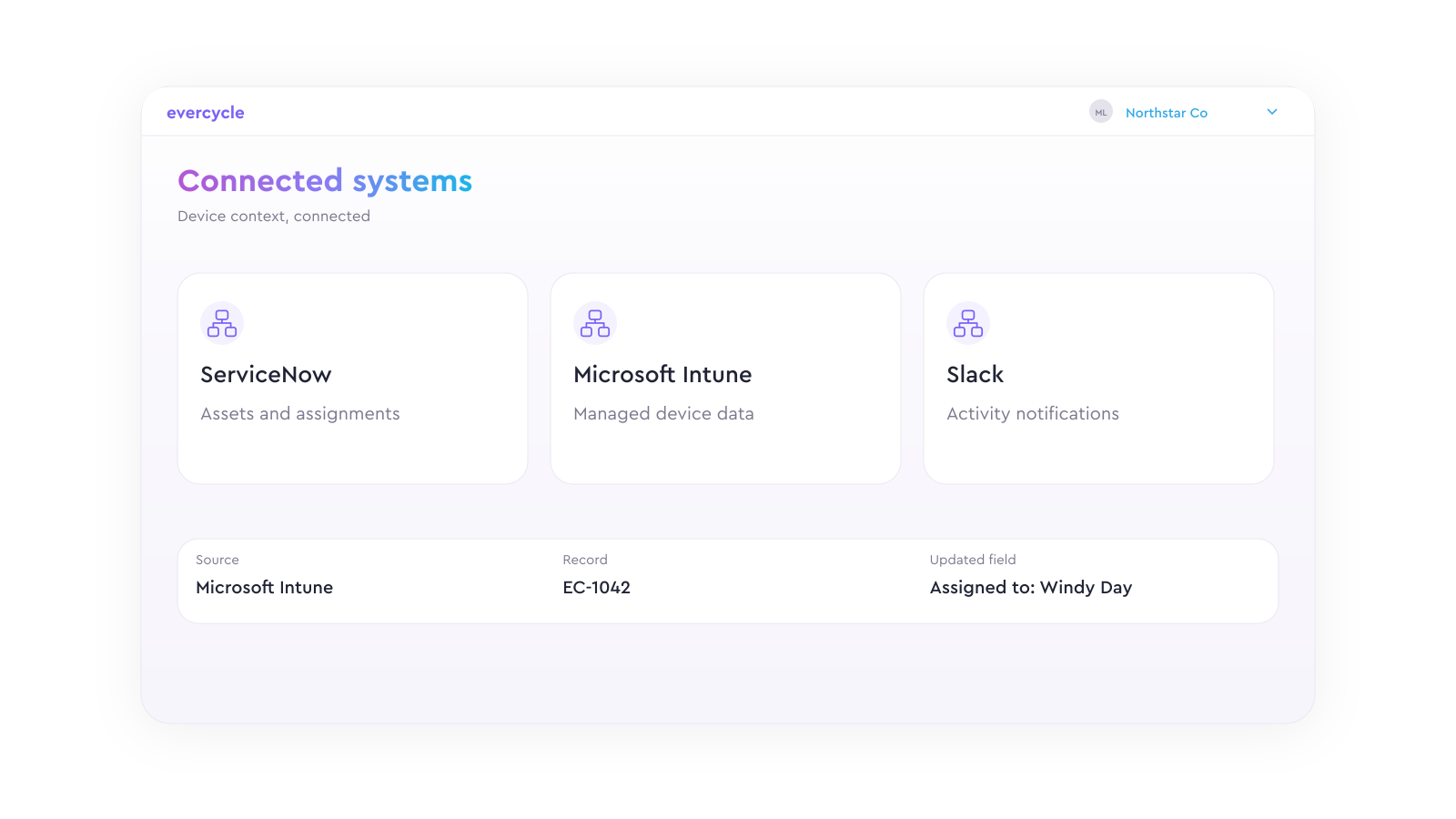
Illustrative product view · Connections configured for your workflow
CONNECT THE CONTEXT. COORDINATE THE WORK.
The systems your teams work in.
Bring requests, device records, employee events, and service outcomes into your device lifecycle workflows.
SERVICENOW · PRE-BUILT CONNECTOR
ITSM & ticketing
Connect service requests and device context to recovery, repair, refresh, and other device workflows.
JAMF · MICROSOFT INTUNE
MDM & endpoint systems
Bring device and endpoint context into the workflow, and connect operational updates where configured.
SLACK · PRE-BUILT CONNECTOR
Collaboration
Bring workflow communications and supported interactions to the channels your teams already use.
OKTA · MICROSOFT ENTRA
Identity & access
Support single sign-on and connect the identity context relevant to your device lifecycle programs.
EMPLOYEE LIFECYCLE EVENTS
HR & employee systems
Connect onboarding, offboarding, and employee changes to the device work each transition creates.
RAZOR ERP + OTHER SYSTEMS
ITAD ERPs & service systems
Connect ITAD device status and processing outcomes through reusable mappings or custom integrations.
Connection details depend on the workflow, available objects and events, permissions, and system configuration. Evercycle can help scope and validate the right approach.
A PRACTICAL EXAMPLE
From an employee event to a completed device return.
01
Receive the context
A connected HR or ITSM system supplies the employee event and relevant device details.
02
Coordinate the return
Evercycle applies the program: participant instructions, return options, reminders, and service routing.
03
Return the outcome
Shipment progress, receipt, exceptions, and available evidence flow back to the systems that need them.
Illustrative workflow. Triggers, updates, and supported actions are configured for the connected systems.
APIs & WEBHOOKS
Build the connection your workflow needs.
Use APIs and webhooks to exchange device lifecycle data, initiate supported work, and keep other systems informed as programs progress.
Trigger the next action
Launch from a request, system event, or approved workflow.
Map the right information
Connect device, participant, program, and service context.
Keep outcomes connected
Share status, exceptions, and available outcome records.
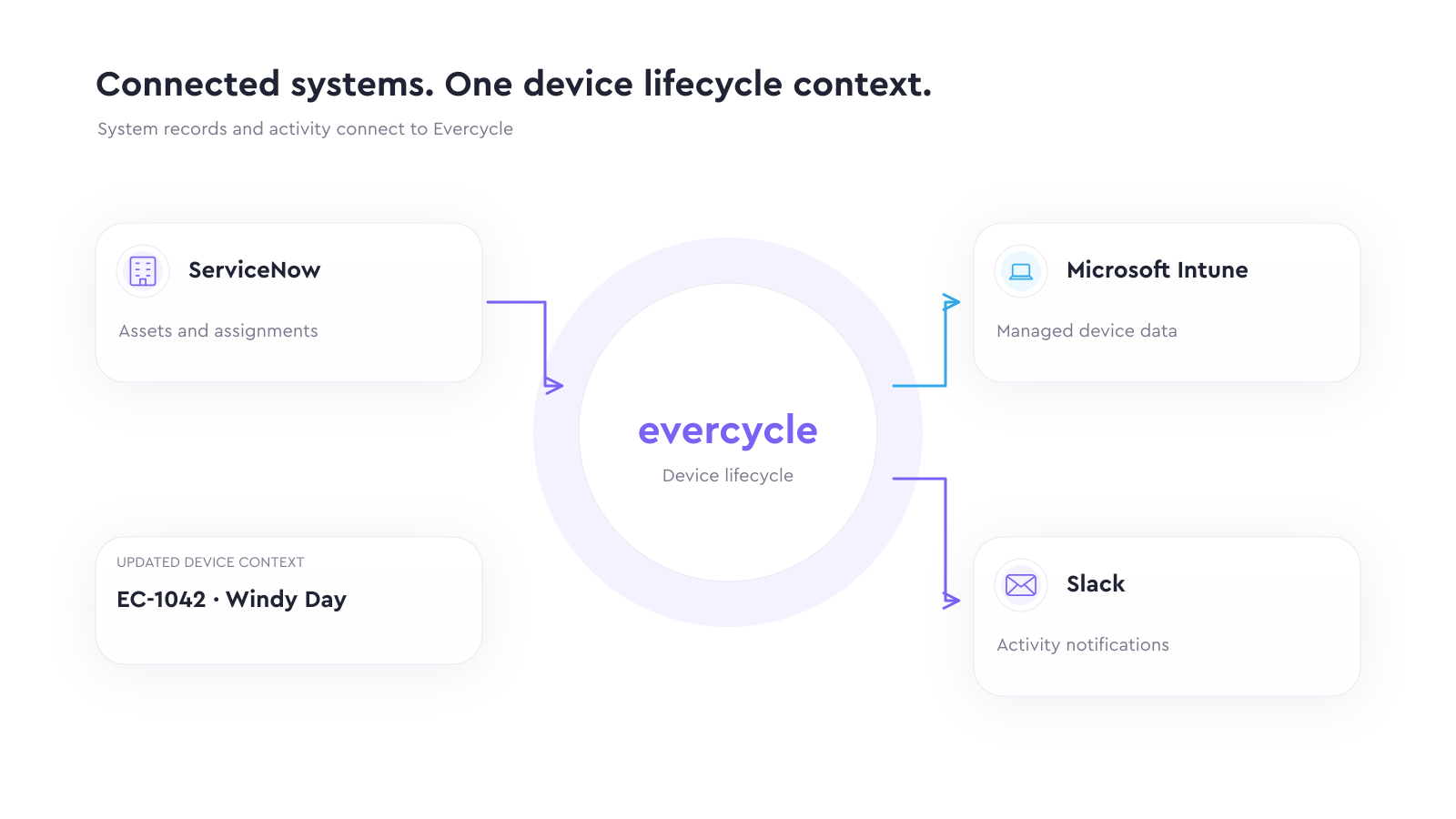
Illustrative connections · Supported data and actions vary by system
EVERCYCLE FOR AI AGENTS
Give AI agents a path to device lifecycle execution.
Evercycle’s production MCP server connects authorized AI agents to supported device lifecycle data and actions. Keep permissions, review steps, and operational records in the workflow.
ILLUSTRATIVE AGENT EXPERIENCE
A request, ready for review.
Evercycle
“Here is the proposed return workflow and the information needed for review before it is launched.”
FEATURED CONNECTION
ServiceNow + Evercycle MCP
Connect ServiceNow AI agent experiences to authorized device lifecycle execution.
See the ServiceNow experience →BRAND & EMBED
Your experience. Evercycle underneath.
Connect the operational workflow to the customer or employee experience you want to deliver.

Illustrative branding · Your portal, notifications, and service-order experience
White-label your experience
Present supported platform and service workflows under your brand.
Make communications your own
Customize email notifications and use vanity email domains for a consistent participant experience.
Embed the service order
Place iframe-based service-order forms within your website or portal so participants can start where they already are.
CUSTOM INTEGRATION ASSISTANCE
You bring the workflow. We help connect it.
Get help with connection design, data mappings, implementation, testing, and validation for your systems and service relationships.
01
Scope the use case
Identify the event, participants, systems, and intended outcome.
02
Map the connection
Define fields, triggers, routing, permissions, and ownership.
03
Test the workflow
Validate handoffs, exceptions, and the information returned.
04
Launch & refine
Review operational behavior and adjust the configured connection.
BEFORE YOU CONNECT
A few useful answers.
Do we need an integration to start?
No. Evercycle is ready to use with pre-integrated service specialists. Connect existing systems or service relationships where they add value.
What does a pre-built connector include?
A reusable starting point for the supported system. Available objects, actions, mappings, permissions, and setup vary by connector and workflow.
How does the MCP server fit in?
MCP gives an authorized AI client access to supported Evercycle data and tools. APIs, webhooks, and system connectors support other connection patterns.
Can we use our own branding and portal?
Yes. White-labeling, custom email notifications, vanity email domains, and iframe service orders can support a branded experience. We’ll scope the configuration with you.
START WITH ONE USEFUL CONNECTION
What device workflow should your systems move forward?
Tell us where the handoff breaks down. We’ll map a practical starting point.


