The numbers back it up. In an Oomnitza/YouGov survey of 213 US IT leaders, 27% reported losing more than 10% of technology assets during offboarding. The survey dates from 2022, but the pattern still holds.
IT asset lifecycle management (ITALM) is the coordinated process of planning, acquiring, deploying, using, maintaining, recovering and retiring technology assets while preserving visibility, security and value. This guide covers five lifecycle stages and the practical controls distributed US teams need for remote onboarding, offboarding, repair, vendor coordination and secure disposition.
Key Takeaways
- Lifecycle management starts before procurement and runs through sanitization and disposition.
- Every asset record should tie together owner, location, status, cost, service history and disposition evidence.
- Automation cuts manual handoffs between IT, HR, procurement, finance and vendors.
- Strong programs balance efficiency, security, compliance, sustainability and recovered value.
What Is IT Asset Lifecycle Management?
What does IT asset lifecycle management include?
ISO/IEC 19770-1 describes IT asset management as the infrastructure and processes for managing, controlling and protecting IT assets throughout their lifecycle. IBM treats hardware asset management as the subset focused on physical computing equipment.
This article centers on hardware fleets: laptops, phones, networking gear and field equipment such as kiosks and scanners. The same principles extend to software licenses, cloud resources and peripherals, though those carry different data and cost models.
Why does lifecycle management matter for IT teams?
Visibility drives better decisions across several areas:
- Total cost of ownership: IDC's 2026 white paper lists staff time, help-desk load, unplanned replacement, downtime and lost productivity as TCO components.
- Security: A device lost in transit or sitting at a vendor is a potential data exposure.
- Audit readiness: Records show who held a device, when and why.
- Reuse: Known condition and location make redeployment possible.
How is it different from related practices?
These practices overlap but do different jobs:
- ITSM manages and delivers IT services, not assets throughout their lifecycle.
- CMDB/configuration management maps relationships between assets and the services they support.
- Enterprise asset management covers operational equipment, a wider scope than computing hardware.
- ITAD securely retires, resells and recycles end-of-use equipment, including sanitization and remarketing.
They share data and workflows, but a CMDB is not an asset lifecycle program.
Stages of IT Asset Lifecycle Management
Organizations rename or combine stages. A complete process still covers the asset from business need through retirement and the next replacement decision.
Atlassian's five-stage model runs planning, acquisition, operation, maintenance and disposal. This article uses five stages plus a feedback loop.

Plan and define requirements
Decide what you need before you buy. Define:
- Standard configurations
- Budget and expected useful life
- Security requirements and support model
- Intended end-of-life path
Remember that different clocks run at once:
- US federal guidance describes hardware lifespan as typically 5-6 years, with support contracts typically 3 years
- A Dell lease may rotate devices at 36 months
- Apple's service window begins when distribution ends
Lease terms, service availability and useful life are not interchangeable, so plan each deliberately.
Acquire and receive assets
- Review vendor contracts and warranty terms
- Weigh leasing against ownership (Dell's finance lease, for example, offers a $1 end-of-contract purchase option)
- Capture serial numbers on receipt
- Assign ownership and record costs and entitlements in the authoritative asset record
Deploy and operate assets
NIST describes enrollment as:
- Tagging and baseline imaging
- Owner assignment
- Recording serial number, location and model
For remote hires, add shipment tracking, delivery acceptance, security enrollment and a status update once the employee confirms receipt.
Field equipment needs the same discipline. A kiosk or scanner shipped to a site should have an assigned location and owner from day one.
Maintain, repair and monitor assets
Route support requests, repairs, patches and warranty events through one history. Warranty terms are product-specific: Dell portable batteries generally carry a one-year base warranty, and repair does not extend it.
Track condition and utilization so you can see recurring failures. Every replacement should preserve the ownership and service trail.
Recover, retire, reuse or dispose
Triggers include replacement, damage, loss, unsupported technology and departures. The sequence is:
- Retrieve the device and remove access
- Confirm backup of needed data
- Sanitize per current guidance
- Document chain of custody
- Refurbish, redeploy, resell, recycle or dispose

Close the loop
Feed results back into planning. Repair history, recurring failures, recovery rates, residual value and user feedback should shape procurement standards, replacement timing and vendor choices. Federal guidance makes the same point: performance metrics inform future vendor and product selection.
Best Practices for IT Asset Lifecycle Management
Establish one trusted asset record
Define a minimum data set per asset:
- Unique identifier, model and serial number
- Owner, assigned user and location
- Status and security state
- Purchase or lease details and warranty
- Service history and disposition evidence
Name a data owner and set reconciliation rules for conflicts between sources.
Automate lifecycle handoffs
Map the triggers that move assets between stages:
- Procurement and receiving
- Onboarding and transfers
- Repairs
- Offboarding, retrieval and retirement
Automate routing, approvals, reminders and employee messages around those events. NIST notes that after initial setup, most reference-design tasks can be automated, though analysts still review anomalies.
Build security and audit controls into every stage
NIST SP 800-88 Rev. 2 became final on September 26, 2025, superseding Rev. 1. It calls for a sanitization certificate for each storage medium, identifying manufacturer, model and serial number, with records tracking departure and arrival locations.

Sanitization is not the same as physical destruction, and verification differs from validation.
Scope matters too. The FTC Disposal Rule, GLBA Safeguards guidance and HIPAA each apply to specific data and entities, not every device.
The cost of getting this wrong can be severe. Morgan Stanley Smith Barney agreed to a $35 million SEC penalty after retired devices containing customer data were resold and 42 servers went missing.
Design for reuse and responsible disposition
Before choosing a route, compare device condition, data risk, transport impact, market value and business need. Redeploy first, then repair, refurbish, resell or recycle.
Use certified recyclers. R2v3 and e-Stewards are the two main responsible-recycling certifications. Globally, only 22.3% of 62 billion kg of e-waste in 2022 was documented as formally collected and recycled.

Measure with lifecycle KPIs
Useful metrics include:
- Inventory accuracy and percentage of assets with complete ownership records
- Time to deploy and time to recover
- Repair turnaround
- Retrieval and sanitization completion
- Redeployment rate and disposition value
- Unresolved exceptions
No credible universal US benchmark exists for these. IAITAM stresses that KPIs are organization-specific. Measure your own baseline first, then track trends.
How to Implement and Support an IT Asset Lifecycle Program
ISO's implementation order runs from trustworthy data through lifecycle integration to optimization. Follow that sequence.
Define scope, stakeholders and accountability
List the asset classes and locations in scope. Then assign roles with a RACI chart (responsible, accountable, consulted, informed) across:
- ITAM, procurement, finance and security
- HR, managers and employees
- MSPs, repair providers and ITAD partners
Baseline and clean existing data
Reconcile spreadsheets, endpoint tools, procurement and finance records, HR data and service desk tickets. Resolve duplicates, stale entries and records with unknown owners or locations before you automate anything. Automating bad data only speeds up the errors.
Start with high-impact workflows
Pilot one or two use cases, such as remote offboarding, laptop recovery or secure disposition. Define entry and exit criteria, exception handling, escalation paths and success measures before expanding.
Connect systems through an orchestration layer
Don't force every team onto new tools. Integrate the HR, procurement, finance, endpoint, ITSM, ERP and provider systems already in use.
Evercycle is one example of this approach. It is a software platform that coordinates existing vendors and systems; providers perform the physical work. Its capabilities include:
- Unified visibility across assets, workflows and vendors
- Event-driven workflows for deployment, recovery, repair and disposition
- Automated vendor routing and employee communications
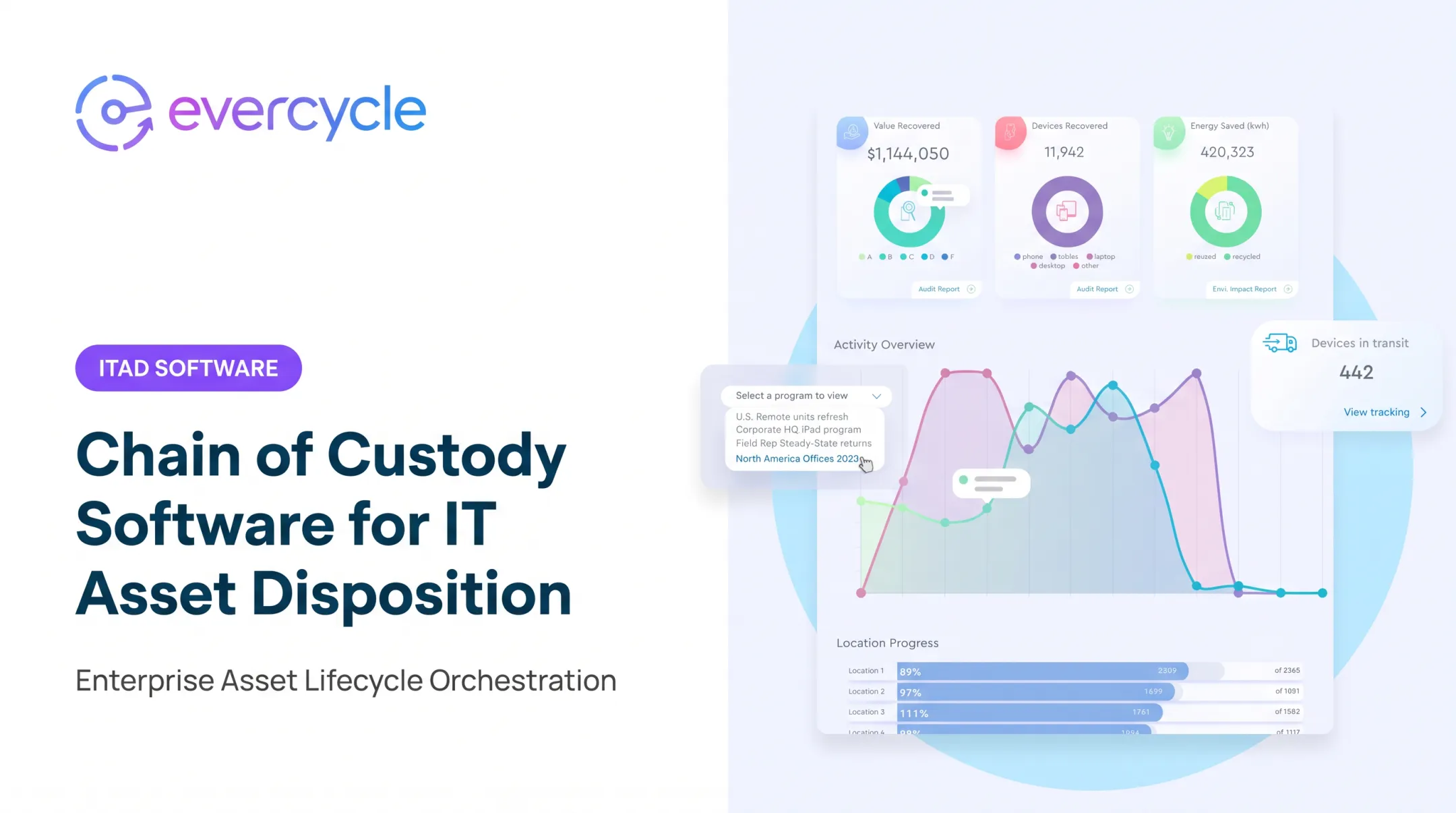
- Chain-of-custody tracking and audit reporting
Evercycle's 2025 case study for a Fortune 500 company covered recovery across 19 countries and 14 ITAD partners, coordination that spreadsheets can't handle.

Frequently Asked Questions
What is the asset lifecycle?
It's the sequence an asset follows from identified need through planning, acquisition, operation, maintenance and disposal.
What is IT lifecycle management?
It applies lifecycle planning and controls to technology assets, covering procurement, deployment, support, security, recovery and end-of-life. NIST groups these as enrollment, operation and end-of-life.
What is a technology lifecycle?
It's the progression of a hardware, software, cloud or connected asset from introduction and active use through maintenance, replacement, retirement and disposition.
What are the key trends in asset management for 2026?
Everest Group's 2026 assessment points to AI-driven asset intelligence, data normalization and integrations across ITSM, endpoint, HR and procurement systems. It also flags weak data and unproven AI claims. Flexera's 2026 report covers security involvement and hardware sustainability policies.
What are the 5 P's of asset management?
No standard IT-specific "5 P's" framework exists, and versions from other fields vary. For IT, the practical equivalent is the five lifecycle stages above.
What are the four main types of assets?
Classifications vary. In IT, common categories are user devices, network and telecom equipment, peripherals and software licenses. These are IT categories, not investment-asset classes.