The numbers show it happens. HHS's 2024 breach report counted 3 large and 226 smaller improper-disposal breaches.
This guide is for healthcare providers, insurers, clinics, enterprise IT teams, compliance leaders, and anyone relying on ITAD vendors. It covers data identification, media sanitization, chain of custody, documentation, and vendor oversight.
Key Takeaways
- HIPAA requires safeguards and documented procedures, not one destruction method for every device.
- Pick the method by media type, condition, and reuse or recycling plans.
- Inventories, secure handling, BAAs, custody records, and certificates work as one program.
- Deleting files, formatting, pulling a drive, or holding a certificate does not prove compliance on its own.
What HIPAA Requires for Device Disposal
The regulatory baseline
The Security Rule, at 45 CFR 164.310(d)(2), requires policies for the final disposition of electronic PHI (ePHI) and its hardware or media. It also requires procedures to remove ePHI before media are reused. The Privacy Rule, at 164.530(c), adds a duty to apply appropriate administrative, technical, and physical safeguards.
HHS's disposal FAQs say OCR mandates no particular method. Safeguards depend on the risks and on the form, type, and amount of PHI. What you cannot do is abandon PHI in publicly accessible containers.
HIPAA versus NIST
HIPAA sets risk-based obligations. NIST SP 800-88 supplies the technical yardstick. The current version is Rev. 2, published September 26, 2025, which withdrew the 2014 Rev. 1. HHS's breach guidance points to NIST 800-88 without naming a revision, so cite the current one in your policy.
Who is responsible
PHI is individually identifiable health information about health, care, or payment, held by a covered entity or business associate in any medium. ePHI is the electronic form. Medical subject matter alone does not make data PHI.
The covered entity stays accountable when a business associate, recycler, or subcontractor does part of the work. Keep in mind:
- HIPAA documentation must be kept 6 years from creation or last effective date, whichever is later.
- HIPAA sets no general medical-record retention period. State law usually does.
- Stricter state privacy laws, contracts, and breach rules may also apply.
Which Devices and Data Need Protection?
What counts as PHI
HHS lists 18 identifier categories, including names, medical-record numbers, health-plan numbers, device serial numbers, IP addresses, biometric identifiers, and full-face photos. When these connect to diagnosis, treatment, payment, or insurance held by a covered entity or business associate, they are PHI.
That covers paper and electronic records alike: patient files, billing data, appointment details, imaging, lab information, and communications. Employment records held as an employer and records of people deceased more than 50 years are excluded.
Commonly overlooked devices
Everyone remembers the laptop. Check these too:
- Servers, external drives, USB sticks, memory cards, and backup media
- Smartphones and tablets
- Printers, copiers, fax machines, and scanners
- Network equipment
- Imaging systems, monitoring equipment, kiosks, and sensors with local storage or saved credentials
The FTC warns that copier drives store copied, scanned, faxed, and emailed documents. Affinity Health Plan learned this in 2013, paying $1,215,780 after returning leased copiers with ePHI for up to 344,579 people still on them.
For medical devices, FDA's February 2026 guidance recommends secure decommissioning, including sanitization and removal of PHI. Those are nonbinding recommendations, not a separate HIPAA mandate.
Distributed and remote fleets
Home offices, mobile clinicians, storage closets, and third-party sites need the same inventory, secure collection, and custody controls as a central facility. A laptop in a departed employee's closet is still your liability.
HIPAA-Compliant Sanitization and Destruction Methods
Start with a media assessment. Record the asset, storage technology, data sensitivity, physical condition, encryption status, and intended outcome: reuse, resale, refurbishment, recycling, or destruction.
NIST SP 800-88 Rev. 2 defines three outcomes:
- Clear: logical sanitization that resists simple recovery through the normal interface
- Purge: recovery is infeasible with state-of-the-art lab techniques, and media may be reused
- Destroy: recovery is infeasible and the media can no longer store data
Hard disk drives and magnetic media
Options include validated overwriting or device sanitize commands, degaussing, and physical destruction. Keep verification records for whichever you use. Degaussing suits magnetic media only. It is not a universal fix.
SSDs, flash, and embedded storage
SSDs, USB drives, memory cards, and phones need media-appropriate methods. Spare cells and wear leveling mean ordinary overwriting can miss data, and NIST notes that degaussing an SSD can finish without sanitizing it.
Cryptographic erase, purge commands, or physical destruction may apply. Cryptographic erase depends on sound key management, since leftover key copies undermine it.
A dead or inaccessible device may still hold recoverable data. Send it through your normal sanitization decision process, never straight to the bin.

Paper, medical equipment, and nonstandard media
OCR lists shredding, burning, pulping, or pulverizing paper until it is unreadable and unreconstructable. Redaction is not destruction. Confirm retention requirements before anything is destroyed.
Copiers, printers, and diagnostic systems may need the manufacturer, service provider, or ITAD partner to locate internal storage and reset credentials. Reuse or resale comes last, only after sanitization is completed, verified, and documented.
The Documented Disposal Workflow and Vendor Controls
A defensible program follows these steps:
- Write the policy. Define asset owners, approvals, approved methods, exceptions, staging, transport, vendor oversight, retention, and incident escalation.
- Build the inventory first. Record asset tag, serial number, device type, storage media, location, custodian, status, and final disposition.
- Secure devices from retirement onward. Use controlled storage, authorized staff, tamper-evident handling where appropriate, and a custody record for each handoff.
- Sanitize or destroy, then verify. NIST treats completion and effectiveness as separate checks.

Vendor due diligence and BAAs
OCR expressly allows using a business associate for disposal, with contractual safeguards through the end of the process. A disposal vendor that handles PHI is likely a business associate, so sign the BAA before PHI-handling begins (164.308(b) requires written assurances).
Evaluate each vendor on:
- Media-specific capabilities, including SSD and embedded storage
- Written procedures and employee controls
- Subcontractors and transport
- Incident-response commitments and insurance
- Willingness to give asset-level, auditable records
NAID AAA and R2v3 are industry certifications, not HIPAA certifications. HHS does not endorse them, and they do not absolve your legal duties.
Certificates, verification, and audit readiness
A certificate or sanitization record should identify:
- Asset and serial number, manufacturer, and model
- Date, method, tool and version
- Verification result and responsible party
- Final disposition and chain-of-custody reference
NIST Rev. 2 puts its sample certificate in Appendix C, not Rev. 1's Appendix G. A certificate is evidence. It does not replace your policy, risk assessment, BAA, vendor review, or inventory controls.
Managing distributed workflows with lifecycle orchestration
Evercycle is an orchestration and visibility platform. It does not physically ship, process, or destroy devices, and using it alone does not make an organization HIPAA compliant. Your existing ITAD vendors still do the physical work.
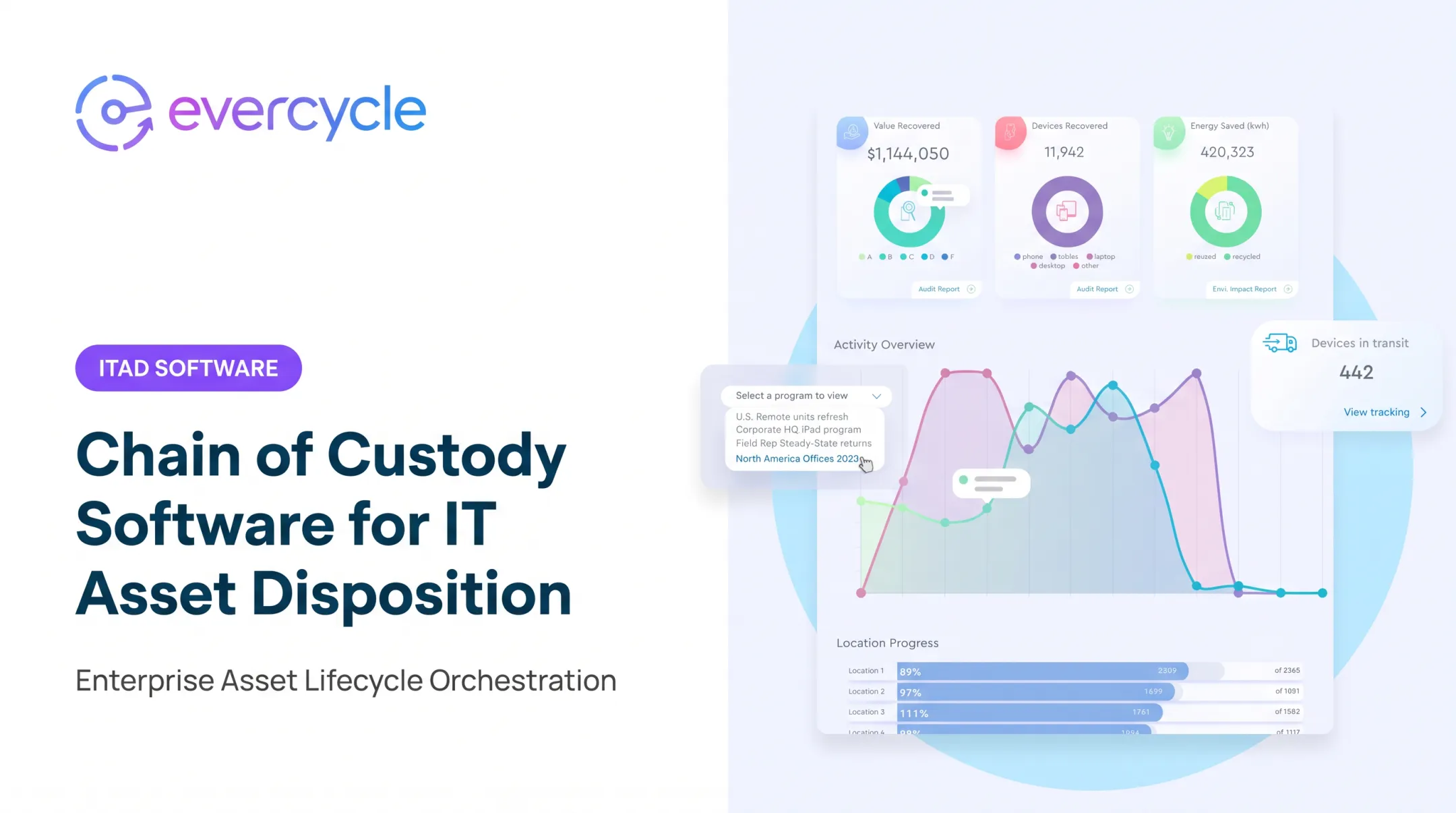
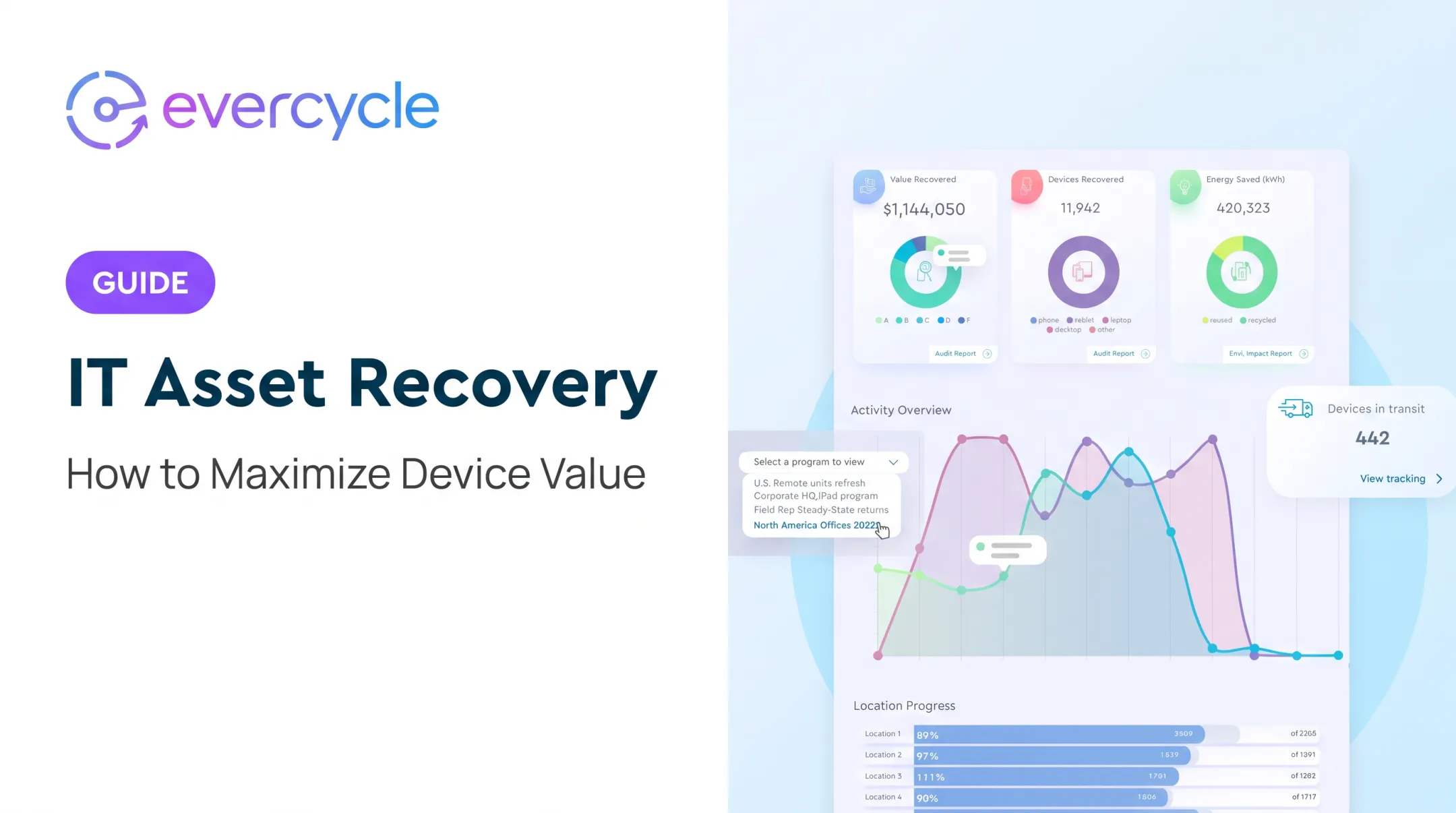
The platform connects enterprise asset data, vendors, logistics activity, and employee communications in one workflow. Evercycle Insight can ingest a device manifest or integrate with MDM and inventory tools, and it logs time-stamped, exportable asset history through the chain of custody.
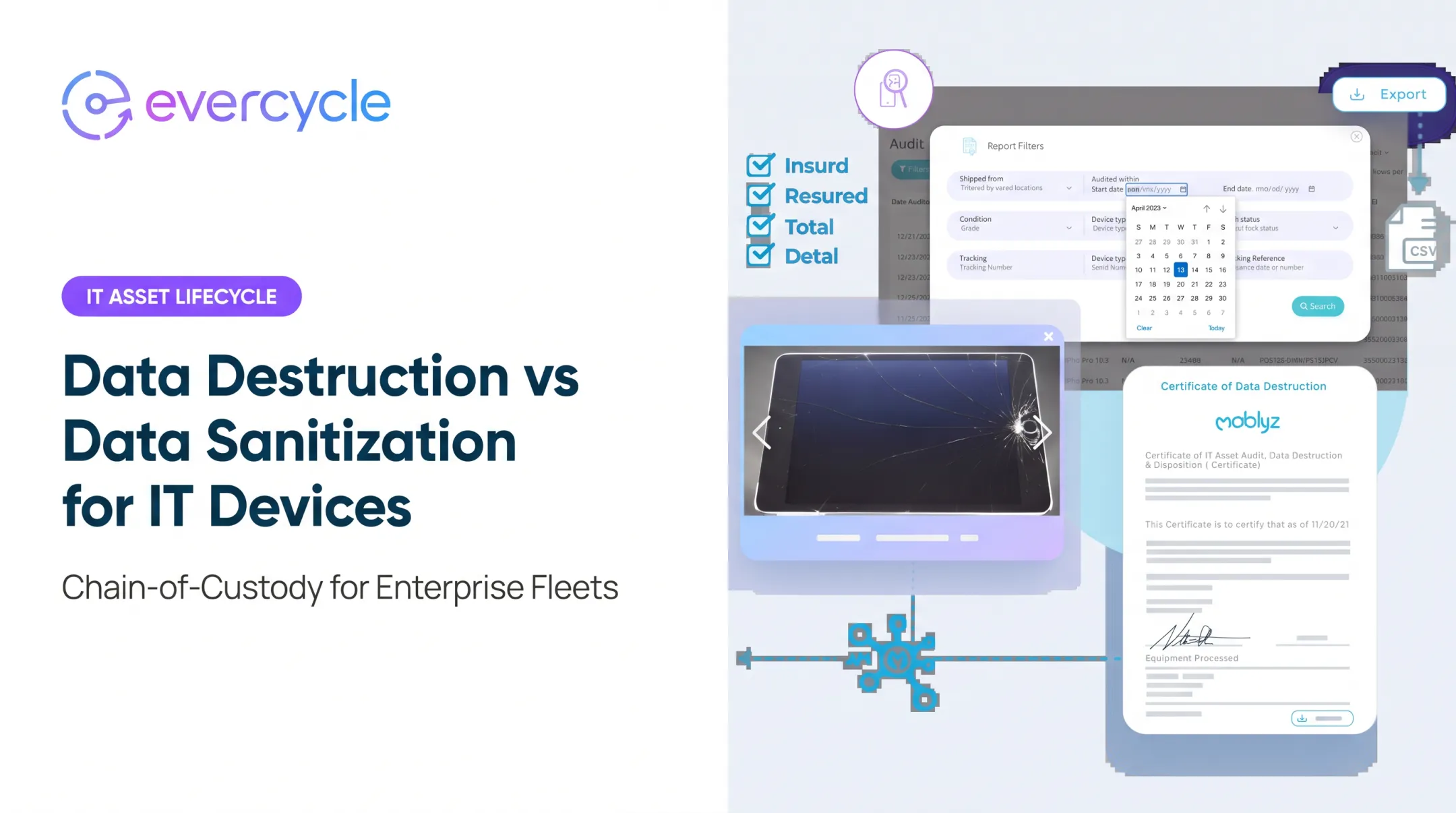
In practice, one record can link the original asset to pickup, transfer, erasure or destruction evidence, the reuse or recycling outcome, and any exception. Evercycle's audit reports can show data-erasure results and a Certificate of Data Destruction, which helps teams reconcile serial numbers against vendor records.

Common Mistakes and a Practical Disposal Checklist
Frequent errors
- Deleting or formatting without verification
- Pulling a hard drive and discarding the rest of the device
- Using an unvetted recycler
- Forgetting printers, copiers, and backups
- Never reconciling serial numbers with vendor records
Dumpsters remain a classic failure. CVS paid $2,250,000 in 2009 over prescription labels in unsecured public dumpsters. That amount was a settlement, not a fixed fine schedule.
Checklist
- Discover where PHI lives across servers, endpoints, copiers, and backups
- Inventory every asset with serial numbers and owners
- Choose an approved, media-specific sanitization or destruction method
- Stage devices in a controlled area until pickup or processing
- Vet the vendor and sign a Business Associate Agreement
- Record chain of custody from collection through final disposition
- Obtain a certificate of destruction or sanitization record per asset
- Confirm final disposition against your inventory
- Retain disposal and sanitization records for 6 years
- Train staff on handling, staging, and vendor handoff

Vendor red flags
- Vague destruction methods
- No asset-level reporting
- No subcontractor controls
- Unclear SSD or embedded-storage handling
- Refuses an applicable BAA
- Claims a certificate alone guarantees compliance
Frequently Asked Questions
Is removing the hard drive enough for HIPAA-compliant destruction?
No. The drive still must be sanitized or destroyed, and you must check the rest of the device for other storage. Inventory and document the whole process.
How do I obtain a Certificate of Destruction for hard drive destruction?
Get it from the qualified provider performing or overseeing destruction. It should tie each drive's serial number to the method, date, verification, and chain-of-custody record.
How should medical records be destroyed to be HIPAA compliant?
Shred, burn, pulp, or pulverize paper, and sanitize or destroy electronic media. Keep records secure until destruction, honor state retention rules, document procedures, and use a BAA with any third party.
What information is protected under HIPAA?
PHI is individually identifiable information about a person's health, care, or payment held by a covered entity or business associate. ePHI is the electronic form, such as names or medical-record numbers tied to treatment or insurance.
Does HIPAA require a specific device destruction method?
No. Choose a risk- and media-appropriate method, document it, and verify the data cannot be accessed.
What should a HIPAA-compliant device disposal policy include?
Asset identification, approved methods, secure storage and transport, roles, vendor and BAA requirements, chain of custody, documentation, retention, training, and incident response.