Introduction
Deleting files doesn't empty a drive. A retired laptop, server, or phone can still hold recoverable data after a factory reset, and that data follows the device wherever it goes next.
That residual risk shows up in industry data. Blancco's 2026 report found that 32% of respondents who experienced a data leak traced it to redeployed drives or devices that still held sensitive data. It's a self-reported survey of 1,460 IT, compliance, and sustainability leaders, not a forensic study.
The method you pick affects security risk, audit evidence, resale value, sustainability, and cost. Data destruction means eliminating data or the media holding it. Data sanitization means making data irrecoverable through a method matched to the media, then verifying the result. This guide compares both approaches so you can match the method to each device and compliance need.
Key Takeaways
- Sanitization stresses media-appropriate methods and validated results; destruction is the broader, looser term.
- Verified sanitization fits devices headed for reuse, resale, redeployment, or lease return.
- Physical destruction suits defective, unsupported, or highly sensitive media.
- A defensible process links identification, custody, processing, validation, and documentation.
Data Destruction vs Data Sanitization: Quick Comparison
| Factor | Data destruction | Data sanitization |
|---|---|---|
| Meaning | Rendering data inaccessible or physically destroying media; usage varies | Controlled process making data irrecoverable, with verification |
| Hardware reuse | Shredding or crushing generally ends reuse | Verified erasure can preserve the device |
| Security assurance | Ranges from an unverified action to a documented process | Method validation and a per-asset record |
| Media fit | Must match HDD, SSD, tape, or optical | Must account for flash behavior, encryption, damaged drives |
| Cost | Lost residual value, transport, custody | Processing time, tooling, verification |
The labels overlap more than the table suggests. Under NIST's framework, destroy is one category of sanitization, so the two aren't true opposites.
Media fit still needs care: degaussing doesn't work on SSDs. Flash memory isn't magnetic, so a degausser leaves the data in place.
Cost also runs past the processing fee:
- Transportation and chain-of-custody requirements
- Processing time, tooling, and verification
- Environmental impact and lost resale value on destroyed hardware
At fleet scale, repeatable evidence matters as much as the method itself.
What Are Data Destruction and Data Sanitization?
What is data destruction?
In the IT asset lifecycle, data destruction covers logical processes (overwriting, cryptographic erasure) and physical ones (shredding, crushing, degaussing).
Deleting files, emptying the recycle bin, reformatting, or factory resetting generally doesn't prove data is gone. CISA guidance notes these steps can leave recoverable data behind.
Destruction fits highly sensitive or regulated information, failed or unsupported media, end-of-life devices, and assets that won't be reused. Pulling a drive and hitting it with a hammer isn't secure destruction. It's an informal act with no method, no verification, and no record.
Methods and limitations of data destruction
The right method depends on the media:
- HDD: overwrite, suitable degaussing, or approved shredding
- SSD and USB flash: supported block erase, cryptographic erase, or destruction of the flash components
- Tape: degaussing or disintegration
- Optical: read-only discs can't be overwritten, so destroy them
- Mobile and embedded: a qualifying manufacturer reset can count as Clear; otherwise destruction may be needed
The NSA's published criteria show how media-specific this gets. Its policy manual calls for HDD disintegration at nominally 2 mm, while its solid-state list sets a maximum edge size of 2 mm or less. Those figures apply to NSA/CSS programs, not every commercial program.

The trade-off is plain. Physical destruction gives maximum assurance but removes device value, adds to e-waste, requires logistics, and still needs asset-level evidence.
What is data sanitization?
Data sanitization makes data inaccessible and irrecoverable using a method suited to the media, risk level, and next destination for the device. Verification separates a defensible process from a merely attempted deletion.
The current guidance is NIST SP 800-88 Rev. 2, finalized in September 2025, which supersedes Rev. 1. It defines three levels:
- Clear: protects against simple, non-invasive recovery
- Purge: protects against laboratory recovery and may allow reuse
- Destroy: makes recovery infeasible and the media unusable for storage
Common approaches include validated software erasure, cryptographic erase where supported, and physical destruction. No single method is universally required. Device condition, storage type, sensitivity, and future use drive the choice.
Use cases and requirements of data sanitization
Sanitization supports reuse, resale, redeployment, lease returns, recycling, and remote-worker offboarding without automatically sacrificing hardware value. It also scales to large ITAD programs.
After processing, you need a record for each asset:
- Serial or asset number and media type
- Method, tool, and validation result
- Date, location, and responsible provider
- Exception status
- Chain-of-custody history

Data Destruction vs Data Sanitization: What Is Better?
Neither wins universally. Start with these criteria:
- Data sensitivity
- Storage technology and device condition
- Intended disposition
- Regulatory or contractual duties
- Volume, logistics, and documentation needs
- Sustainability goals
When verified sanitization fits
Choose it for working devices headed for reuse, resale, redeployment, lease return, or recycling. Preservation also supports circular IT goals. A 2021 NREL model found reuse of US hard drives offers triple the economic value and more than double the avoided CO2 emissions of the best recycling scenario. Treat that as a model estimate, not guaranteed proceeds.
When physical destruction fits
Choose it when media is damaged, can't be reliably sanitized, isn't supported by approved tools, holds especially sensitive data, or won't re-enter circulation. The method still has to match the media.
Hybrid workflows
Many programs combine both: validated erasure for reusable devices, physical destruction for failed drives, exceptions, and anything that fails verification.
A practical decision sequence
- Identify and classify the asset.
- Confirm retention and legal-hold requirements.
- Select the method using the criteria above.
- Secure the device in custody.
- Process it with the chosen method.
- Validate the result.
- Reconcile the asset record.
- Retain the evidence for audit.

Enterprise teams also need workflow and vendor visibility. Evercycle is an orchestration platform that connects asset records, vendor routing, recovery events, chain-of-custody activity, and audit reporting across existing providers. Evercycle doesn't physically perform destruction or sanitization; selected providers do.
Real World Examples/Case Studies
Evercycle's published 2025 Fortune 500 case study covered a global recovery program spanning 19 countries and 14 ITAD partners. The challenge was familiar: distributed assets, many partners, and fragmented visibility into what happened to each device.
In a separate Evercycle program for a leading cloud CRM, the platform automated and tracked recovery of 9,250 devices from 3,360 remote locations in under 48 hours. Compared with the prior process:
- Without orchestration: 20% to 30% of devices never recovered; 3 to 6 hours of IT time per event
- With orchestration: documented recovery rates of 90% or higher; no manual IT hours per event

The disposition decision itself followed device condition and verification. Working devices went toward reuse-oriented processing, while exceptions went to destruction-oriented routes. Audit reporting then covered data-erasure results, certificates of data destruction, and chain of custody.
The failures elsewhere show the cost of skipping this. The SEC fined Morgan Stanley $35 million in 2022 after an unqualified vendor and weak sub-vendor controls left devices unwiped.
The practical lesson is a controlled policy that routes each asset to the right verified outcome, not a blanket destroy-everything rule. Evercycle helps teams orchestrate distributed recovery and disposition workflows across their existing providers.
Conclusion
Choose verified sanitization when a usable device is worth preserving and the media can be reliably processed. Choose physical destruction when risk, device condition, or policy rules out reuse.
The strongest programs combine media-aware methods, documented chain of custody, asset-level validation, and coordinated workflows. That protects data while improving audit readiness, recovered value, and responsible reuse.
Frequently Asked Questions
What is data sanitization?
It's a verified process that makes data irrecoverable through a method suited to the media. Unlike ordinary deletion or formatting, it's validated and documented.
What are data destruction services?
These services process information-bearing devices through approved logical or physical methods. Reputable providers add chain-of-custody controls and documentation where required.
What are the NIST standards for data sanitization?
NIST SP 800-88 Rev. 2 (September 2025) is the current guidance, built on Clear, Purge, and Destroy. Verify the current revision before implementing.
Is it enough to remove the hard drive before recycling a computer?
No. Removal doesn't sanitize the data, and a loose drive creates a custody risk. The drive itself must be sanitized or destroyed and documented.
What is the correct way to dispose of old computers?
Check retention requirements, identify each asset, apply approved sanitization or destruction, keep custody secure in transit, document the result, and use a responsible electronics recycler.
How do I get a destruction certificate?
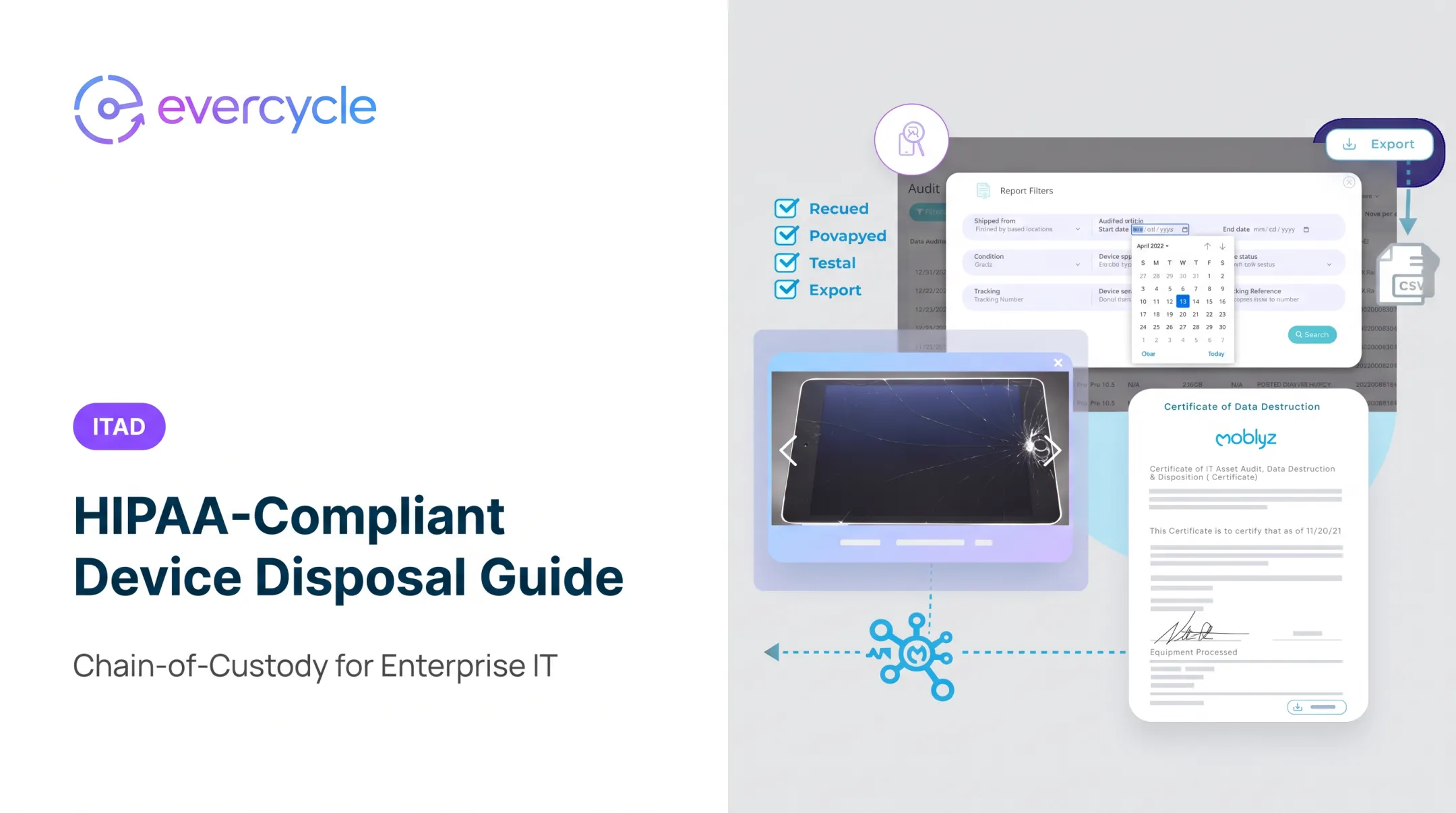
Request an asset-level certificate from a qualified provider. Confirm it lists the assets, method, date, location, provider, and chain-of-custody details.