The gap is common. A Capterra offboarding survey found that 71% of HR workers who offboarded someone in the prior year said at least one employee failed to return company equipment.
This guide covers the full device workflow: BambooHR tasks, IT and security handoffs, shipping, recovery, data protection, and final asset reconciliation.
Key Takeaways
- BambooHR coordinates HR tasks, but it isn't your device inventory, MDM, or sanitization system.
- Give every device an asset identity and one accountable owner before it ships.
- Offboarding means revoking access, securing the device, recovering it, inspecting it, and documenting disposition.
- Timestamps, tracking numbers, and sanitization records make audits easier.
What BambooHR Can and Cannot Manage in a Device Lifecycle
What BambooHR does well
BambooHR's task list documentation describes onboarding and offboarding task lists with templates, assignees, due dates tied to hire or termination dates, and email notifications. New Hire Packets add a welcome message, first-day logistics, and a schedule. E-signature documents can attach to tasks, and a required signature blocks completion until signed.
Help Center pages list these functions in Core, Pro, and Elite plans. Confirm current feature names and plan availability with BambooHR before building templates.
What it doesn't document
BambooHR's product, API, and webhook documentation covers employee data, not endpoint commands. No native MDM, endpoint inventory, remote lock or wipe, or media sanitization is documented. Treat those as separate systems:
- Asset inventory
- Endpoint configuration and MDM
- Identity and access management
- Shipping and returns
- Data sanitization
- Resale, reuse, or recycling
Who owns what
Every device task needs one accountable owner.
| Role | Typical device responsibility |
|---|---|
| HR / People Ops | Start and separation dates, employee communication |
| IT | Imaging, MDM enrollment, asset record |
| Security | Access policy, wipe or retention decisions |
| Manager | Role confirmation, escalation for missing returns |
| Employee | Confirm receipt, acknowledge policy, return device |
| Procurement / logistics | Purchasing, labels, carrier handling |
| ITAD partner | Sanitization, evidence, final disposition |
Prepare the Device Workflow Before the Employee Starts
Define the device record and ownership model
Capture the minimum fields, and name the authoritative system for each:
- Asset tag and serial number
- Device type, model, and accessories
- Condition and status
- Assigned employee and cost center
- Shipment tracking
- Current custodian
CIS Controls v8 Control 1 points to fields such as machine name, hardware address, enterprise asset owner, and department.
Build reusable task templates
Create separate tasks for HR, IT, security, managers, and employees. Tie due dates to the start date and add approvals where needed. Keep passwords, recovery codes, and API keys out of task comments and employee records. Route secrets through an approved secrets-management process.
Align provisioning and security prerequisites
Before the device leaves IT control, document:
- OS setup and MDM enrollment
- Disk encryption and patching
- Identity-provider access and MFA
- Least-privilege permissions
- Required applications
Prepare shipping and receipt steps
Define how the team confirms the address, packs accessories, records tracking, and sets delivery expectations. Plan for failed delivery, address changes, damaged packages, and employees who never confirm receipt.
Test before production
Run a test employee record or small pilot. Check that tasks, notifications, approvals, asset updates, and acknowledgments fire in the right order.

Use BambooHR to Coordinate Device Onboarding
Confirm the record and launch the workflow
Verify the start date, role, manager, work arrangement, and worker type first. BambooHR lists packet templates under Settings > Onboarding > New Hire Packet Templates and task lists under Settings > Onboarding > New Task List. Confirm those paths against current docs, since the UI can change.
After adding the employee, open the Onboarding tab. Use Create New Hire Packet for future start dates or hires within the past 14 days. Otherwise, use Add Task List(s).
Include paperwork and device tasks together
The workflow should combine employee-facing items with internal tasks:
- Asset selection and configuration
- Accessory preparation
- Shipment and delivery confirmation
- Acceptable-use acknowledgement
- Escalation for missing information
Assign owners and define "complete"
BambooHR allows one assignee per task, so split work accordingly. Write completion criteria like "serial number recorded in the asset system and device enrolled in MDM," not just "assigned."
Coordinate access with device readiness
An HR task doesn't prove access was provisioned securely. When the device task completes, verify access across:
- Identity provider
- SaaS apps
- MDM
- Endpoint security
- MFA
Confirm receipt and close the record
Have the employee confirm the correct device and accessories arrived, verify the asset ID and condition, sign any acknowledgement, and report problems. Then reconcile the BambooHR task status with the authoritative asset record and retain timestamps for audit.
Complete Device Offboarding When an Employee Leaves
Start from the confirmed separation event
HR supplies the effective date, last working day, manager, worker status, and whether the exit is planned, immediate, or involuntary. That tells IT and security how to time actions and handle confidentiality. CISA's 2024 guidance calls for coordinating physical and logical access removal on higher-risk separations.
Revoke access and secure the endpoint
Tasks should cover:
- Disabling identity-provider and app access
- Revoking sessions and tokens
- Reviewing privileged permissions
- Locking or securing the device through MDM
- Applying your approved wipe or retention policy
BambooHR can coordinate or document these steps, but it may not execute them. In Microsoft Intune, for example, remote lock doesn't wipe, wipe factory-resets, and retire removes company data without a full reset. Pick deliberately.

Send return instructions
Prepare a return kit that includes:
- Packaging guidance and a prepaid label
- A clear deadline and required accessories list
- Carrier tracking plus escalation for devices not shipped, damaged, or unlocatable
Remote workers need this most. A Capterra survey reported hybrid and remote employees were 17% more likely than onsite staff not to return equipment.
Receive, reconcile, and inspect
- Match the serial number and accessories to the asset record
- Document condition
- Separate employee-owned from company-owned gear
- Log missing or damaged items as exceptions with follow-up
Sanitize and record final disposition
Authorized personnel or providers should document sanitization, chain of custody, and the device's final status: redeploy, repair, resale, reuse, or recycling. NIST SP 800-88 Rev. 2 describes verifying the outcome and includes a sample certificate listing performer, media details, method, and disposition.

SERI's R2v3 guidance states that a factory reset is not logical sanitization. Update both the asset record and the offboarding task.
Scale, Audit, and Improve the Workflow
Connect HR events to the wider process
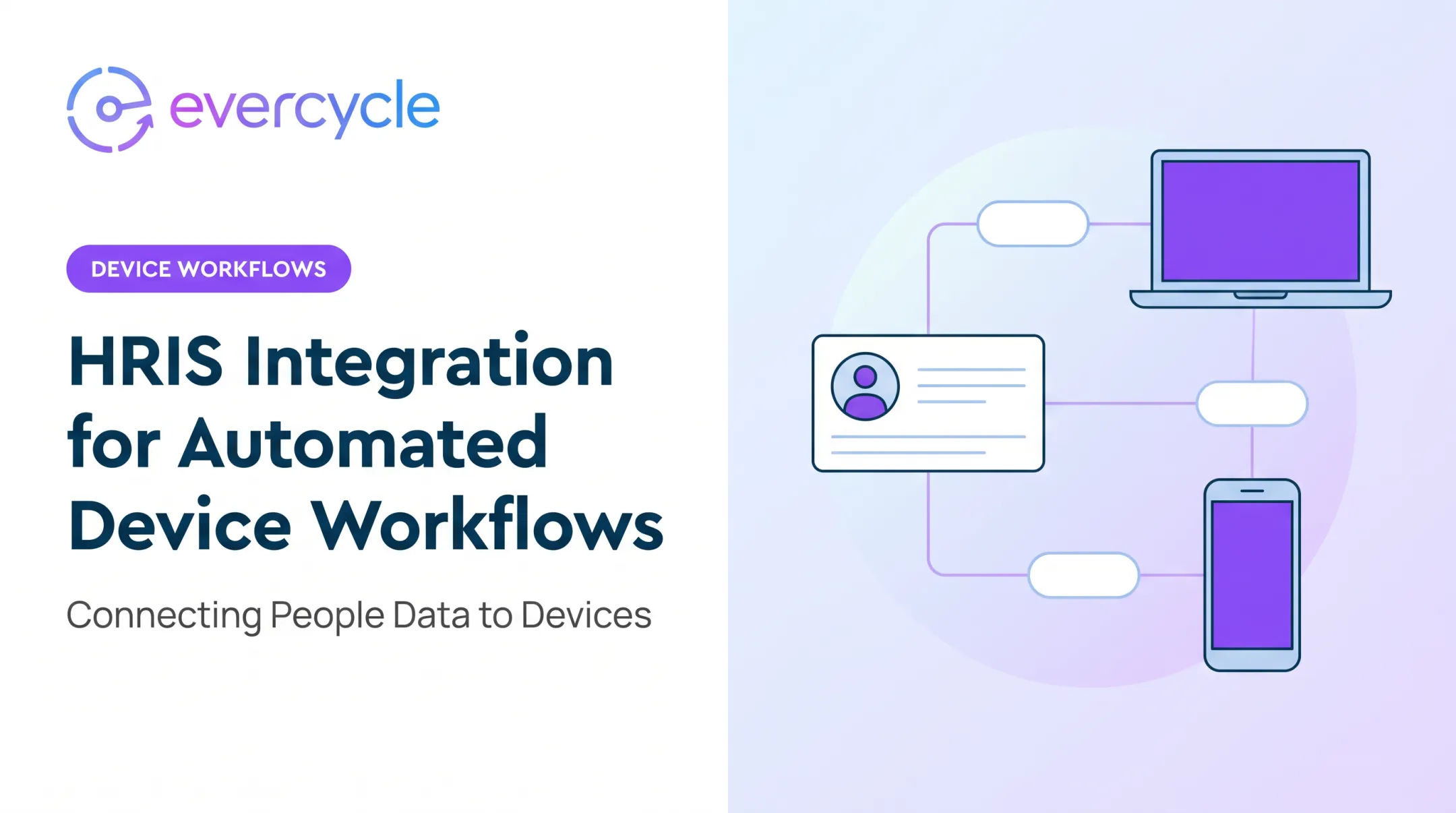
The scalable pattern is event-driven: a BambooHR lifecycle event triggers handoffs to identity, MDM, asset inventory, logistics, and ITAD systems. BambooHR's API and webhooks cover employee-data changes such as created, updated, and deleted events. Verify whether a specific connector, API, webhook, or middleware path exists before promising any integration.
Evercycle serves as an orchestration layer for distributed fleets. It lists BambooHR among its HRIS connections alongside Jamf and Microsoft Intune. It coordinates existing vendors, internal teams, and carriers rather than shipping or processing hardware itself.
Capabilities include:
- Automated vendor routing and employee communications
- Real-time chain-of-custody visibility and audit reporting
- Automated recovery reminders on days 3, 7, and 14
Define reporting and review controls
Track measures using your own definitions and denominators. No verified industry benchmark exists for return rates or inventory accuracy, so don't borrow one.
- Onboarding completion before start date
- Device receipt confirmation
- Access-revocation completion
- Return status and exception volume
- Sanitization evidence on file
- Recovered value and unresolved asset records
Run a review cycle
- Test onboarding and offboarding scenarios periodically to catch broken handoffs early.
- Audit a sample of completed device records for missing evidence or status mismatches.
- Investigate exceptions and document root causes.
- Update templates and playbooks based on what you find.
- Confirm BambooHR statuses match the systems that actually control devices and access.
Frequently Asked Questions
How many hours is onboarding?
It varies by role, paperwork, device readiness, shipping distance, and remote status. Gallup describes onboarding as a year-long process, while device prep and delivery are separate, shorter steps you should measure yourself.
Does BambooHR track company devices?
It can document and coordinate device tasks through employee workflows. For serial numbers, status, custody, and disposition, a dedicated asset inventory or lifecycle system is usually still needed.
How do you add a laptop to BambooHR onboarding?
Go to Settings > Onboarding > New Task List, select + New Task, and name it for laptop prep, shipping, receipt, or acknowledgement. Set one assignee and a due date. Verify permissions and labels against current BambooHR documentation.
Does BambooHR automatically disable accounts or wipe devices during offboarding?
An HR task is not an identity or MDM action. Account disabling and wiping happen only if your configured integrations and controls perform them.
What should happen to a company laptop when an employee leaves?
Revoke access, secure the device, arrange return, reconcile against the asset record, and inspect it. Then sanitize, document chain of custody, and redeploy or dispose of it.
How can remote teams recover devices during offboarding?
Send return instructions in advance with packaging and a prepaid label. Track the carrier, send reminders, escalate exceptions, and coordinate with an approved logistics or ITAD provider.