An August 2026 audit by the Treasury Inspector General found 1,308 assets (4%) unreturned after IRS employee departures, and 594 were still unlocated months later. That is one agency, not an industry benchmark, but the pattern is familiar.
Device offboarding is the controlled process of identifying assigned hardware, coordinating its return, protecting or sanitizing its data, documenting custody, and deciding what happens next. This guide walks through a practical workflow that ends with verified records and evidence, not a shipping notification or a closed HR ticket.
Key Takeaways
- Treat every departure as both an identity event and an asset event.
- Build return plans from current asset records, including accessories and tokens.
- Keep receipt, sanitization, custody records, and disposition as separate checkpoints.
- Reuse and repair decisions recover value without weakening security.
What Device Offboarding Covers
Hardware scope
The record should include every item an employee or contractor holds:
- Laptops, desktops, smartphones, and tablets
- Monitors, docking stations, chargers, and peripherals
- Removable media, security keys, and access tokens
- Specialized or connected equipment such as kiosks, scanners, and sensors
Record ownership for each item: company-owned, leased, loaned, personally owned, or managed by a third party. Ownership decides what you can collect, wipe, or leave alone. A personal phone enrolled in BYOD needs a different process than a company laptop.
Roles and handoffs
Several teams handle each departure:
- HR or People Ops triggers the event and confirms timing
- The manager collects knowledge transfer and flags equipment
- IT or asset management owns records, receipt, and sanitization
- Security handles high-risk exits and exceptions
- Procurement or finance handles leases and write-offs
- Logistics, repair, and ITAD partners move and process devices
Every device record needs one named owner for return coordination, receipt confirmation, sanitization evidence, and final disposition. Shared ownership usually means nobody follows up. An IRS audit made that failure plain: managers collected equipment but never returned it, local IT received items without shipping them, and depot staff never recorded receipt.
How hardware connects to the broader exit
Account deprovisioning, data handoff, and device recovery run in parallel. This article stays on the physical side, but the timelines must line up so a suspended account doesn't leave a device stranded with no one tracking it.
Prepare Before the Employee's Last Day
Confirm the exit event and timing
Capture the last working day, exit type, work location, return deadline, and any special security needs. An involuntary or high-risk exit may require immediate remote controls and same-day recovery planning. Don't rely on the employee to remember every device they hold.
Coordinate the hardware timeline with account suspension, data preservation, and legal holds. Federal Rule of Civil Procedure 37(e) applies when electronically stored information that should have been preserved for litigation is lost, so check with legal before anything is wiped.
Reconcile the asset record
Compare the asset management record against what the employee actually has. For each item, record:
- Asset tag and serial number
- Make and model
- Assigned accessories and condition
- Lease status
- Last known location
Then look for gaps. Common ones include:
- Unregistered devices
- Informal transfers between coworkers
- Hardware sitting in a home office
- Equipment assigned to a team instead of a person
Evercycle's Insight module addresses this step by reconciling uploaded device manifests or MDM data with current status, condition, and location.
Plan the return logistics
Give clear instructions on packaging, labels, carrier pickup or drop-off, deadlines, and tracking. Spell out what to do if equipment is damaged, lost, inaccessible, or still needed for a handoff.
Handle groups differently:
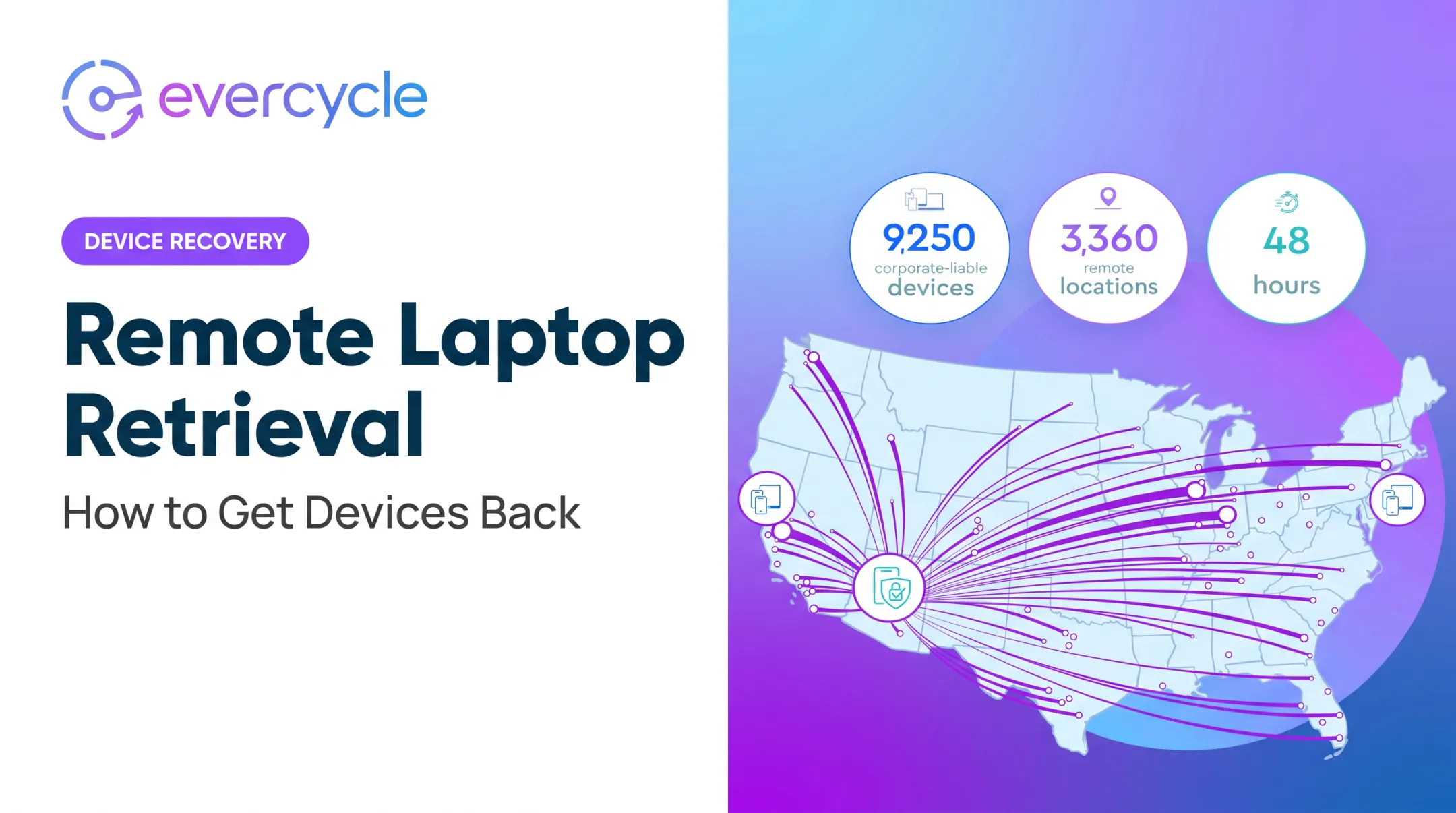
- Remote employees: prepaid labels or return kits shipped to the home
- Contractors: return terms tied to contract end dates
- Field technicians: scheduled drop-off at a service location
- Multi-site staff: a confirmed list of where each device actually is

Run the Device Offboarding Workflow
Start the case with accountable owners
Turn the departure into a device-specific work item with the asset list, deadline, owners, approvals, and escalation rules. A general HR ticket doesn't prove the hardware process is finished.
Use visible status stages:
- Return requested
- In transit
- Received
- Exception
- Sanitization pending
- Disposition pending
- Closed
Communicate the return requirements
Send a concise, documented request listing each device and accessory, packaging rules, shipping instructions, timing, and a contact for questions.
Evercycle automates this: it picks up an approved offboarding event from HRIS, MDM, or CSV, sends a prepaid label and packaging instructions, and runs reminders and escalations on Days 3, 7, and 14.
For business continuity, set up a controlled file transfer or final handoff before collection. Casual copying of company data to personal drives defeats the point of the exercise.
Track shipment and custody
Require tracking numbers, receipt confirmation, and a record of every handoff from employee to carrier, warehouse, service provider, or ITAD partner. Define escalation steps for:
- Stalled tracking
- Failed delivery
- Refused shipments
- Damaged packaging
- Mismatched equipment
Inspect and reconcile what arrives
At receipt:
- Verify asset tag and serial number
- Compare contents with the expected list
- Record condition and visible damage
- Document missing or substituted items
Build an exception path for lost, stolen, damaged, or unreturned equipment. Cover:
- Manager notification
- Security review
- Finance or insurance handling
- Incident documentation
The cost of getting this wrong can be high. A Ponemon study for Intel put the average lost laptop at $49,246 per incident, though that 2009 figure is dated and includes productivity and data impacts.

Close the return phase only when evidence exists
A generated label or tracking number is not recovery. Mark the physical step complete only when you hold a receipt record or equivalent confirmation.
There is no authoritative cross-industry benchmark for return rate or cycle time, so set targets from your own baseline. Evercycle reports a 90% recovery rate in one Fortune 500 program across 19 countries. Treat that as one case, since results vary with configuration and population.
Protect Data and Prove Chain of Custody
Apply controls before the device comes back
Use approved remote lock, device-management, encryption, session, and network controls where appropriate. Avoid destructive actions that could conflict with legal holds.
Managed company devices and BYOD differ. NIST SP 800-124 Rev. 2 describes selective wipe, which removes organization data and apps while personal data stays.
It also warns that remote wipe shouldn't be your only protection, because the device may be accessed before the wipe or never receive the signal. Follow company policy and obtain employee consent for personal devices.
Preserve business data before sanitization
Document a decision on files, email, local data, encryption keys, software licenses, and legal holds before any wipe, reset, or transfer to a third party. Name who approved the transfer or retention and record when.
Sanitize according to the device and media
NIST SP 800-88 Rev. 2, published September 2025, supersedes the 2014 revision. It defines three levels:
- Clear: logical sanitization against simple, non-invasive recovery
- Purge: makes recovery infeasible with state-of-the-art laboratory techniques
- Destroy: leaves the media unable to store data

NIST prefers Purge over Clear when feasible. A factory reset alone is not universal proof of erasure. Cryptographic erase counts as Purge, but data may remain recoverable if usable keys survive.
Methods differ by device type. Laptops with encrypted drives, phones, removable media, and units that won't power on each need an appropriate approach.
Keep evidence for each asset: method, date, operator or provider, asset identifier, and result. NIST's certificate fields also include serial number, tool and version, and verification method.
Maintain chain-of-custody evidence
Record each custody event with:
- Asset identifier
- Releasing and receiving parties
- Timestamp and location or carrier reference
- Condition and any discrepancy
Consistent records support investigations, customer assurance, regulatory reviews, and audits.
Evercycle logs time-stamped custody data across vendors, and its audit reports can include lock status, erasure and functional-test results, and a Certificate of Data Destruction.
Verify and report completion
Before closing a record, reconcile:
- Inventory and return status
- Sanitization evidence
- Disposition decision
- Open exceptions
Compliance depends on your industry. For example:
- HIPAA: 45 CFR 164.310(d) requires ePHI removal before media reuse and accountability for hardware movements
- FTC Safeguards Rule: covers financial institutions under FTC jurisdiction, with secure disposal of customer information
- FACTA Disposal Rule: requires erasing or destroying electronic media holding consumer information

One process does not satisfy every regulation. Confirm requirements with counsel for your sector.
Decide What Happens After the Device Is Returned
Triage with a documented decision tree
Assess each returned device against:
- Condition, age, and specs
- Warranty or lease status
- Sanitization status and repair needs
- Market demand and ownership restrictions
Give reuse, repair, refurbishment, resale, donation, parts recovery, and recycling or destruction their own approval paths.
Prioritize secure reuse and recovered value
Redeployment, repair, and resale extend hardware life and can recover value. The EPA notes that reuse keeps electronics out of the waste stream longer. For resale proceeds, no public enterprise benchmark exists, so measure your own recovery rates.
Before redeployment, require:
- Verified sanitization
- Removal of the former user's identity
- Hardware testing
- An updated assignment
- A new chain-of-custody record
Handle final disposition responsibly
Devices unfit for reuse should go to qualified downstream providers with documented instructions and certificates. The EPA identifies R2 and e-Stewards as accredited recycling standards with independent audits.
Watch batteries in particular. Lithium-ion batteries may be hazardous waste under federal Universal Waste rules, and state rules differ. Electronics stewardship laws also vary by state. For leased equipment, the contract governs return terms.
Measure outcomes
Track:
- Recovered asset value and reuse rate
- Repair rate
- Time from exit to receipt, and from receipt to disposition
- Missing-equipment rate
- Sanitization exceptions
- Completeness of downstream documentation

Connect distributed workflows across existing providers
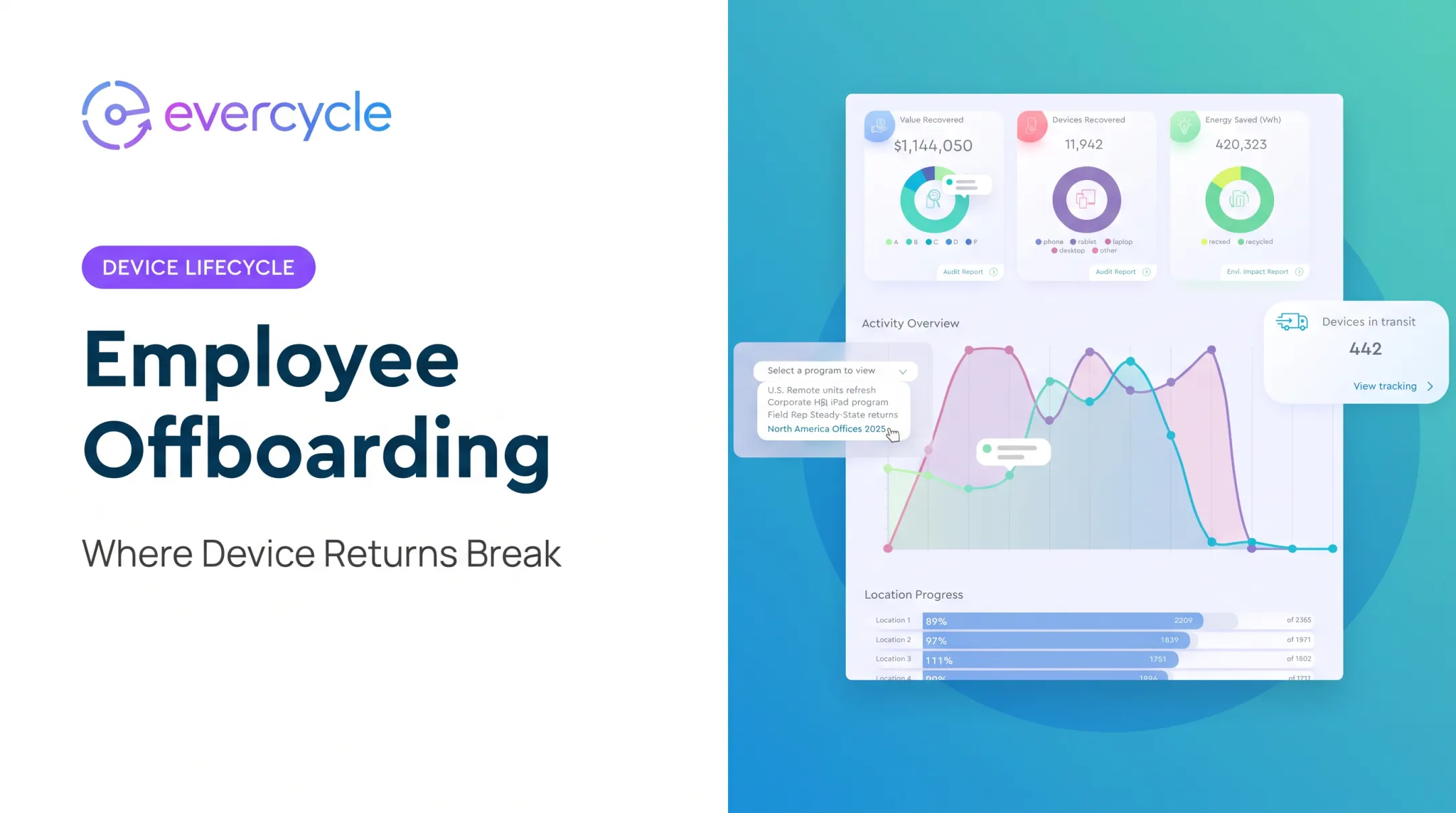
Evercycle is an enterprise orchestration platform that connects asset data, employee communications, logistics, lifecycle events, existing vendors, and audit reporting. IT teams get visibility from recovery through disposition.
It coordinates and routes work rather than physically processing or shipping devices. Selected providers do the physical services, which suits enterprises, mid-market IT teams, MSPs, and ITAD partners running distributed programs without adding vendors.
Close the asset record and improve the process
Update the asset register, financial and lease records, user assignment, device status, disposition outcome, and evidence repository.
Then review recurring exceptions:
- Unreturned accessories
- Wrong inventory
- Failed pickups
- Delayed sanitization
- Unclear ownership
Feed those lessons back into onboarding records and the next offboarding run.
Frequently Asked Questions
What is the purpose of offboarding?
Offboarding closes a person's relationship with the organization securely and in an orderly way. It covers access removal, work handoff, company property recovery, data protection, and documented completion.
What is device offboarding?
It is the process of recovering assigned hardware, protecting or sanitizing its data, recording custody, and deciding the device's next lifecycle outcome.
Which devices should be included in an offboarding checklist?
Include laptops, phones, tablets, monitors, accessories, removable media, security tokens, and specialized or connected equipment. Record ownership and BYOD status for each.
How do you offboard a remote employee's hardware?
Send documented return instructions with packaging guidance and prepaid shipping or pickup. Track the shipment, confirm receipt, and escalate missing or damaged items.
What should happen after a company device is returned?
Verify receipt, preserve needed data, sanitize using an approved method, and assess condition. Then decide on reuse, repair, or disposition, and close the asset record.
How can a company verify that returned-device data was securely erased?
Use a sanitization method suited to the device and media, such as those in NIST SP 800-88. Keep asset-specific evidence showing the method, date, responsible party, and result.