The stakes are real. IBM's 2026 breach report puts the US average breach cost at $11.5 million.
This guide gives IT, security, compliance, and operations teams a practical US policy framework. It covers what to include, how to pick a destruction method, how to document each event, and how to run the policy across distributed, multi-vendor environments.
Key Takeaways
- Tie retention, disposition approval, sanitization, chain of custody, and audit evidence into one policy.
- Cover backups, cloud copies, phones, removable media, printers, and IoT gear, not just laptops.
- Choose methods by media type, condition, data sensitivity, and reuse goals.
- Assign named owners and review the policy on a fixed schedule.
Why Organizations Need a Data Destruction Policy
A written, repeatable policy keeps customer, employee, financial, health, proprietary, and authentication data from leaking when assets are reused, returned, sold, recycled, or handed to a vendor.
Real enforcement cases show the cost of skipping that step. HHS announced that Affinity Health Plan would pay $1,215,780 after copier hard drives went back to a leasing agent without being erased.
Protected health information of up to 344,579 people was exposed. OCR also found the copiers were missing from the risk analysis.
A documented process also supports:
- Regulatory defensibility when auditors ask for proof
- Customer due diligence questionnaires
- Incident response when a device lost in transit or at a vendor counts as a breach
- Sustainability reporting and recovered device value through verified sanitization that enables reuse
Before You Write the Policy: Define Scope, Assets, and Requirements
Inventory every data-bearing asset
You can't sanitize what you haven't listed. Include:
- Endpoints, servers, storage arrays, and network equipment
- Backup media, USB devices, and memory cards
- Smartphones and tablets
- Printers and multifunction devices
- Kiosks, sensors, and other IoT hardware
- Cloud exports and SaaS accounts
- Assets held by remote employees or third-party providers
Set classifications and disposition triggers
Map data to categories such as public, internal, confidential, and restricted. Then define what starts disposition:
- Routine refresh or lease return
- Employee offboarding
- Repair, loss, or damage
- Contract termination
- Merger or acquisition
- Legal hold release
- A failed sanitization attempt
Research your legal requirements
Requirements vary by industry and state. Start with these:
- HIPAA: the Security Rule requires addressing final disposition of ePHI and removing it before media is reused.
- GLBA Safeguards Rule: secure disposal of customer information generally no later than two years after last use, with stated exceptions.
- FACTA Disposal Rule: reasonable measures so electronic media can't practicably be read or reconstructed.
- State laws: California, New York, Texas, and Massachusetts all set disposal expectations for personal information.
Retention periods come from your legal or compliance team, not from a universal rule. The IRS seven-year period applies only to worthless-securities and bad-debt claims. Other common periods include:
- FLSA payroll records: at least 3 years
- HIPAA documentation: 6 years
- OSHA exposure records: generally 30 years
Also account for legal holds. Destruction must pause when litigation is reasonably anticipated.

Data Destruction Policy Template: Required Sections
Adapt each section below to your organization.
Document control and approval
Include fields for:
- Policy title, owner, and version
- Effective date and review date
- Approving authority and covered business units
- Related standards
- Change history
Purpose and scope
Sample language: "[Organization] retains data only as long as required by business, legal, and contractual needs, then securely sanitizes or destroys all data-bearing assets and copies. This policy applies to employees, contractors, remote workers, IT, facilities, records teams, service providers, and downstream vendors."
Definitions and data classification
Define these terms at minimum:
- Deletion, sanitization, secure erase, and cryptographic erase
- Degaussing and physical destruction
- Media, asset owner, and legal hold
- Certificate of destruction and chain of custody
Use NIST's terms:
- Clear: protects against simple, non-invasive recovery.
- Purge: makes recovery infeasible with state-of-the-art laboratory techniques.
- Destroy: makes recovery infeasible and leaves media unusable for storage.
Then map each term to your data categories.
Retention and disposition rules
Document:
- Who owns the retention schedule
- What event starts the clock
- How legal holds suspend destruction
- Who authorizes release after a hold
Cover active systems, archives, backups, cloud copies, and vendor-held data.
Approved methods and decision criteria
Base the method on:
- Data sensitivity and media type
- Device condition and reuse plans
- Encryption status
- Regulatory requirements
- Whether the result can be verified
Reference NIST SP 800-88 Rev. 2, published September 2025, which superseded Rev. 1. IEEE 2883-2022 is another recognized sanitization standard.

Roles, evidence, exceptions, and escalation
Assign owners for:
- Policy and inventory accuracy
- Disposition approval and vendor management
- Method verification and record retention
- Exceptions and incident reporting
Require evidence for every event:
- Asset ID and serial number
- Method, date, and operator or vendor
- Authorization
- Certificate
- Any failed-sanitization or exception record
Choose Data Sanitization and Destruction Methods by Media Type
Match the method to risk and disposition
Verified sanitization suits functional assets headed for reuse or resale. Physical destruction fits highly sensitive data, failed sanitization, damaged media, or contractual and regulatory demands.
NIST says selection should rest on information confidentiality, not media type alone. Never pick a method for convenience if it can't be verified.
Hard disk drives and magnetic media
- Overwriting is a Clear option; degaussing can achieve Purge when field strength matches the drive's coercivity.
- A mismatch can leave data intact, and some drives are disabled without being sanitized.
- Physically destroy failed or high-risk drives.
- Record device-level evidence of completion.
SSDs, NVMe drives, and flash storage
Overwriting may miss data in spare cells or areas affected by wear-leveling. A USENIX study of 12 SSDs found file-level sanitization consistently failed. One drive reported success while all data remained.
For flash, policy should:
- Prefer controller-supported sanitize commands or cryptographic erase when its preconditions are met
- Require physical destruction when sanitization can't be verified
- Prohibit degaussing, which doesn't work on non-magnetic media

Mobile devices, removable media, printers, and IoT
- Phones and tablets: a factory reset using whole-device encryption can clear nearly all memory, but not SIM or SD cards.
- Printers and MFPs: copier drives store images of scanned, printed, faxed, and emailed documents.
- USB drives, memory cards, optical discs, and tape: treat each as in-scope media.
- Network gear, kiosks, and sensors: check for stored keys, logs, and configurations.
A factory reset, account removal, or file deletion alone may not address all stored data.
Verification, failure handling, and reuse
Specify how logs, serial numbers, photos, and certificates prove completion. NIST's sample certificate captures make, model, serial, method, tool and version, verifier, and date.
Failed or unverifiable sanitization should trigger quarantine and escalation. Eligible assets can then be reused or remarketed once requirements are met.
Implement and Govern the Policy Across the IT Asset Lifecycle
Assign ownership, training, and approvals
Define roles for IT asset management, security, compliance, legal, HR, facilities, finance, employees, and vendors. State who authorizes destruction, who performs or supervises it, and who reviews the evidence.
Train those roles on approved methods, legal holds, and required documentation. Document approval paths so disposition cannot start without the right sign-off.
Build a controlled workflow
- Identify the asset and its data classification.
- Place a legal or business hold if one applies.
- Authorize disposition under defined roles.
- Collect or ship the asset securely.
- Record every custody transfer.
- Sanitize or destroy with the approved method.
- Verify the result against policy standards.
- Issue certificates or other required documentation.
- Update asset and data records.

Qualify and monitor third-party providers
Set vendor requirements for:
- Certifications such as NAID AAA, R2v3, or e-Stewards
- Employee screening and secure transport
- Facility controls and subcontractor oversight
- Insurance and downstream processing
- Serialized certificates and incident notification
- Audit rights
Revalidate periodically. A logo or one-time questionnaire isn't enough, and FTC guidance calls for reassessing providers as operations and threats change.
Maintain audit-ready records
Link each asset tag and serial number to its owner, location, classification, authorization, method, date, operator, custody events, certificate, final disposition, exceptions, and legal-hold status. Set a retention period for the records themselves. HIPAA documentation, for example, must be kept 6 years.
Use lifecycle orchestration for distributed activity
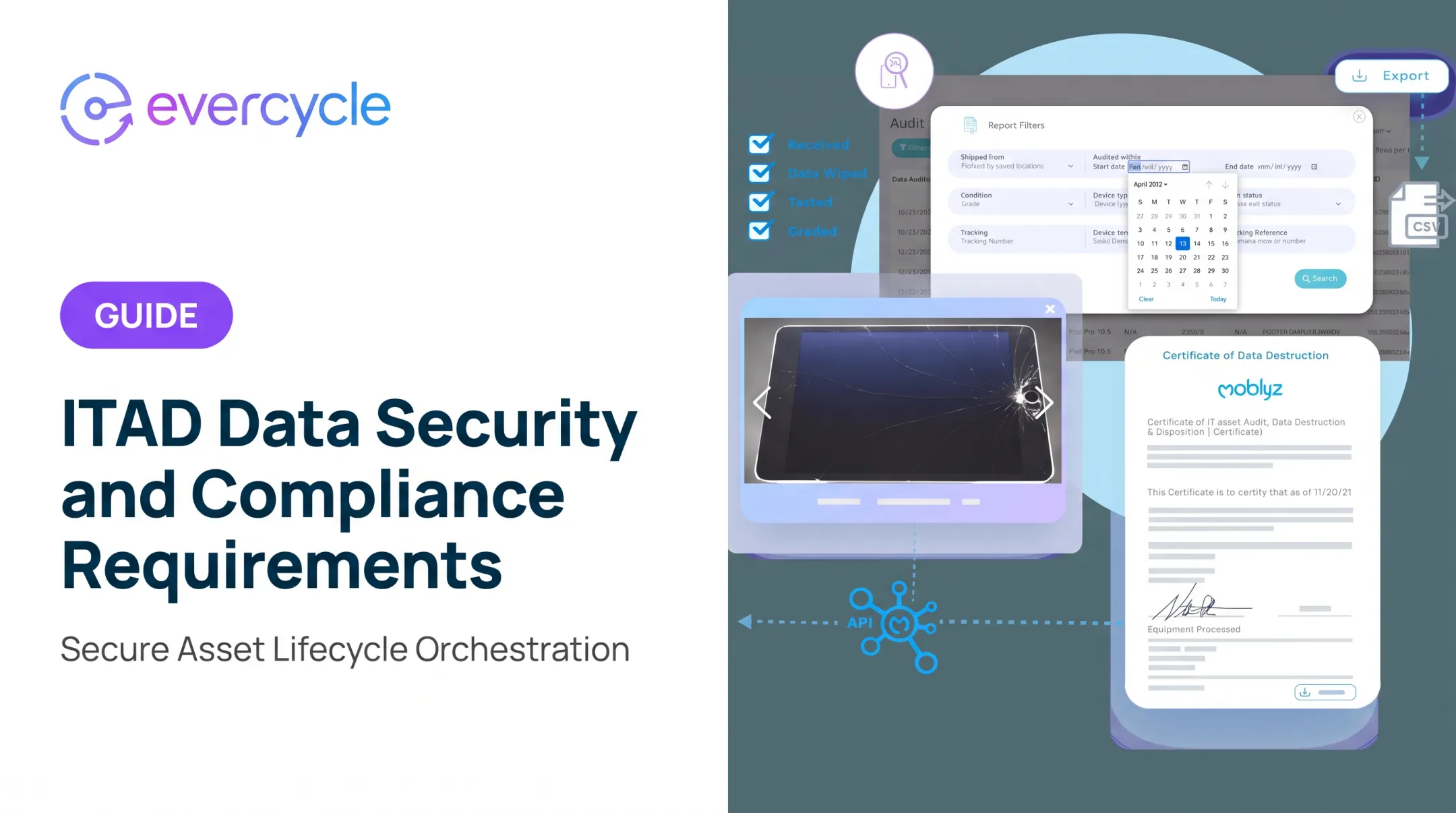
Remote staff, multiple sites, MSPs, and ITAD vendors make manual tracking fragile. Evercycle is an orchestration layer that connects asset data, disposition triggers, vendor routing, recovery workflows, chain-of-custody events, and audit reporting across existing systems. Its audit reports can include data-erasure results, device images, and certificates of data destruction.
Evercycle coordinates activity and visibility. It doesn't physically destroy, process, or ship devices; your ITAD providers do that.
Review, test, and update
Set a regular review cadence plus extra triggers:
- New device types
- Cloud or SaaS changes
- Acquisitions
- Regulatory updates
- Vendor changes
- Audit findings or security incidents
- Repeated workflow exceptions
Test it by tracing a sample asset from authorization to final disposition.
Frequently Asked Questions
How do you dispose of data?
Retain data only as required, then sanitize or physically destroy it using a method suited to the media, sensitivity, condition, and intended disposition. Verify the result and keep records.
What is certified data destruction?
Certified data destruction is documented completion of an approved sanitization or destruction process. Keep asset identifiers, method, date, provider, and certificate details.
How do I write a retention policy?
Map data categories to business purpose, legal or contractual minimums, maximum limits, triggers, legal holds, owners, and approved destruction actions. Have legal or compliance review it.
Do you have to keep data for 7 years?
No universal seven-year rule exists. The period depends on data type, industry, jurisdiction, contracts, tax or employment obligations, and litigation holds.
What is a data deletion policy?
A data deletion policy governs removing data from systems, accounts, backups, and cloud services. An IT asset destruction policy covers the physical media, and the two should connect so deleted data does not survive on retired hardware.
What does data destruction mean?
Data destruction means making information permanently inaccessible or unrecoverable through approved sanitization, cryptographic erase, degaussing, or physical destruction suited to the media and risk.