Introduction
Collecting a laptop is the easy part. A real device return recovers company property, protects data, preserves chain of custody, and prepares the asset for its next approved use.
Most programs break in the details. Asset records are incomplete, chargers go missing, remote shipments stall, and nobody can prove a device was received or sanitized.
In one FTC OIG audit, all 20 sampled departures had laptop or desktop return tasks without enough information to tell what was issued versus returned.
This template follows the full lifecycle:
- Prepare before departure
- Arrange the return
- Document handoff and receipt
- Secure the device
- Resolve exceptions
- Close the record with audit-ready evidence
Key Takeaways
- Record every device and accessory, with serial number and condition, before the last day.
- Track pickup, shipping, receipt, inspection, and sanitization as separate statuses with owners.
- Deactivate access independently of device recovery.
- Build exception paths for remote, urgent, missing, BYOD, and held devices.
Build the Checklist Before the Employee Leaves
Confirm departure details and asset assignment
Start with the people and the inventory. Don't rely on memory.
- Employee name, manager, final working date and time, location, and time zone
- Departure type: planned resignation versus immediate or involuntary
- Return coordinator and escalation contact
- Every assigned item: laptop, phone, tablet, monitor, dock, security key, external drive, charger
- For each item: asset tag, serial number, make and model, condition, encryption or MDM status, and known location
Reconcile the employee against the asset register. CIS Controls v8 calls for an active inventory of end-user and portable devices, including owner and department.
Then assign owners across HR, the manager, IT, logistics, finance, security, and any ITAD provider. Each task needs an owner, due date, status, and evidence field.
Prepare return instructions and logistics
Send an itemized return notice covering:
- What must come back, and by when
- The approved shipping or pickup method
- Packaging requirements and tracking expectations
- Who to contact with questions
Tell remote employees not to factory-reset, destroy, or ship anything outside the approved process. Add separate handling rules for:
- BYOD
- Contractors
- Leased equipment
- Personal data on company devices
- Equipment that may need preservation for an investigation
Confirm those rules with HR, privacy, or legal.
Access removal timing belongs on its own checklist line, separate from physical return. NIST SP 800-53 Rev. 5 leaves the exact window to the organization but stresses timely action for terminations for cause.
Device Return Checklist: From Assignment to Receipt
Arrange the handoff and verify the inventory
At an office handoff, pickup, or shipping prep, compare the equipment to the assigned-asset list and verify each tag or serial number.
Log items as returned, missing, damaged, substituted, or employee-owned. Never mark the whole return complete because the laptop showed up.
Also capture:
- Visible condition, accessories, and packaging condition
- Photos, where policy permits and disputes are likely
- Who released and received the gear, plus date, time, and location or carrier
- Tracking number and a signature or electronic confirmation
Use NIST's chain-of-custody model: record each handler, the date and time of each transfer, and its purpose.
Track devices in transit
Give every device its own status: awaiting pickup, in transit, delivered, received, exception, or held. One employee's return is several tasks, not one.
- Monitor carrier data and follow up on missed pickups and delays
- Escalate shipments with no delivery confirmation or with visible damage
- Link every custody event to the asset record: labels, delivery confirmations, photos, acknowledgments, exception notes

Confirm receipt and secure the device
At intake, check the asset ID and serial number again. Inspect the device and accessories, update custodian and location, and notify the manager or HR of discrepancies.
Move the device to controlled storage pending inspection, security review, data transfer, and sanitization. Arrival alone doesn't make it ready for redeployment.
Treat "return complete" as met only when all four are true:
- Physical receipt confirmed
- Inventory reconciled
- Exceptions resolved or approved
- Next processing status assigned
Secure the Returned Device and Close the Record
Preserve business data and identify security conditions
Run the device through your approved intake process before anyone opens it. Check whether it is encrypted, enrolled in MDM, remotely locked, or tied to an active account.
Back up business files through approved systems before reimaging, and limit access to personal data. Document who authorized any review.
Escalate devices tied to a suspected incident, litigation hold, or insider-risk concern. Wiping them under the normal reuse workflow can create preservation problems under rules like Federal Rule of Civil Procedure 37(e).
Complete access and management-system cleanup
Confirm access is handled across device management, remote access, email, cloud storage, local accounts, certificates, tokens, and applications.
- Reassign the device in ownership records only after access, data, and custody steps finish
- Keep the link between the old assignment and the new status for audit history
- Rotate shared credentials or revoke device-specific keys if the equipment could have exposed them
Sanitize, inspect, and determine disposition
Follow your organization's approved sanitization procedure. NIST SP 800-88 is the common reference. Rev. 2 (September 2025) supersedes Rev. 1, and it separates Clear, Purge, and Destroy methods.
Requirements vary by industry. HIPAA, the FTC Safeguards Rule, and PCI DSS each address disposal in their own scope, and none prescribes one universal wipe method. Check which apply to your data.
Record the following for each device:
- Sanitization method and tool
- Operator or provider and completion date
- Verification result and certificate reference
- Any reason for a hold
Then require an authorized disposition for each asset: reuse, repair, resale, recycling, donation, lessor return, employee purchase, or investigation hold.

Reconcile the record for audit readiness
Close the checklist only when the asset register, custody history, device status, sanitization evidence, disposition, and open exceptions all agree.
Add a final reviewer, approval date, retention location, and links to supporting documents. Someone else should be able to reconstruct the story without digging through email.
Track these measures internally, since no authoritative benchmarks exist:
- Returns completed by the due date
- Days from last working day to receipt
- Missing-accessory frequency
- Exception volume
- Sanitization turnaround
- Recovered value
Handle Remote, Urgent, and Incomplete Returns
Remote returns
Provide packaging and carrier instructions, then track the shipment from pickup to delivery. Document fallback steps for common failures:
- Employee cannot print a shipping label
- Missed carrier pickup
- Employee relocated after shipping was arranged
- Transit damage reported on arrival
Immediate or high-risk departures
Protect systems first. Prioritize access revocation, remote lock or wipe decisions, controlled retrieval, and security or legal escalation. NIST notes remote wipe only works when the device is powered on and online, so don't treat it as a guarantee.
Missing, damaged, or unreturned equipment
Build an escalation path:
- Send written notices and loop in manager and HR
- Review asset value and insurance coverage
- Arrange replacement devices for the open role
- Get legal guidance before any pay deduction
State law matters here. California bars deductions for accidental equipment loss, and Illinois prohibits withholding wages pending equipment return.

BYOD devices
Personal devices need a separate return path. NIST SP 800-124 Rev. 2 distinguishes a full-device wipe for company-owned hardware from an enterprise wipe that removes only work data from a personal device.
Make Device Returns Trackable at Scale
Centralize records, tasks, and evidence
Use one source of truth linking each asset to:
- Employee and manager
- Return status and carrier data
- Custody events and exceptions
- Sanitization evidence and disposition
Define status transitions and owners so IT, HR, managers, logistics, and providers can see what is overdue, in transit, held, or closed. Automate reminders for deadlines, pickups, missing information, and receipt confirmation.
Review performance and improve the process
- Segment by device type, location, worker type, departure scenario, return method, and provider
- Audit a sample of closed records for inventory completeness, custody evidence, sanitization proof, and disposition accuracy
- Update the checklist when devices, vendors, or workflows change
Where Evercycle fits
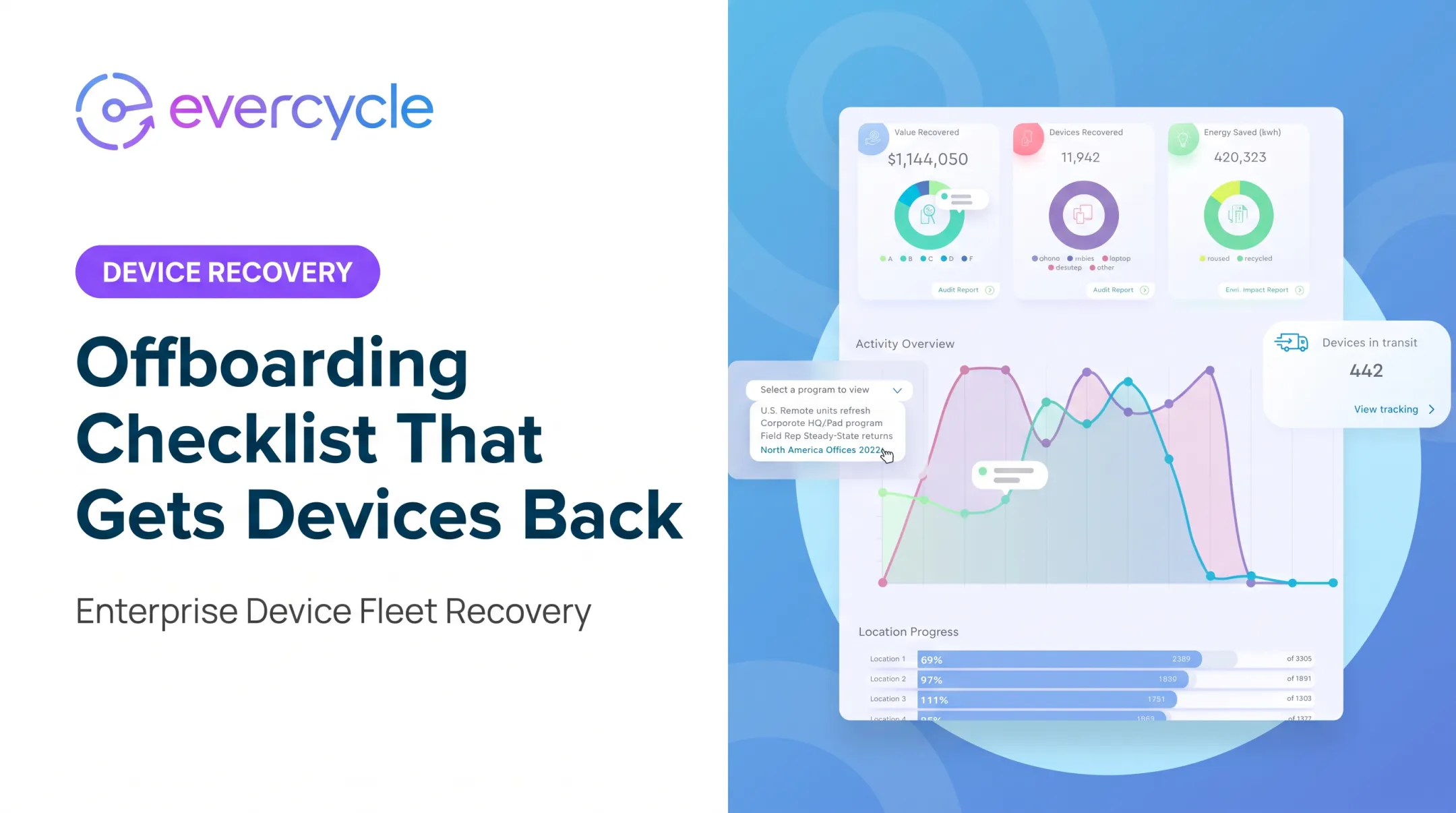
Evercycle is an orchestration layer, not a shipper or processor. It connects asset data, enterprise systems, logistics, and your existing ITAD providers.
Its workflow starts when an HRIS, MDM, or CSV offboarding event triggers recovery:
- Sends a pre-paid label and packaging instructions
- Runs reminders and escalations on days 3, 7, and 14
- Tracks shipments from label creation to receipt
- Flags unexpected items with Quick-Scan Receiving Journals before erasure and audit
Evercycle reports that without automation, 20 to 30% of devices are never recovered and each recovery event takes 3 to 6 hours of IT time. In one Fortune 500 program across 19 countries, it reported a 90% recovery rate.

If your IT team coordinates device recovery across multiple vendors and systems, talk with Evercycle about traceability and recovered device value.
Frequently Asked Questions
What are the steps involved in offboarding an employee?
Confirm the departure, transfer knowledge and responsibilities, and deactivate access. Then recover company property, inspect and sanitize devices, finalize documentation, and close exceptions.
What paperwork is needed when an employee quits?
Keep the resignation record, an asset-return acknowledgment, shipping or receipt evidence, exception notes, and any confidentiality or IP agreements. Final pay and tax paperwork varies by state and situation.
What is an offboarding document?
An offboarding document records tasks, owners, dates, approvals, returned assets, access changes, and evidence used to close a departure securely.
What information should be included in an IT audit checklist?
Include the systems and assets reviewed, owners, completion dates, access and device status, evidence, exceptions, approvals, retention location, and the final reviewer.
What should be included in an IT device return checklist?
Capture asset identifiers, assigned user, accessories, condition, return method, tracking, custody confirmations, receipt inspection, sanitization status, disposition, and open exceptions.
What should you do if an employee does not return a company device?
Protect access first, then send documented notices and escalate to the manager and HR. Follow up with the carrier, review asset and insurance exposure, and get legal guidance before any wage deductions.