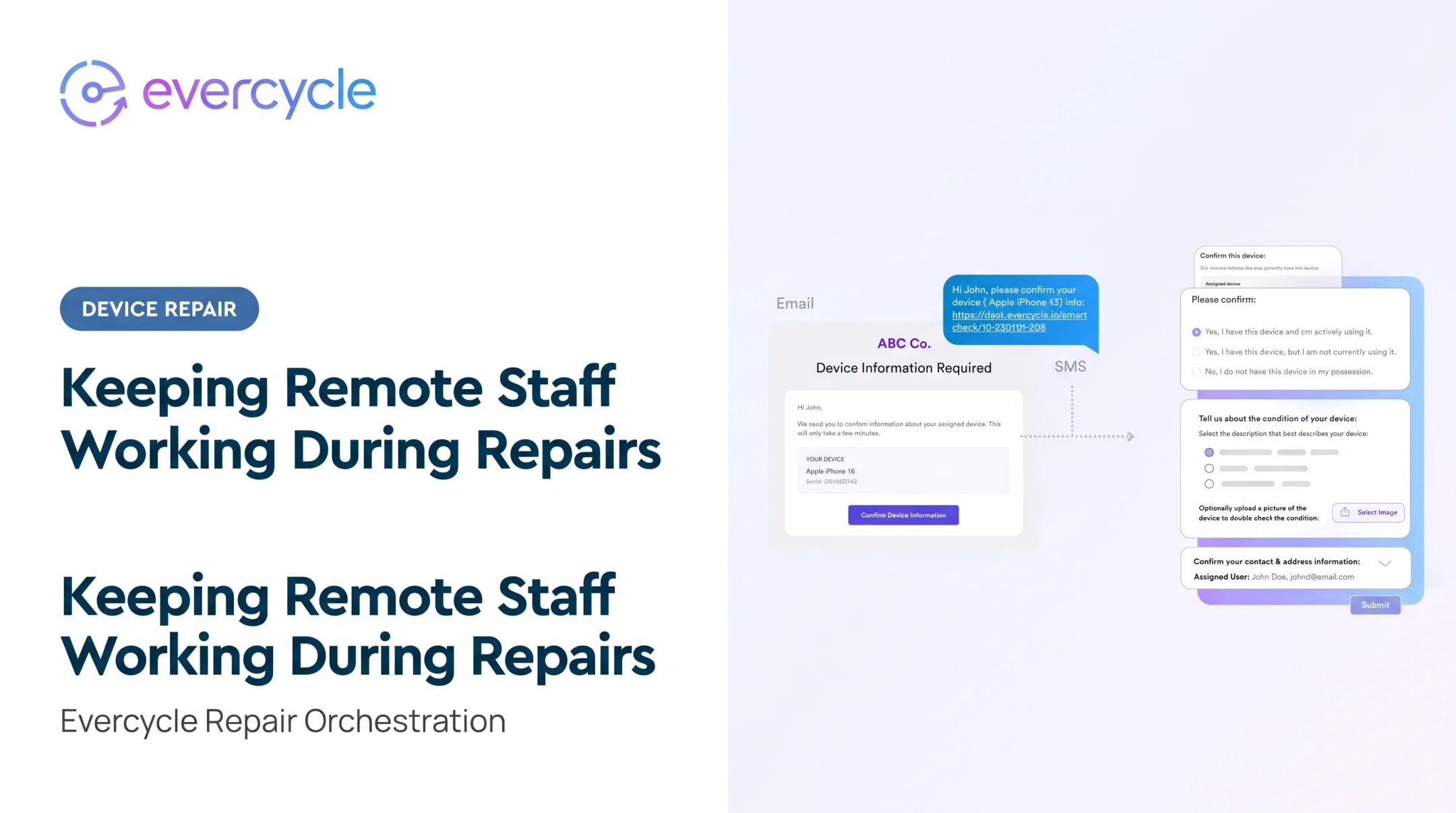
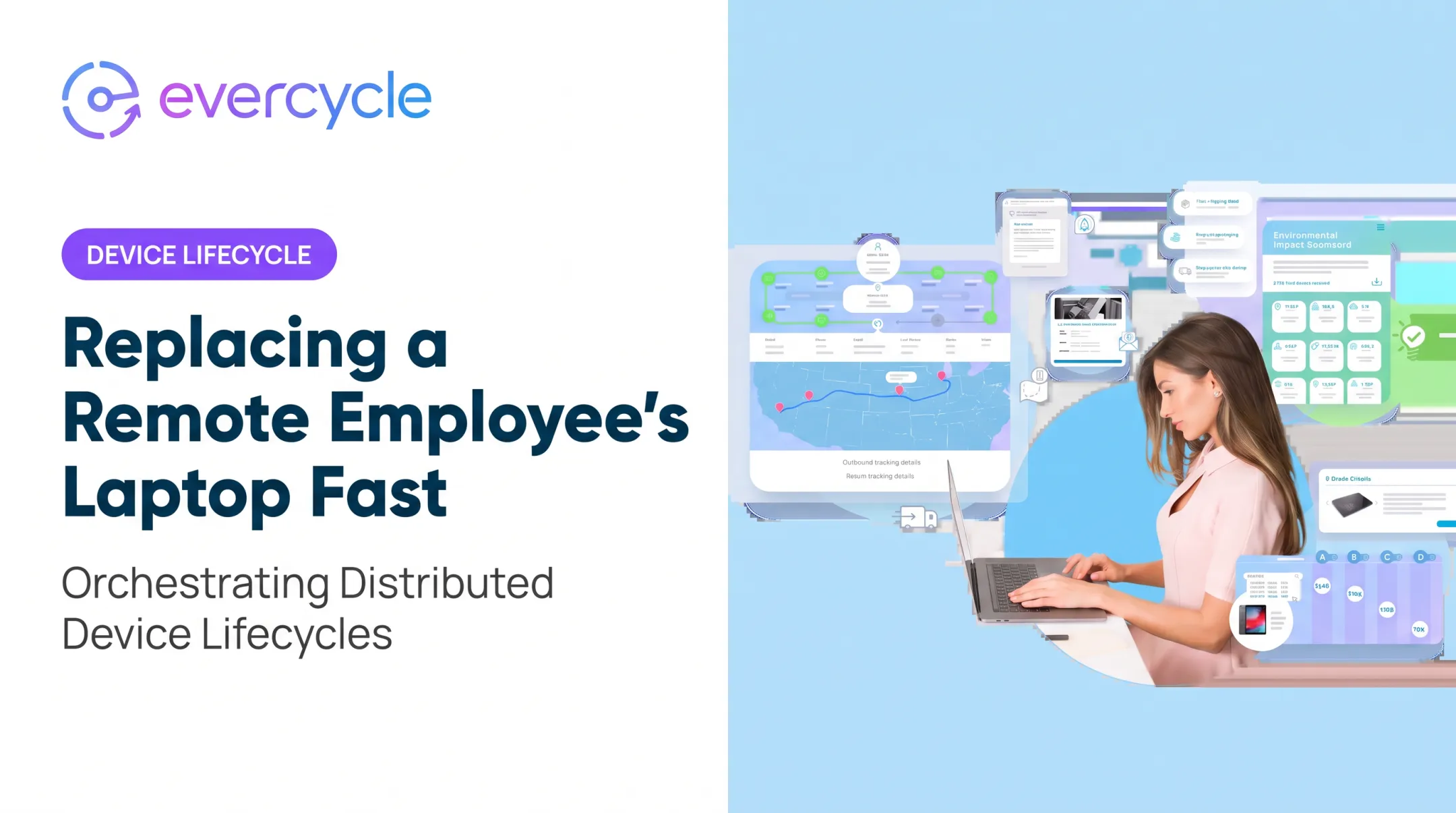
A successful swap has four parts. The configured replacement arrives before the old laptop is collected. The employee confirms they can work. A fallback device stays available until the handoff is confirmed. Then the old device is retired securely. This guide walks through each stage.
Key Takeaways
- Standardize configurations, access requirements, and workflows before a failure or refresh happens.
- Preconfigure and test the replacement, then deliver it while the old device still works.
- Don't wipe or retire the old laptop until files, authentication, and workflows are validated.
- Track every handoff in one lifecycle record.
Why Laptop Swaps Create Downtime
Common failure points
Downtime can start at diagnosis, procurement, configuration, delivery, employee setup, application access, data migration, old-device collection, or a slow vendor response. The hardware exchange is usually the smallest piece.
Age adds to it. IDC's 2026 report found unplanned downtime cost per device grows with PC age, tied to more frequent incidents and longer resolution times. It covers Windows PC fleets generally, not only laptops, and Qualcomm sponsored it, so use it as a planning input.
Planned refresh versus emergency replacement
Each swap type needs different rules:
- Scheduled refresh: You control timing. Stage inventory ahead, communicate early, and let employees pick an exchange window.
- Failed-device replacement: Speed matters most. Keep ready-to-deploy spares and a loaner path, and expect to ship fast.
- Leaver or redeployment swap: Recovery and data security drive the schedule. The old device may be the priority, not the new one.
To estimate what a swap costs you, use a simple formula:
(Employees affected × hours unavailable × hourly compensation) + IT handling time + expedited shipping + repair delay costs
For the compensation input, BLS reports private-industry employer compensation averaged $46.89 per hour in June 2026. That's a payroll proxy, not a measure of lost output. At that rate, one employee offline for a full 8-hour day represents roughly $375 in compensation before any IT or shipping costs. Replace the other inputs with your own numbers.
Manual recovery adds its own cost. Evercycle's internal figures put manual recovery at 3 to 6 hours of IT time per event, with 20 to 30% of devices never coming back.

Remote and distributed employees
Remote workers can't walk to a help desk. A swap for them needs:
- Tracked delivery directly to the employee
- Plain-language setup instructions
- Courier coordination for the return
- Defined support coverage during setup
- A clear escalation path if something fails
How to Prepare a Laptop Swap Before It Is Needed
Build an accurate swap roster
Reconcile HR, endpoint management, procurement, and asset records. For each device, capture the assigned employee, serial number, age, warranty status, location, condition, role, and accessories.
Then flag the problems:
- Missing owners and duplicate records
- Devices assigned to departed employees
- Devices near warranty or support expiry
- Employees whose work can't tolerate a long outage
Define replacement standards by role
Create a small set of approved configurations, for example, standard users, power users, and specialist roles. Specify operating system, memory, storage, security controls, warranty, accessories, and application compatibility.
Fewer configurations simplify imaging, spares, support, and employee communications. Not everyone gets identical hardware, just a short, defined menu.
Stage replacement and spare inventory
No authoritative industry ratio exists for spare-laptop pools, so don't borrow a percentage. Size the pool from your own data:
- Concurrent swap and failure demand
- Repair and shipping lead times
- Geography and business criticality
- Configurations you need on the shelf
Label the result an internal operating target and revisit it quarterly.
Map data, identity, and application dependencies
Identify what lives on the old device and what must move or be reissued. Run this pre-swap checklist:
- Cloud and locally stored files
- Browser profiles, email signatures, and VPN settings
- Device certificates and security keys
- Multifactor authentication methods and password-manager access
- Software licenses and line-of-business applications
- Conditional-access policies tied to device compliance

Microsoft documents that Conditional Access can require a device to be compliant, which means the new laptop must be enrolled before it can reach protected apps. OneDrive Known Folder Move can redirect Desktop, Documents, and Pictures to the cloud, but it doesn't migrate a full Windows profile.
Define ownership, communication, and escalation
Assign roles across IT, HR or People Ops, managers, employees, procurement, logistics providers, and repair or ITAD partners. Specify who triggers, approves, monitors, and closes each swap.
Write service expectations for configuration, delivery, support response, old-device collection, and exceptions. No universal downtime threshold exists, so set targets by business criticality and publish them. Then tell employees their timeline and responsibilities in plain language.
How to Execute the Laptop Swap Step by Step
Trigger the workflow and prepare the employee
Start from a documented event: a failure report, refresh milestone, role change, or offboarding. Confirm the replacement model, destination, access requirements, and exchange window.
Send the employee concise instructions covering:
- Delivery tracking
- Required backups
- What to keep available
- How to reach support
- What happens to the old laptop
- What to confirm after setup
Deliver a configured replacement before collecting the old one
Central staging applies the OS, management enrollment, security policies, core apps, and user assignment before shipment. Microsoft says Autopilot user-driven mode can bring a Windows device to a ready-to-use state without IT touching it. Google documents zero-touch enrollment for ChromeOS, and Apple documents device assignment to a management service. These are capabilities, not measured time savings.
Test before shipping:
- Boot, enrollment, and sign-in
- Encryption and endpoint protection
- VPN and collaboration tools
- Critical applications and peripherals
- Connectivity outside the corporate network

Microsoft's Enrollment Status Page can block users from proceeding until required setup finishes, which prevents half-configured laptops from reaching employees.
Migrate data and validate the working environment
Keep the old laptop until the employee completes a short readiness checklist:
- Signed in successfully
- Confirmed files and applications
- Tested business systems
- Reconnected peripherals
- Verified MFA
Prefer managed cloud sync or encrypted transfer over loose USB drives. Do not rely on a casual "looks fine."
Collect the old laptop with chain-of-custody controls
Apply chain-of-custody controls on every return:
- Tracked packaging
- Prepaid label or scheduled pickup
- Serial-number confirmation
- Condition notes
- Timestamps for each handoff
Skipping this is expensive. A March 2026 Federal Reserve OIG audit found 800 purchased laptops not entered into inventory, bought to replace laptops for 676 employees.
The same audit found that some departing employees didn't return laptops and that three devices IT tried to recover were reported missing. That's a case finding, not a return-rate estimate.
For damaged, missing, or inaccessible laptops, keep the asset record open and flag the data-security risk until the device is accounted for.
Maintain a fallback and rollback path
Keep a tested spare or loaner for failed provisioning, delayed delivery, missing data, incompatible software, or authentication problems. Decide in advance when IT pauses the swap, restores the old device, escalates to a vendor, or issues a loaner. Set that threshold by role criticality.
How to Securely Handle and Retire the Old Laptop
Verify backup and access transition
Confirm required files and settings are on the replacement and the employee can do essential work. Only then revoke old-device tokens, certificates, sessions, licenses, and management enrollment, keeping a record that the transition completed safely.
Sanitize data using a documented process
A factory reset isn't proof of sanitization. Microsoft states its Windows Reset "Clean data" option is consumer-targeted and doesn't meet government and industry erasure standards.
NIST SP 800-88 Rev. 2, published September 2025, defines three levels:
- Clear: logical sanitization against simple recovery
- Purge: methods that make recovery infeasible with state-of-the-art lab techniques
- Destroy: makes recovery infeasible and the media unusable

Record the method, verification result, device identifier, date, and responsible provider. NIST recommends a certificate for each sanitized medium. If sanitization fails verification, repeat it or escalate to a stronger method.
Choose repair, redeployment, trade-in, resale, recycling, or destruction
Use a condition-based path:
- Repairable: fix it if repair cost is low relative to replacement
- Redeployable: reimage and return to the spare pool
- Value-retaining: trade-in or resale, if ownership terms allow and sanitization succeeded
- End of life: certified recycling or destruction
Age, security support, repair cost, and sanitization success drive the call.
For end-of-life handling, EPA recognizes R2 and e-Stewards as accredited recycler standards. Requirements vary by state, so check the rule for your laptop's jurisdiction.
No reliable resale benchmark exists for used enterprise laptops, so quote real offers.
Close the asset and audit record
Update the register with final status, custody history, wipe result, condition, vendor, disposition route, recovered value, and the replacement assignment. Complete records support internal audits, contractual reviews, privacy investigations, sustainability reporting, and future refresh planning.
Build Resilience and Measure Swap Success
Set a refresh policy based on evidence
No single interval fits every organization. Weigh these factors together:
- Age and warranty expiry
- Battery health and repair history
- Role, performance, and OS support
- Security needs and total cost of ownership
For planning inputs, Intel says most organizations refresh significant portions of their fleet every three to four years. That's manufacturer guidance. The IDC model found a three-year cycle had 14% lower five-year TCO than a five-year cycle, about $1,993 less per device. Treat the figure as directional: the study is vendor-sponsored and covers PC fleets broadly.

Select laptops that reduce future swap risk
Evaluate each model on:
- Supported OS and management enrollment
- Security hardware
- Warranty, repair terms, and regional availability
- Accessory compatibility and battery support
- Fit with your approved fleet
Avoid models that:
- Are unsupported or near end of support (Windows 10 support ended October 14, 2025)
- Can't meet Windows 11's TPM 2.0 and Secure Boot requirements
- Can't enroll in your management service
- Come with weak warranty terms or unreliable supply
- Break your applications or accessories
Judge by these criteria, not brand.
Measure and improve the process
Track these internal metrics (no cross-company targets exist):
- Trigger-to-delivery time and time to productive sign-in
- Employee-reported downtime
- First-pass setup success and swap-related tickets
- Failed deliveries and old-device recovery
- Wipe completion and disposition outcomes
Baseline first. Then review failures by root cause and feed the results back into standards, vendor routing, communications, spare planning, and pre-shipment testing.
Conclusion: Turn Laptop Swaps Into a Repeatable Lifecycle Workflow
Low-downtime swaps depend on sequence. Skip one step and the downtime shows up somewhere else:
- Accurate inventory
- Standard replacements
- Preconfigured devices
- Verified migration
- Controlled collection
- Secure sanitization
- Documented disposition
Where Evercycle fits
Evercycle is an orchestration layer that connects asset information, enterprise systems, existing service providers, vendor routing, and employee communications. Event-driven workflows span deployment, recovery, repair, and disposition. Its Refresh capability links new-device delivery with recovery of the device being replaced.
Evercycle provides unified visibility, chain-of-custody tracking, and audit reporting. It coordinates your existing vendors and doesn't physically process or ship laptops. Your HRIS, ITSM, and endpoint platforms stay authoritative for their own data.
Start by mapping your current swap handoffs and marking where people chase status by email. Those are the spots where workflow automation removes manual coordination.
Frequently Asked Questions
Is it possible to swap laptops without employee downtime?
Near-zero downtime is achievable when the replacement is preconfigured, delivered before the old laptop is collected, data and access are validated, and a spare is ready. Zero downtime isn't guaranteed, so plan for a fallback.
How often should employers replace laptops to prevent employee downtime?
Don't rely on one fixed interval. Weigh age, warranty, battery health, security support, repair history, role, and total cost. Three to four years is a common planning starting point.
Can companies trade in or recycle non-working laptops when swapping devices?
Often yes, depending on condition and ownership terms. Non-working laptops may be repairable, tradeable, or suited to recycling. Sanitize data and document disposition first.
Which laptops should employers avoid when swapping devices?
Avoid unsupported, unmanaged, incompatible, hard-to-source, or poorly warrantied models. Judge by requirements, not brand.
How can IT teams swap laptops for remote employees?
Ship a preconfigured laptop directly to the employee, with clear instructions and tracked delivery. Use cloud-based migration, remote support, a prepaid tracked return, and a loaner as fallback.
How do you securely wipe an old work laptop after a swap?
Verify backups, revoke access, then sanitize following NIST SP 800-88 or your policy. Keep wipe evidence per device. If software sanitization fails, use certified destruction.