Introduction
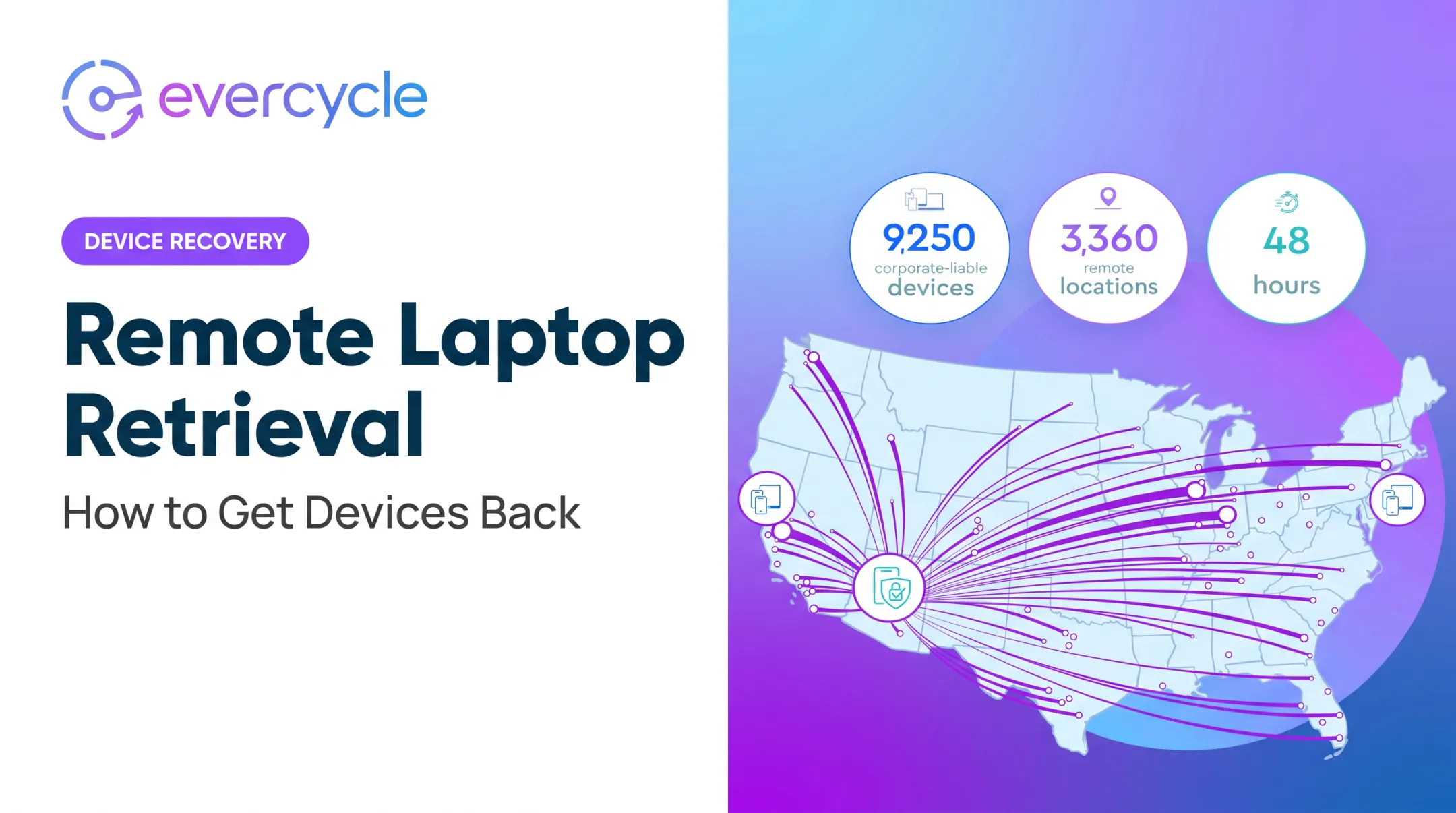
Shipping a replacement laptop is the easy half of a refresh. The old device still sits in a remote employee's closet, and someone on your service desk is chasing it by email.
The numbers show why this matters. In an Oomnitza and YouGov survey, 49% of 213 senior IT professionals reported losing at least 5% of technology assets when workers left. Remote and hybrid staff make it worse.
Device retrieval is the coordinated return, tracking, reconciliation, and handoff of client-owned equipment. Sanitization, repair, resale, recycling, and destruction usually belong to an ITAD or logistics partner. This guide covers the service scope, workflow, partner model, pricing, and a pilot plan.
Key Takeaways
- Retrieval extends refreshes, onboarding, and offboarding work you already sell.
- A repeatable workflow cuts manual chasing and produces chain-of-custody evidence.
- You can brand the service and outsource physical logistics.
- Pricing, metrics, and a small pilot make it scalable.
Why Device Retrieval Belongs in an MSP Service Portfolio
MSPs already sit at the center of refresh projects, tickets, and employee lifecycle events. That makes them the natural owner of the client-facing return experience.
Retrieval is not disposal. The first goal is to recover and account for the physical asset. What happens next depends on client policy.
Common retrieval opportunities
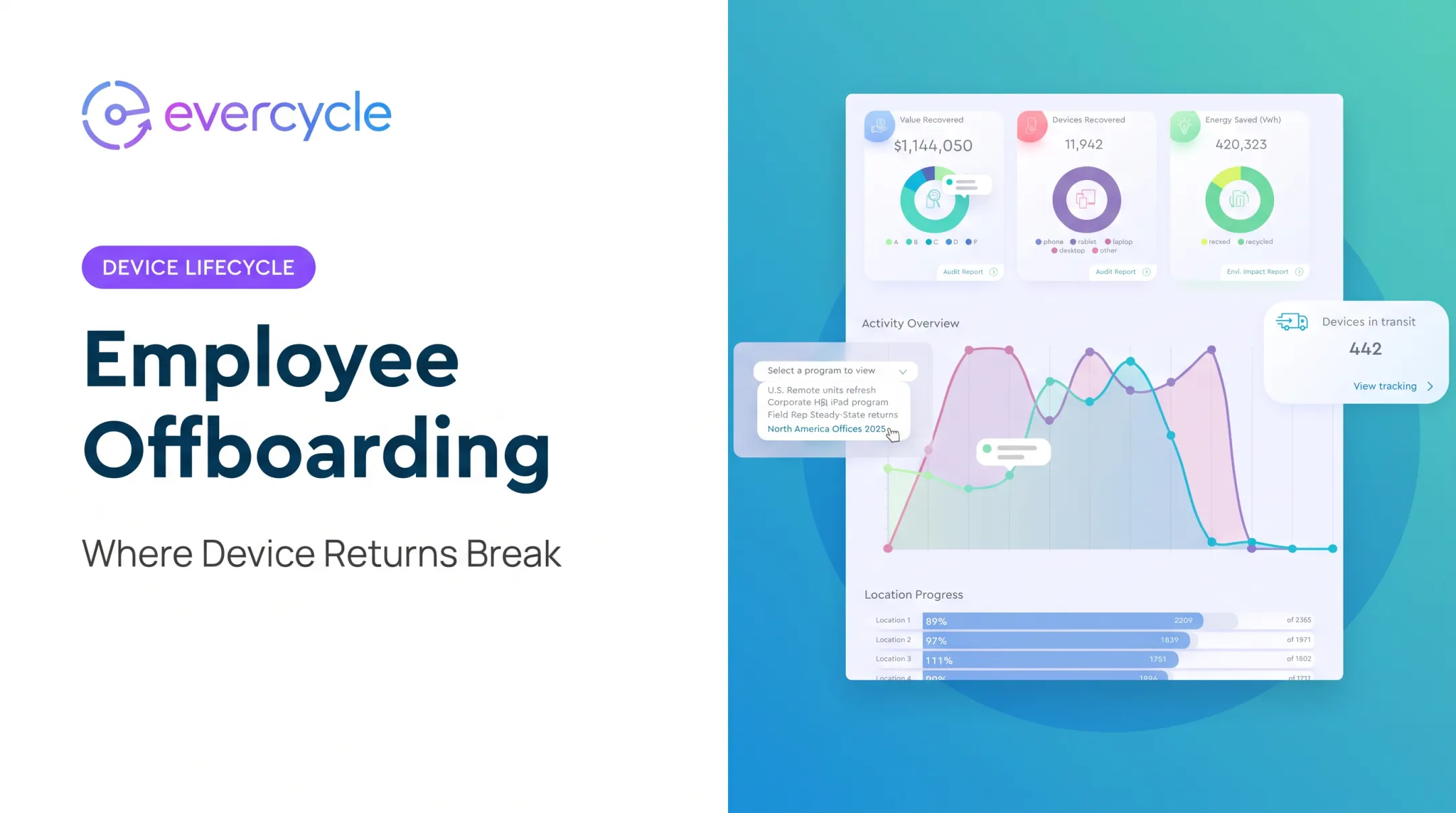
- Remote employee offboarding
- Hardware refreshes and device replacements
- Office closures, relocations, and mergers
- Lease returns
- Field-equipment swap-outs
Each trigger changes the process. A phone from a contractor, a tablet from a field site, and a laptop from a remote hire differ in urgency, packaging, and ownership rules.
Business and client value
The problem is measurable. Capterra's offboarding survey found 71% of HR respondents said at least one departing employee did not return company equipment. Remote and hybrid staff were 17% more likely not to return it. The survey does not disclose its sample size or country, so treat it as directional.
A managed service gives clients one accountable party instead of making them juggle couriers, employees, and ITAD vendors. It can also become a bundled or recurring lifecycle offer that deepens the relationship.
What an MSP Device Retrieval Service Should Include
Service scope and intake requirements
Collect the same details on every request:
- Client, employee or site, and asset type
- Serial number and ownership
- Return deadline and destination
- Condition expectations and security requirements
- Downstream instructions
Write down what the base service covers. Sanitization, repair, redeployment, resale, recycling, and destruction should need separate authorization.
Employee and site return logistics
Offer more than one return path:
- Prepaid shipping kits with packaging instructions
- Prepaid labels for employees who have their own box
- Scheduled courier collection
- White-glove pickup for large or sensitive projects
Build communication templates for remote workers, site contacts, managers, and HR. Set escalation rules for missed deadlines, wrong addresses, damaged packages, and silent recipients.
Visibility, security, and documentation
Track every asset from request creation through pickup, shipment, receipt, reconciliation, and handoff. Log chain-of-custody events and exception notes.
At completion, give the client a package:
- Returned asset list with serial-number reconciliation
- Shipment or delivery evidence
- Condition notes and unresolved exceptions
- Certificates or processing records from downstream partners
How the MSP Device Retrieval Workflow Works
1. Trigger and approve the request
A refresh, offboarding event, replacement ticket, closure, or field swap creates the request. Get approvals before you contact the employee.
Confirm the asset belongs to the client. Note sensitive data and accessories, and record the destination and next lifecycle step.
2. Prepare the employee or location
Send instructions, packaging, labels, pickup details, and deadlines. Keep disruption low.
Decide who owns communication at each stage. Verify addresses, and plan for multi-site complexity, accessibility needs, and high-value equipment.
3. Track movement and manage exceptions
Monitor these milestones:
- Kit delivered
- Package tendered
- In transit
- Delayed
- Delivered
- Received
Route delays and missed milestones into alerts or tasks. Define paths for lost shipments, failed pickups, damaged devices, missing accessories, nonresponsive employees, and mismatched assets.
4. Receive and reconcile
The receiver checks serial numbers, asset tags, model, condition, accessories, and quantity against the request. Record discrepancies before closure.
Delivered is not reconciled. Closing a ticket on a tracking number alone means you never confirmed the right device arrived.
5. Route to the next lifecycle action
Options include temporary storage, redeployment, repair, secure sanitization, resale, recycling, or destruction. Client policy and device condition determine the path.
Transfer custody and documentation to the ITAD, repair, or recycling partner so asset history and client visibility survive the handoff.

How to Build the Service With the Right Partners and Technology
Partner operating model
Compare four models by who owns client communication, pickup, data handling, downstream disposition, reporting, liability, and recovered value:
- Referral: you introduce a partner and step back
- Coordinated partner: you manage the process, the partner executes
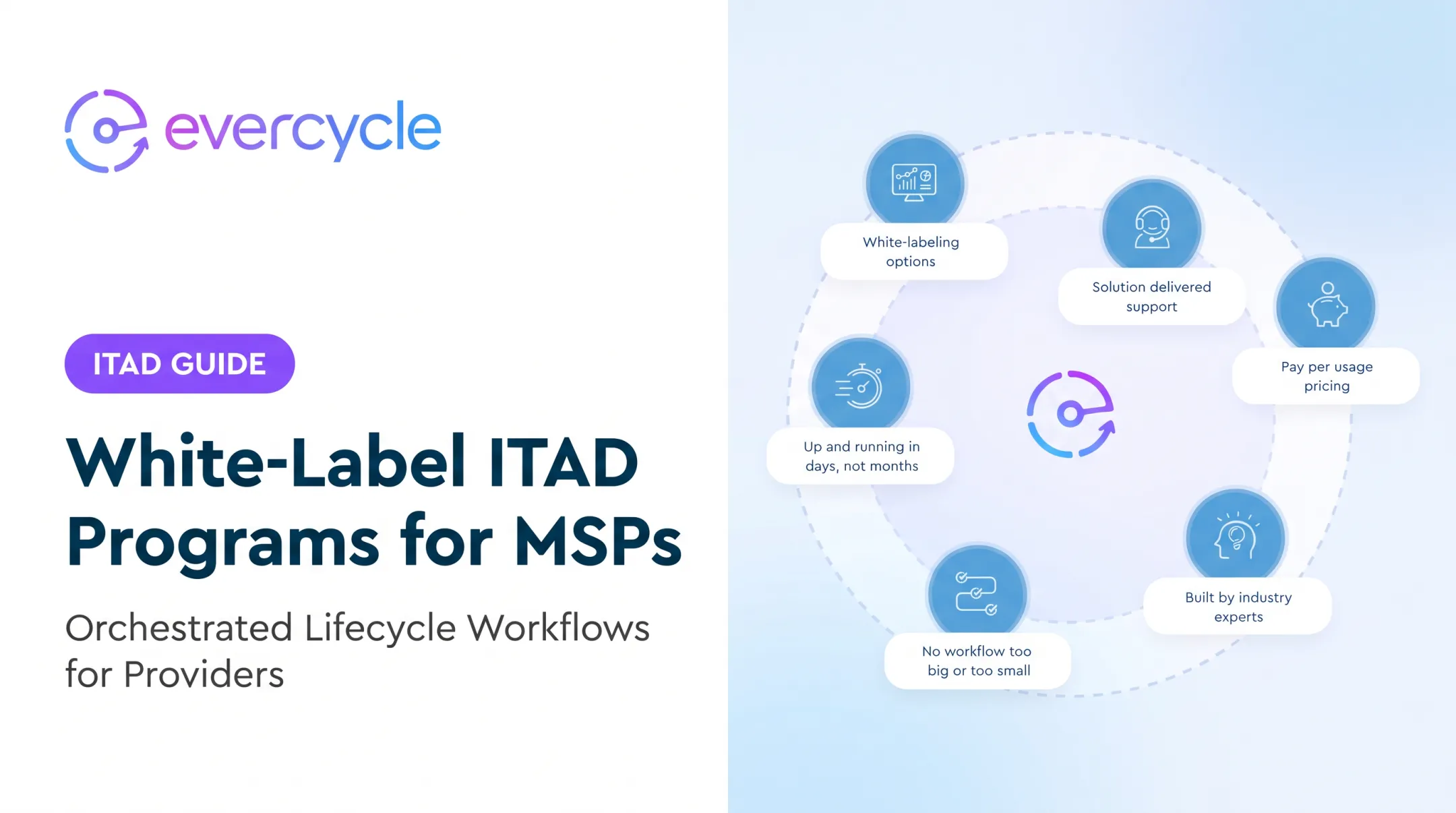
- White-label: the partner works under your brand
- Fully managed: you own everything end to end
Choose a partner that handles both single remote returns and multi-site projects. Ask for documented security procedures, insurance, service levels, escalation contacts, and downstream controls.
Technology and orchestration requirements
Look for:
- Asset-level visibility
- Automated vendor routing
- Employee communications and status updates
- Exception workflows
- Integrations with your asset and service-management systems
- Centralized reporting
Evercycle is one example of an orchestration platform. It connects asset data, logistics, vendors, and lifecycle events across existing systems, and it offers white-label capabilities for service providers. It does not physically ship or process devices, so you still need logistics and ITAD partners.
Partner evaluation checklist
- Chain-of-custody controls and evidence
- Data privacy practices
- Report quality
- Coverage for distributed US clients
- Scalability and API options
- Support for client-specific policies
Validate through a small pilot. Review sample reports, escalation procedures, insurance terms, downstream relationships, and exception handling before committing to a wider program.

How to Package, Price, and Launch Device Retrieval
Service and pricing models
Public vendor pages show a few structures:
- Per-event or per-kit, pay-as-used pricing
- Custom quotes for bulk or ongoing work
- Retrieval bundled with hardware refreshes
- Recurring lifecycle packages
- White-label arrangements
US retrieval pricing has no widely accepted public benchmark, so set your own rates. Price against device count, locations, urgency, packaging, shipping, pickup complexity, storage, and downstream services. Carriers such as UPS base cost on origin, destination, service level, and package weight.
To protect margin, list pass-through logistics costs separately from your coordination and technology fees.
Metrics and client reporting
Track:
- Return completion rate
- Average time to receipt
- Outstanding assets
- Exception volume
- Reconciliation accuracy
- Cost per retrieval and technician hours
- Redeployment or recovery outcomes
Bring these to quarterly business reviews. They show asset accountability, expose bottlenecks, and justify adding more lifecycle events.
Pilot and rollout plan
- Pick two or three clients with a clear upcoming trigger, such as a refresh.
- Write standard operating procedures and service boundaries.
- Test communications and shipping workflows.
- Review every exception.
- Refine pricing, then scale.

Train the service desk, account managers, HR contacts, and project managers. Everyone should know when to start a retrieval and how to escalate a failed return.
Conclusion: Make Device Retrieval a Managed Lifecycle Service
Retrieval lets you extend hardware, support, and offboarding services without building a courier, warehouse, or ITAD operation. It holds up when you lock in:
- Clear ownership rules
- Asset-level visibility
- Qualified partners
- Automation across the workflow
If you need a platform to coordinate retrieval across existing providers, Evercycle is worth evaluating.
Frequently Asked Questions
What are examples of MSP tools?
Common categories are RMM, PSA, ticketing, asset management, communication, logistics tracking, and lifecycle orchestration. For retrieval, asset inventory supplies device records and PSA or ticketing structures the request.
How do MSPs work?
MSPs manage client technology through recurring agreements. They combine people, processes, software, and specialist partners to deliver support, security, infrastructure, and lifecycle services.
What is device retrieval for MSPs?
It is the coordinated return, tracking, reconciliation, and handoff of client equipment during offboarding, refreshes, replacements, moves, or closures.
How do MSPs retrieve devices from remote employees?
They send a shipping kit or prepaid label with clear instructions, then track the package and send reminders. Exceptions and unreturned devices follow a defined escalation path.
Should MSPs handle device retrieval in-house or outsource it?
Most should coordinate in-house and outsource logistics and ITAD. A partner model cuts operational and compliance burden while you keep the client relationship.
How can MSPs price device retrieval services?
Base pricing on device type, location, shipping or pickup complexity, urgency, storage, downstream processing, and coordination effort. Add your target margin, and keep pass-through costs visible.