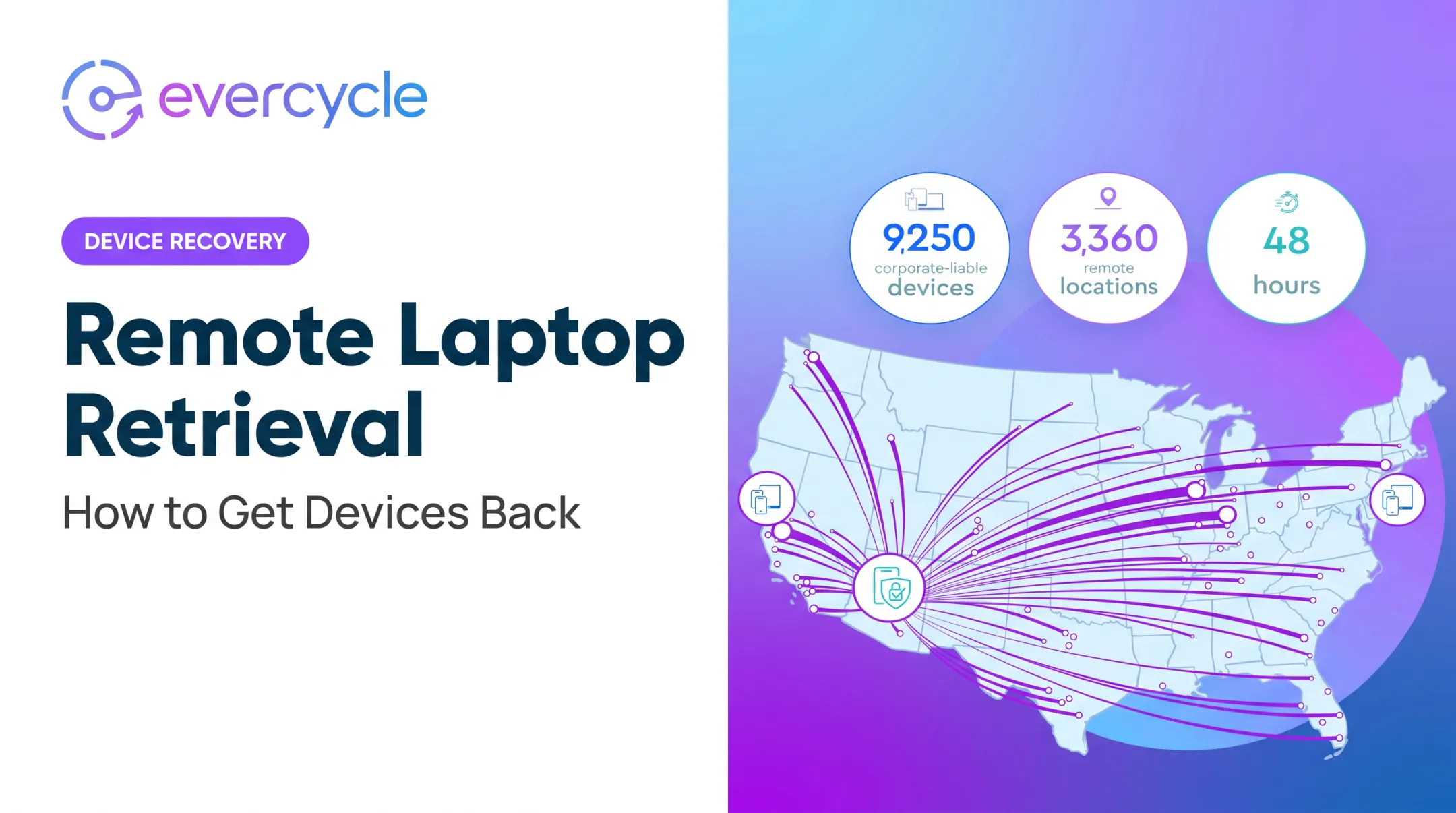
Sending a label or seeing a package delivered does not finish the job. Offboarding, asset tracking, secure transit, intake, sanitization, disposition, and documentation all have to connect. Evercycle's internal figures put manual recovery at 20 to 30% of devices never coming back, at roughly $1,500 each.
This article lays out a practical framework for HR, IT, security, and ITAD teams managing distributed US workforces.
Key Takeaways
- Treat each remote return as an asset-level ITAD workflow triggered by an HR event.
- Link employee, serial number, shipment, receipt, security action, and disposition in one record.
- Pick the return model by device risk, condition, and redeployment plans.
- Define exception paths before the first device goes missing.
Why Remote Employee Returns Require an ITAD Workflow
What changes when devices leave the office
Custody fragments. A device moves between a home, a carrier, an HR system, an asset management platform, and an ITAD provider, and no single system sees all of it.
A tracking number shows a box moved. It doesn't say which serialized asset was inside or what happened after delivery. Common gaps include:
- Missing chargers and accessories
- Inventory records that list the wrong user
- Returns delayed for weeks
- Boxes sitting unopened at a receiving dock
Why informal returns create business risk
Incomplete recovery means data exposure, replacement spend, delayed redeployment, and lost resale value. It also leaves the device's final status unknown.
Regulated organizations need evidence. HIPAA guidance requires covered entities to have policies for final disposition of ePHI and the hardware holding it.
The FTC Safeguards Rule requires covered financial institutions to securely dispose of customer information and take reasonable steps when selecting service providers.
Not every rule applies to every company, so confirm which ones apply to yours.
What a successful program controls
Success is a repeatable process that gives HR, IT, security, finance, and compliance one shared view of each asset, from departure trigger to closure. It also supports reuse and resale rather than unnecessary replacement, without cutting corners on data security.
Treat it as part of the IT asset lifecycle, not a one-off offboarding chore.
Build a Repeatable Return Workflow from Offboarding to Intake
Trigger the return when the employee event occurs
HR or People Ops should open the workflow for terminations, resignations, role changes, contractor exits, refreshes, and damaged-device swaps. Evercycle's offboarding flow works this way, with an approved departure event kicking off instructions and tracking.
Assign clear owners so no team assumes another owns the step:
- HR starts the event and employee communication
- IT handles account and device actions
- Security sets the policy for unreachable devices
- Procurement and finance track lease or ownership status
- The ITAD or logistics provider handles receipt and processing
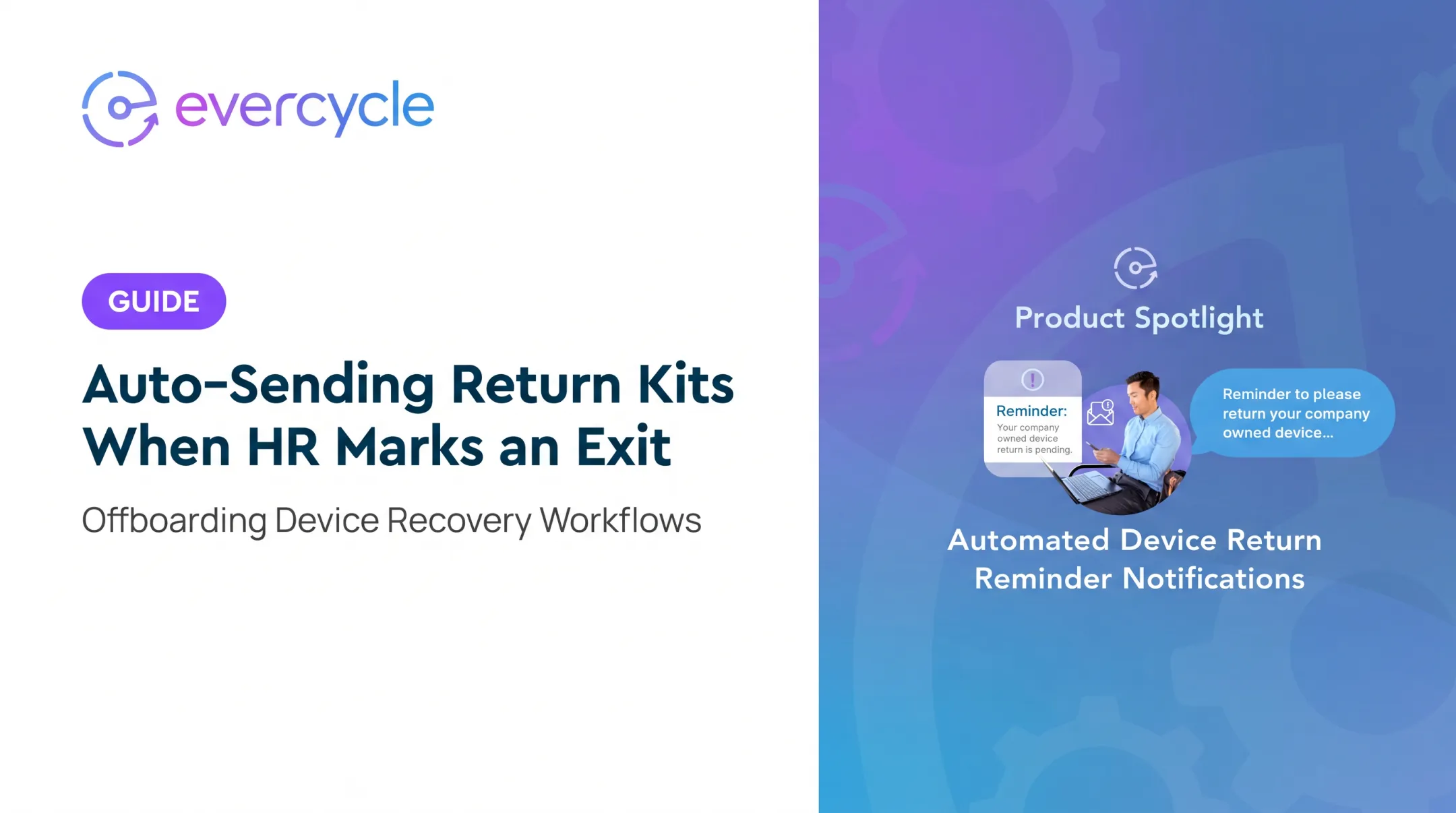
Record when the workflow opened, and set escalation dates. Evercycle's automatic reminders run on days 3, 7, and 14, which is a useful model.

Create an asset-level return record
Capture each return at the asset level before anyone ships instructions:
- Employee and asset tag
- Serial number and device type
- Location and accessories
- Lease or ownership status
- Return method and expected disposition
Reconcile that list against ITAM, endpoint management, procurement, and HR records.
That check catches devices missing from inventory, assigned to the wrong person, or meant for redeployment rather than retirement.
Select logistics and write frictionless instructions
| Option | Best for |
|---|---|
| Prepaid return kit | Laptops, fully remote staff, higher volumes |
| Prepaid label, carrier drop-off | Small, low-risk items |
| Managed pickup | High-value, multiple, or executive devices |
| Direct-to-ITAD | Distributed teams, devices headed for retirement |
The return message should cover:
- What to return and how to package it
- Deadline and tracking steps
- Prohibited items
- Support contact and how to confirm
Pre-addressed labels and proper packaging raise completion without weakening accountability.
Process receipt as a controlled ITAD event
Intake staff should log each receipt against the original record:
- Carrier delivery and package condition
- Asset identifier and accessories
- Physical condition and timestamp
Reconcile serial numbers at intake, not at shipment.
Then route the device straight to secure storage, sanitization, redeployment, repair, resale, recycling, or an exception queue. Never an unowned shelf.
Close the workflow with documented ownership
A return is complete only when all of the following are true:
- Asset match confirmed
- Receipt confirmed
- Security processing done
- Disposition final
- Evidence attached
Use clear statuses:
- Instructions issued
- Kit sent
- In transit
- Received
- Awaiting inspection
- Sanitized
- Redeployed, sold, or recycled
- Unresolved
Unresolved records stay visible until an accountable owner approves the outcome.
Protect Data and Prove Chain of Custody
Complete pre-shipping security actions
IT should coordinate these actions per policy:
- Account deactivation
- Endpoint-management actions
- Device lock and credential revocation
- Encryption checks
A remote wipe command is not verified sanitization. NIST's mobile device guidance calls remote wipe unreliable on its own, since data may be accessed first or the device powered off to block the command.
Define in advance when an unwiped or offline device may ship, and when security escalation, local support, or alternate collection is required.
Secure the package and the transport
- Use device-appropriate padding and tamper-evident materials where justified
- Choose prepaid, tracked shipping
- Add signature or insurance for higher-risk equipment
- Link carrier reference, kit ID, employee, and serial number
Carrier records show movement through a network. They don't prove device-level custody. NIST's chain of custody definition requires documenting each handler, transfer time, and purpose.

Manage intake, sanitization, and disposition
Inspect on arrival for tampering, damage, unexpected contents, missing accessories, and serial mismatches. Escalate to security when something looks wrong. Evercycle's quick-scan receiving journal flags unexpected devices before erasure and audit.
File deletion, factory reset, and OS reinstallation are not sanitization. Reference your approved standard. NIST SP 800-88 Rev. 2 (September 2025) is current and defines Clear, Purge, and Destroy methods, with verification and validation steps.
Build asset-level evidence for audits
Keep these records together:
- Assignment history and return instructions
- Tracking events and receipt confirmation
- Condition notes
- Sanitization results and certificates
- Disposition route and exception resolution
Align retention and access controls with your security, privacy, contractual, and regulatory obligations. With a complete record, an auditor can follow the device from employee to final disposition without hunting through emails and spreadsheets.
Choose a Return Model and Manage Exceptions
Compare the primary return models
- Central-office returns suit planned redeployment, internal inspection, or organizations with secure receiving capacity.
- Direct-to-ITAD cuts handling and speeds disposition for fully remote teams.
- Managed pickup fits high-value devices, multiple items, executive departures, oversized equipment, or employees needing help.
No authoritative benchmark compares these models' recovery performance, so choose on risk, condition, and capacity.

Define responses for common exceptions
Write a separate path for each:
- Late returns and non-responsive employees
- Lost packages
- Damaged devices
- Wrong-asset returns and missing accessories
- Devices that arrive locked
Lost or unreturned devices demand immediate security actions and documented escalation. Remedies vary by state. California, for example, restricts wage deductions for lost company property, and Illinois and New York have their own limits. Have qualified counsel review before acting.
Each exception record should capture:
- Owner
- Next action and due date
- Security status
- Financial impact
- Resolution
Measure performance without losing individual assets
Track these metrics:
- Completion rate
- Trigger-to-receipt time
- Exception volume and mismatches
- Recovery value and redeployment rate
- Sanitization completion
- Unresolved records
Use outside benchmarks only when authoritative; none is published for remote recovery rates or turnaround. Tie every metric to asset records so averages don't hide a missing laptop.

Close the Loop with Disposition, Reporting, and Lifecycle Orchestration
Route devices by condition, data status, and value
Sanitized devices may go to redeployment, refurbishment, resale, donation, or responsible recycling, depending on condition, ownership, market value, and policy. The EPA notes that reuse extends product life and recommends certified recyclers.
Recovered value never replaces data-security controls or documentation. Before choosing resale or recycling, check whether the equipment is leased, financed, or contractually restricted.
Deliver reporting stakeholders can use
- HR: open returns
- IT: received assets and exceptions
- Security: sanitization evidence
- Finance: recovered value
- Compliance: final disposition
Tie reports to the original employee event and asset identifier, not a standalone shipment summary. Closeout checklist:
- Asset record matches the expected device
- Security evidence attached
- Disposition result logged
- Financial and sustainability data complete
Where orchestration software adds value
Evercycle is an orchestration layer connecting enterprise systems, employee communications, logistics events, ITAD partners, and asset records. Organizations keep their existing providers.
Capabilities include:
- Automated vendor routing
- Event-driven recovery workflows
- Real-time chain-of-custody tracking
- Audit reporting
Evercycle coordinates the lifecycle; it does not physically process or ship devices.
In one Fortune 500 case, Evercycle reported a 90% recovery rate across 19 countries.

A practical test: can your stakeholders see one reliable view of every remote asset, from offboarding to final disposition? If not, start there.
Frequently Asked Questions
How do you handle remote employee device returns?
Start from the offboarding event: build a serialized asset list, send clear return instructions, and ship with tracking. At receipt, reconcile the asset, sanitize it securely, record disposition, and close the record with documentation.
Should a remote device be wiped before shipping to ITAD?
A remote wipe or lock reduces exposure, but it is not verified sanitization. Final sanitization happens at the ITAD stage; the sequence depends on device reachability and your security policy.
Can remote employees ship devices directly to an ITAD provider?
Yes, when ownership is confirmed and controls exist: serial matching, secure packaging, tracked transport, receipt confirmation, and documented disposition.
What should be included in a remote employee return kit?
Include protective packaging, a prepaid tracked label, clear instructions, a return deadline, accessory guidance, tamper-evident seals where justified, and a support contact.
How do you prove chain of custody for a remote device?
A tracking number alone is not enough. Link the employee, asset ID, shipment events, receipt, intake condition, security processing, and final disposition into one auditable record.
What happens if a remote employee does not return a company laptop?
Take remote security actions, send documented reminders, and escalate. Involve HR or legal review, handle sensitive data as an incident, and record the final outcome.