Evercycle's internal figures put the problem at 20% to 30% of devices never returning. At roughly $1,500 per device, that adds up fast. Manual recovery also eats 3 to 6 hours of IT time per event.
Return rate here means laptops returned within the agreed recovery window divided by laptops due for return. A 90%+ target only means something if you use a consistent cohort, deadline, and exclusion policy. This guide covers how to diagnose failures, remove friction, communicate at the right moments, escalate exceptions, automate handoffs, and track what happens after a device arrives.
Key Takeaways
- Treat return rate as a lifecycle metric, from recovery through final disposition.
- Make returning easy: right packaging, prepaid tracking, a simple way to ask for help.
- Tie reminders and escalations to offboarding events, not one manual email.
- Link recovery to redeployment, resale, and audit readiness.
Diagnose Why Your Laptop Return Rate Is Below 90%
Start with a trustworthy baseline
Define the cohort (who is due), the deadline, the numerator, and the denominator. Then split statuses instead of lumping them together:
- Returned
- In transit
- Overdue
- Lost
- Exception approved
At enterprise scale, those losses add up fast. A YouGov survey of 213 senior IT professionals at U.S. enterprises found 49% lost at least 5% of technology assets when workers left, and 27% lost more than 10%. That covers all tech assets, not just laptops, but it shows how common leakage is.
Map the journey and find the stall point
Trace each step of the return path:
- Offboarding trigger
- Employee notice
- Packaging delivery
- First carrier scan
- Receipt
- Intake
- Data sanitization
- Final disposition
Count how many devices stall at each stage. The biggest drop-off is your first fix.

Segment the results
Break results down by:
- Remote versus office-based employees
- US region and shipping origin
- Device type and vendor
- Employment status
- Time since offboarding
The pattern tells you whether the cause is employee behavior, unclear ownership, shipping friction, bad contact data, or vendor delay. Don't assume.
A Forrester study of one organization described retrieval as inconsistent and hard to enforce without central oversight, with manual tracking as a contributor. That organization moved from a 70% baseline to 98%. It's a single, vendor-commissioned case, not an industry benchmark.
Build a Low-Friction Laptop Return Workflow
Trigger from a reliable business event
An HR event, contract end, equipment reassignment, or refresh milestone should create a return task automatically. Each task needs an owner, due date, device ID, employee contact, and shipping destination.
Verify the asset record and address before anything ships. Give employees a way to update an address or pick another approved return method.
Make packaging and shipping easy
- Use device-appropriate boxes and protective material
- Include a prepaid, trackable label
- Write plain-language packing instructions
- Share tracking with both the employee and the internal owner
USPS, UPS, and FedEx all document prepaid label options plus drop-off or pickup. Whether prepaid labels raise laptop return completion is hard to confirm from published studies, so test the effect in your own cohort. Record every handoff and receipt event for chain of custody.
Design for exceptions
Plan for the situations that stall returns:
- Damaged or missing packaging
- No printer access
- A device needed temporarily during a transition
- Wrong address or failed delivery
- A laptop that arrives damaged
Assign each to a named owner. Define when it moves from routine support to manager, HR, security, procurement, or vendor escalation.
Connect receipt to the next step
Receipt should create intake tasks automatically: asset verification, sanitization, condition check, then repair, redeployment, resale, or recycling. Use this checklist:
- Offboarding event creates task
- Kit and instructions sent
- Employee ships, first scan recorded
- Package received and scanned
- Data sanitized and verified
- Condition graded
- Routed to reuse, resale, or recycling

No gap should exist between "delivered" and "ready for reuse."
Drive Completion With Communication and Accountability
Set expectations before the employee leaves
Put return obligations in onboarding materials, device policies, agreements, and offboarding checklists. Have HR and legal review any wording on responsibility, deductions, or recovery of company property.
That review matters. The DOL's Fact Sheet #16 says deductions for required equipment can't push pay below minimum-wage or overtime requirements. States differ too; California, for example, sharply limits deductions for lost property.
Say what to return, when, how to package it, where to get help, and what happens after receipt. Skip the threats.
Use milestone-based reminders
Build the sequence around real events: offboarding notice, kit dispatch, delivery confirmation, approaching deadline, overdue status, carrier exception, receipt confirmation. Evercycle's workflow, for instance, runs reminders and escalations on days 3, 7, and 14.
Published U.S. studies on reminder timing for laptop returns are hard to find. Test sender, channel, timing, and tone against your baseline instead of assuming more reminders help.
Make messages useful
- List the laptop, charger, dock, monitor, and accessories
- Say whether personal files should be removed
- Link to a self-service status page with tracking and a way to request a new kit
Define ownership
Decide who starts the return, confirms the last working day, monitors overdue devices, approves extensions, and closes the asset record. Set a manager and HR escalation path with privacy safeguards and consistent treatment across employee groups.
Then measure completion quality: label creation, first scan, receipt, days overdue, escalation outcomes, and open exceptions. Message volume alone tells you nothing.
Automate and Measure the Recovery Program
Replace spreadsheets with event-driven workflows
Connect HR, device management, asset inventory, shipping, ticketing, and ITAD systems so recovery tasks update without duplicate entry. Every status change should write back to one authoritative asset record, so IT, HR, security, and finance see the same device state.
Route vendors and see the full lifecycle
Organizations with multiple carriers, repair vendors, or ITAD partners can route each return by geography, device type, security need, or final disposition.
A carrier tracking number is not lifecycle visibility. Real visibility also covers custody, condition, sanitization status, and final outcome.
Where Evercycle fits
Evercycle is an enterprise software platform that orchestrates lifecycle workflows across your existing systems and providers. It doesn't ship, warehouse, or process hardware itself. It offers:
- Recovery triggers from HRIS, MDM, or CSV
- Prepaid labels and packing instructions sent at offboarding
- Automated employee communications and vendor routing
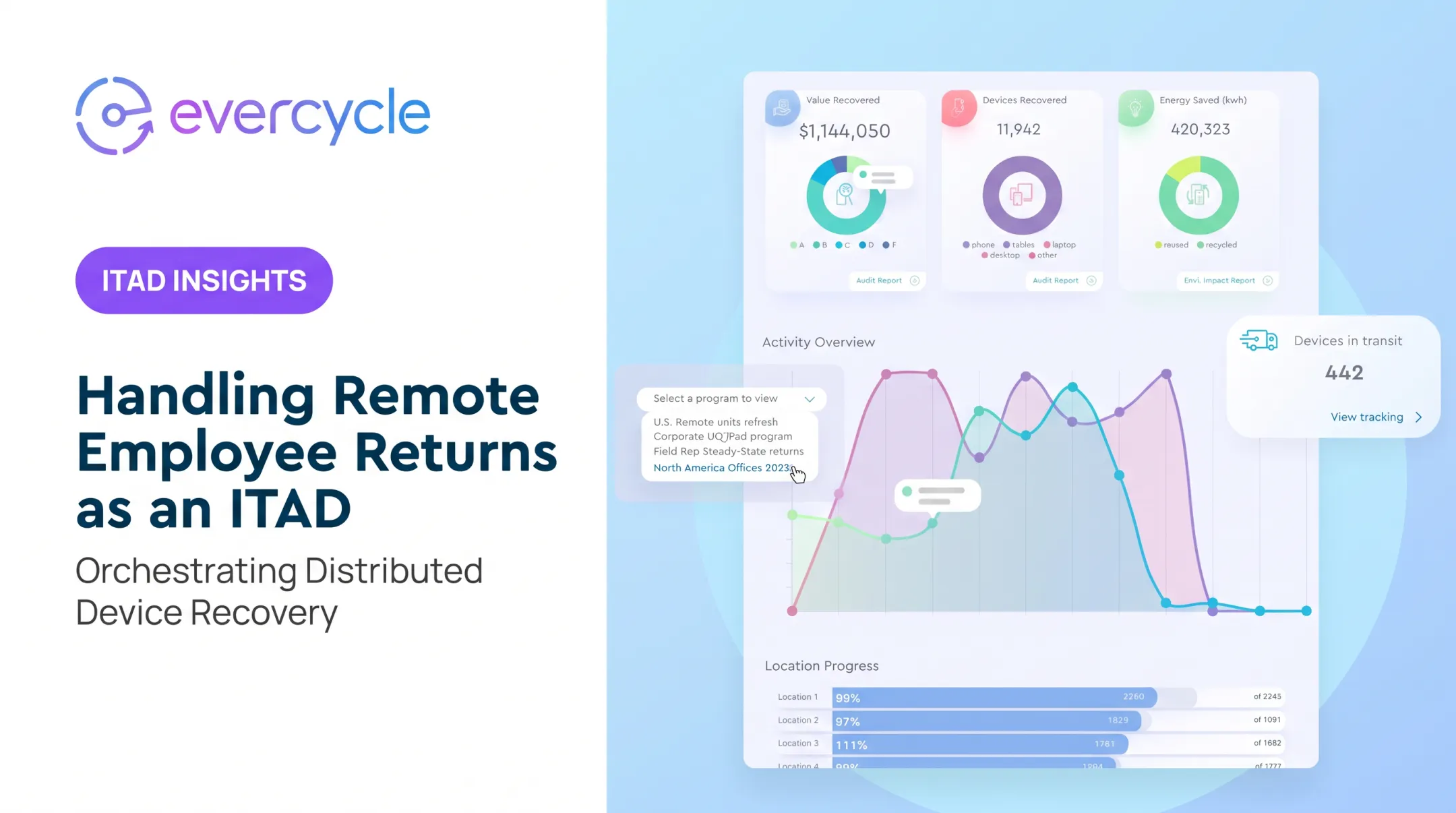
- Real-time chain-of-custody tracking and audit reporting
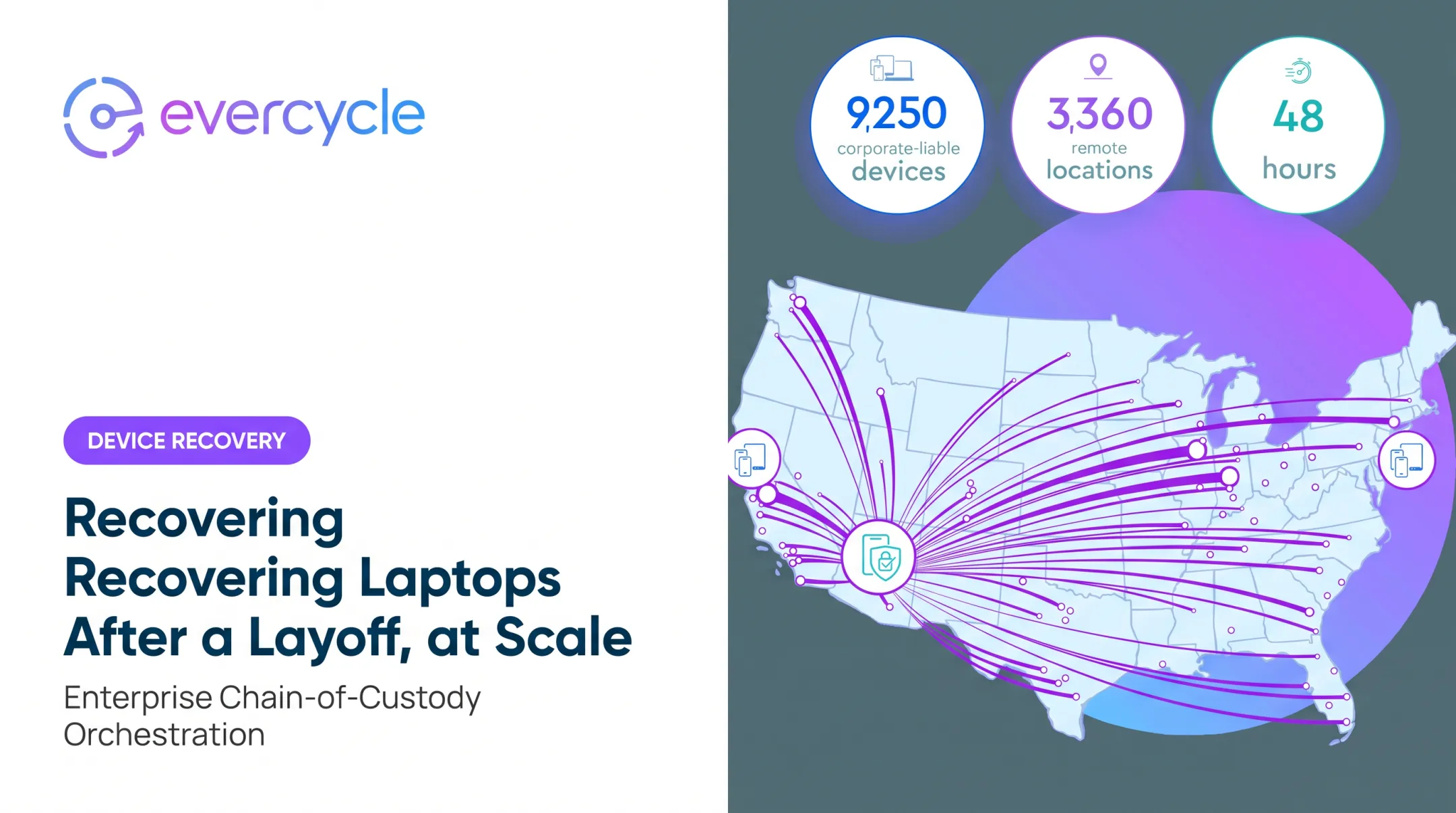
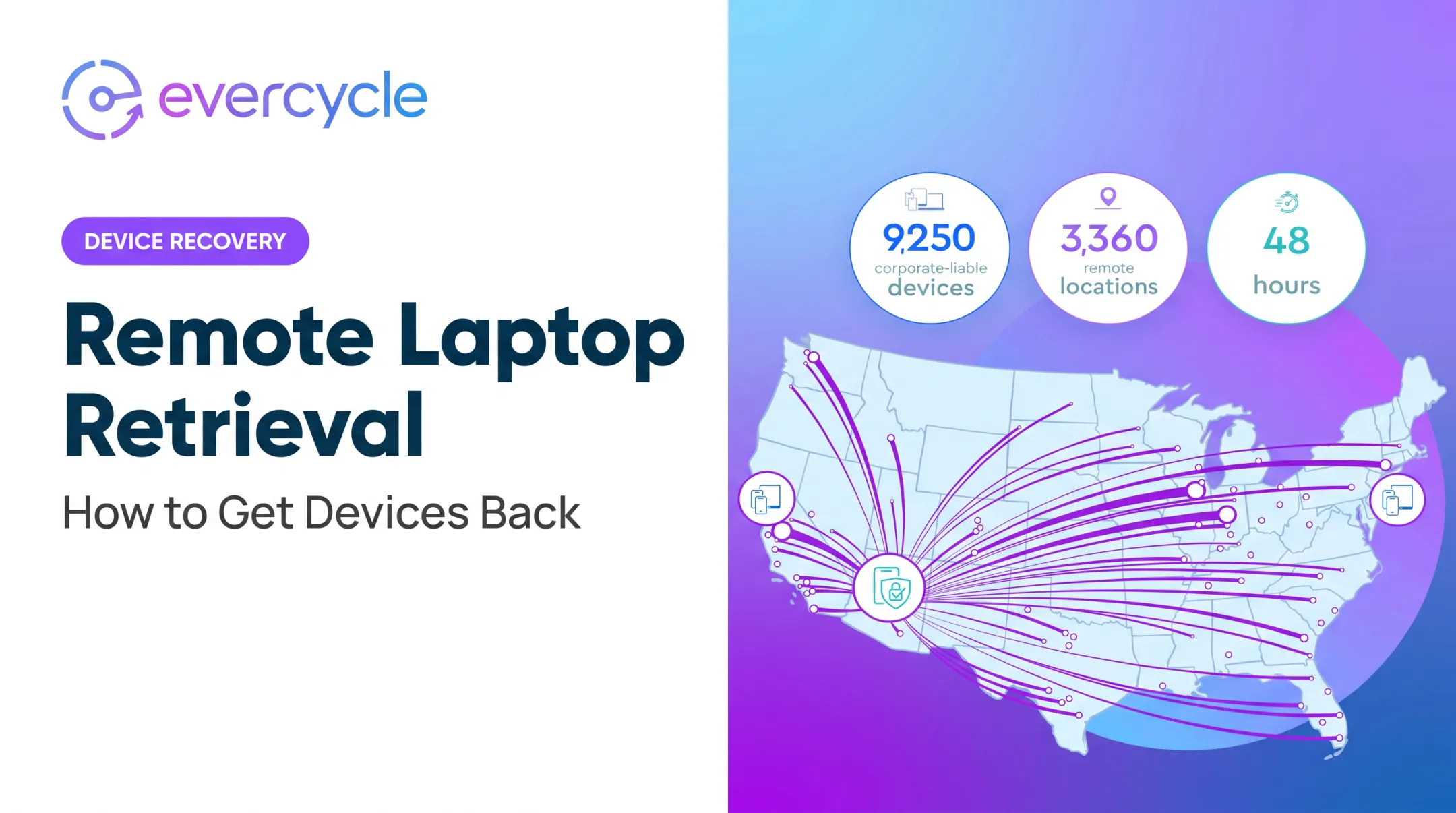
One Fortune 500 program reported a 90% recovery rate across 19 countries, and Evercycle reports that a fully automated program can run end to end in 48 hours. The platform serves enterprise IT teams, HR and People Ops groups, MSPs, and ITAD providers.
Build a dashboard that triggers action
Track these, and give each an owner, data source, and a below-target action:
- Return rate by cohort
- On-time return rate
- Median days to receipt
- Overdue inventory
- First-scan rate
- Exception rate and follow-up volume
- Cost per recovered device
- Share of returns suitable for redeployment or resale

No standardized laptop-recovery KPI exists, so document your own definitions.
Improve through controlled changes
Change one thing at a time: clearer instructions, different packaging, earlier reminders, manager escalation, or a new return option. Compare results against a similar cohort or your historical baseline.
Review quarterly alongside:
- Device age and replacement purchases
- Recovered value
- Security exceptions
- Vendor performance
- Employee feedback
Securely Process Returned Laptops and Recover Their Value
Protect data and document custody
Cover each step in order, and align the method with your security policy and NIST SP 800-88 Rev. 2 (2025), which defines Clear, Purge, and Destroy:
- Access revocation
- Remote lock or wipe where appropriate
- Physical receipt
- Sanitization and verification
- Record retention

Chain-of-custody records should link:
- Employee and serial number or asset tag
- Shipment and receiver
- Sanitization event and condition assessment
- Final disposition
Regulated data adds rules, such as HIPAA for ePHI.
Triage each device
Choose a path based on condition, specs, age, supportability, data status, and demand:
- Redeployment
- Repair or spare stock
- Resale
- Approved donation
- Certified recycling
"Returned" is not "ready for reassignment." A laptop may still need inspection, repair, reimaging, or accessory reconciliation first.
Tie recovery to value
Higher recovery preserves redeployment options and cuts unnecessary purchases. A 2025 Fraunhofer UMSICHT study found laptop refurbishment saves about 31%, or 107 kg, of lifecycle greenhouse-gas emissions. Report both operational success and final asset value, not just boxes shipped.

Frequently Asked Questions
Can a laptop last 7 years?
Sometimes, depending on workload, specs, battery health, repairability, OS support, and security needs. Most refresh research compares three- and five-year cycles, not seven. Assess older returned laptops before replacing or discarding them.
Is 32 GB RAM overkill for a laptop?
Not for developers, creators, virtual machine users, or heavy multitasking. Microsoft suggests 16 GB suits most everyday users. Standardize by role so devices redeploy easily.
What is a good laptop return rate for IT teams?
Set a target that fits your fleet and risk profile. 90%+ is this guide's goal, not a universal benchmark. Track on-time and eventual recovery separately.
How do you calculate a laptop return rate?
Divide laptops returned within the recovery window by laptops due for return. Document approved exclusions, open exceptions, and the measurement period.
How can I get employees to return company laptops?
Set expectations early and send prepaid trackable kits with clear instructions. Remind at milestones, offer self-service status, and escalate overdue devices through managers and HR.
What should happen after a company laptop is returned?
Confirm receipt, verify identity, and sanitize data. Assess condition, reconcile accessories, repair or reimage, then decide whether to redeploy, store, resell, or recycle.