Remote work is not a niche arrangement. The BLS 2025 data shows 22.4% of US workers teleworked at least some hours in a reference week. Every one of those people may hold company equipment.
Remote equipment inventory management means tracking company-issued devices and accessories from procurement through assignment, transfer, repair, return, redeployment, and final disposition. This article covers what to track, how to handle each lifecycle stage, best practices, and what to look for in software.
Key Takeaways
- A record that an asset exists is not proof of who holds it.
- Link every accessory to a primary device so returns are complete.
- Trigger inventory updates from HR events, not manual edits.
- Verify high-value and high-risk equipment first.
- Treat inventory as a lifecycle control system, not a list.
Why Remote Employee Equipment Inventory Is Difficult
Knowing an asset exists is not knowing who has it
A spreadsheet row proves a device was purchased. It does not prove who holds it now, where it is approved for use, whether it's active, which accessories came with it, or whether it must be returned.
Where inaccuracy creeps in
- HR updates arrive late or never
- Equipment swaps go unrecorded
- Chargers, docks, and monitors go missing
- Employees relocate without telling anyone
- Courier handoffs leave gaps
- Replacement devices create duplicate records
- Devices stay assigned to people who left months ago
An Oomnitza-sponsored survey of 213 senior IT professionals found that 27% of respondents lost more than 10% of technology assets during offboarding. That figure covers all technology assets, not just remote endpoints, so treat it as directional.
Too many hands
IT, HR or People Ops, finance, security, managers, employees, couriers, and service providers all touch the same device. Each holds a piece of the truth in a different system. HR knows the start and end dates. IT knows the serial number. Finance knows the cost. Nobody sees the whole picture unless someone connects them.
What a Remote Employee Equipment Inventory Should Track
Scope: what counts
Track laptops, desktops, monitors, phones, tablets, docks, chargers, headsets, keyboards, mice, bags, and adapters. Serialize anything that stores data or carries meaningful cost. Lower-value consumables can be tracked by quantity per kit.
No standard sets a dollar cutoff for this. Pick one that fits your risk and finance policy, and write it down.
Core fields
Asset identity:
- Asset ID, tag, and serial number
- Manufacturer, model, and category
- Purchase date and warranty details
- Current lifecycle status
NIST's SP 800-53 CM-8 control lists similar hardware fields, including date received, cost, model, serial number, and physical location.
Custody and location:
- Employee ID, department, manager, and cost center
- Employment type and approved work region
- Assignment date
- Only the minimum location detail needed for shipping, support, compliance, or recovery
Build the full kit
Link monitors, docks, chargers, phones, and peripherals to the primary device. Then the return checklist shows everything the employee holds, and accessories stop being untracked extras.
Evidence fields worth adding
- Condition and last verification date
- MDM or endpoint status
- Financial asset reference
- Return due date and courier details
- Exception owner
- Acknowledgement or delivery proof
One caution: endpoint activity doesn't prove physical custody. A laptop can check in from a relative's house or a reseller's warehouse. Evercycle, for instance, is not an MDM tool and treats endpoint data as context, not proof.
How to Manage Equipment Across the Remote Employee Lifecycle
Equipment custody shifts at every stage of the remote employee lifecycle. Run each stage as a controlled workflow so records, location, and return obligations stay accurate.
Onboarding
- Receive the HR event
- Approve the equipment request
- Reserve and configure the device
- Link accessories to the device
- Record shipment and delivery evidence
- Get the employee's acknowledgement
- Confirm endpoint enrollment
- Move the record to assigned or in-use

Transfers, relocations, and repairs
Don't just edit one spreadsheet cell. Each event should trigger a review of:
- Employee, manager, and department
- Cost center and approved location
- Status and return obligations
A relocation might change shipping rules. A department move changes who pays.
Replacements
Link the original device, loaner, replacement, repair ticket, courier tracking, and return inspection in one chain. Otherwise you count one asset twice, or the broken original stays assigned forever.
Offboarding
- Capture the exit trigger early
- Generate a full list of assigned equipment and accessories
- Confirm the return address or drop-off method
- Send instructions and a shipping label
- Track the return
- Escalate overdue items
Manual recovery is where hardware disappears. Evercycle's internal figures put unrecovered devices at 20 to 30% under manual processes, versus 90%+ recovery with automation. Those are company-reported numbers, so benchmark against your own.

Post-return processing
- Validate or scan the asset
- Record condition
- Sanitize data securely
- Reconcile with finance
- Route to redeployment, repair, recycling, resale, write-off, or investigation
NIST SP 800-88 Rev. 2 describes sanitization records that capture serial number, method, verification, responsible personnel, and date. Keep that evidence with the asset.
Best Practices for Accurate, Secure, and Recoverable Inventory
Eight practices that hold up
- Standardize required fields so every asset record is complete and comparable
- Assign unique asset identifiers that stay with each device for its full life
- Link accessories to primary equipment so chargers and docks are not orphaned
- Update records at every handoff, not in batches after the fact
- Require employee acknowledgement when gear is received or returned
- Reconcile against HR, endpoint, finance, and courier data
- Review exceptions on a set cadence so gaps do not sit unresolved
- Document return or disposition evidence for audit readiness
Prioritize with the 80/20 rule. ASCM's dictionary notes that 20% of items may account for 80% of inventory value. That split is an example, not a guarantee for IT gear. Use it as triage: check high-value, high-risk, regulated, frequently moved, or hard-to-replace equipment first, and still keep a complete record of everything.
Verify with several signals
No single source settles custody. Combine them:
- Employee self-certification: cheap and scalable, but self-reported
- Endpoint signals: current, but they show a device, not its location
- Courier records: strong for transit, silent once delivered
- Manager confirmation: useful context, often informal
- Physical scans: definitive where practical, costly at scale
- Targeted audits: good for high-risk groups

CIS Control 1 recommends reviewing the inventory at least twice a year and addressing unauthorized assets weekly.
Security, privacy, and exceptions
- Limit access by role
- Collect only the home-address detail you need (California's privacy rules cover employees, for example)
- Check encryption and device management status
- Document chain of custody
- Sanitize data before reuse or disposal
- Define escalation for lost or stolen equipment
Run an exception queue for anything that falls out of pattern. Flag missing, inactive, overdue, damaged, unacknowledged, location-mismatched, and finance-mismatched equipment. Each exception needs a severity, owner, due date, escalation path, and closure evidence.
How Inventory Software Supports Remote Equipment Management
Spreadsheets versus dedicated software
| Area | Spreadsheet | Lifecycle software |
|---|---|---|
| Visibility | Snapshot, goes stale | Live status |
| Employee communication | Manual emails | Automated notices |
| Workflow | Manual | Event-driven |
| Integrations | Copy and paste | HR, ITSM, endpoint |
| Audit history | Overwritten cells | Time-stamped log |
| Exceptions | Ad hoc | Queued and owned |
| Scale | Fragile | Built for volume |

A spreadsheet is a fair starting point. It breaks once updates come from several teams and systems.
Capabilities to look for
- Centralized asset records with linked accessory tracking
- HR, ITSM, and endpoint or MDM integrations
- Employee notifications plus courier and vendor updates
- Event-driven onboarding and offboarding
- Chain-of-custody history and role-based access
- Audit-ready reporting
Where Evercycle fits
Evercycle is an enterprise software platform that orchestrates device deployment, recovery, repair, and disposition across a company's existing vendors and systems. It doesn't ship or process hardware itself. Your carriers and ITAD providers do that.
What it adds:
- Unified visibility into who has what, and where
- Automated vendor routing
- Employee communications, including prepaid labels and reminders on days 3, 7, and 14
- Real-time lifecycle activity
- Chain-of-custody traceability and audit reporting
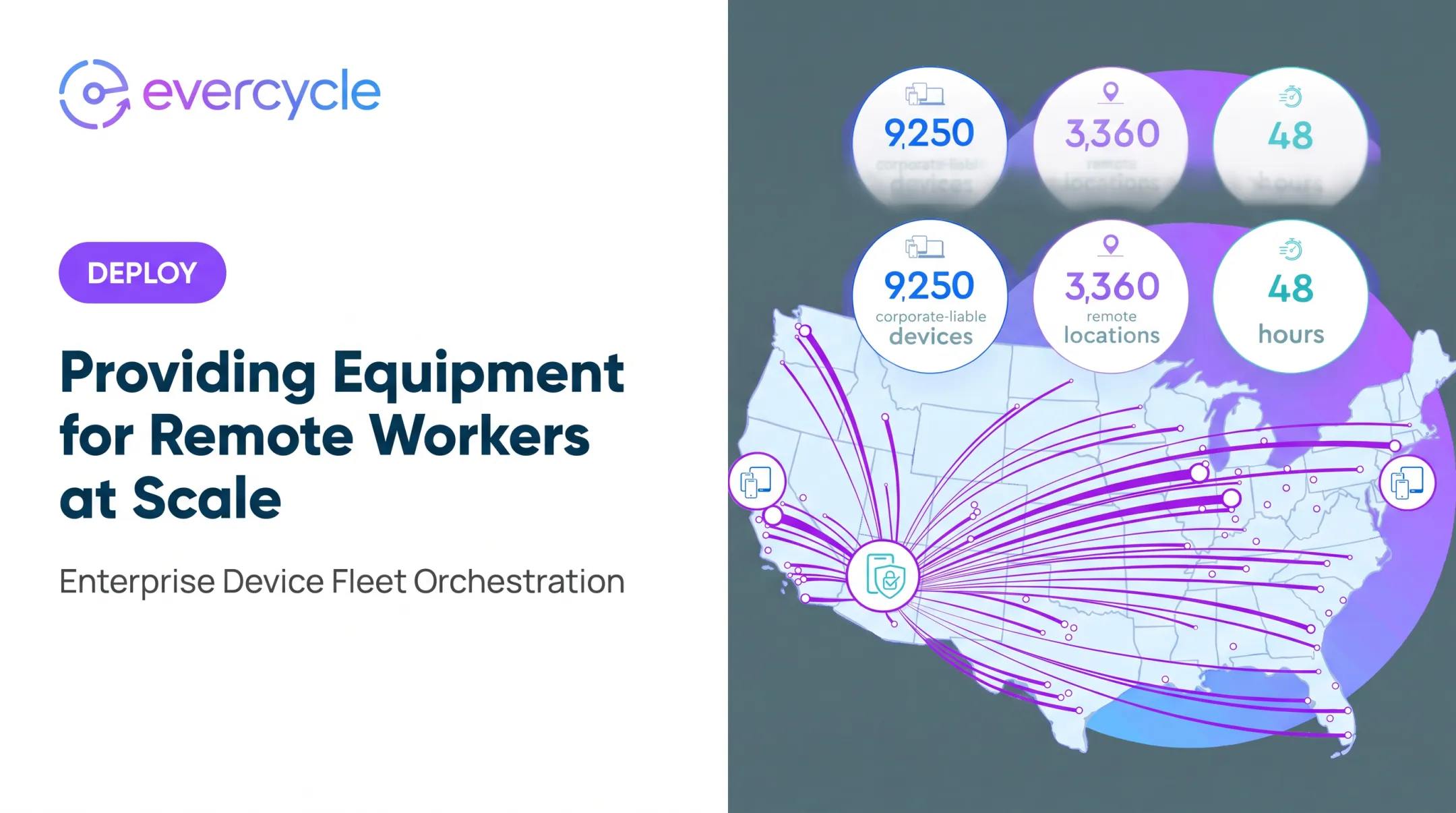
In one example, Evercycle reported recovering 9,250 devices from 3,360 remote locations in under 48 hours.
Conclusion
Remote equipment inventory works as a lifecycle control system. Every asset needs a clear identity, a responsible custodian, an approved location, a current status, linked accessories, and a documented next action.
- Standardize records and link accessories
- Let HR and lifecycle events trigger updates
- Hold employees and vendors accountable with evidence
- Verify high-risk equipment first
- Protect privacy and security at every handoff
- Use orchestration software once spreadsheets strain
If fragmented spreadsheets and chasing departing employees sound familiar, evaluate how Evercycle could improve your visibility and coordination.
Frequently Asked Questions
What are 8 best practices for inventory management?
For remote equipment: standardize records, use unique IDs, link accessories, update every handoff, verify custody, reconcile connected systems, manage exceptions, and document returns or disposition.
What is the 80/20 rule for inventory?
It's a Pareto-based idea that about 20% of items may account for 80% of value. Focus attention on high-value, high-risk, or frequently moved equipment, but keep complete records for all assets.
What equipment should be tracked for remote employees?
Laptops, phones, tablets, monitors, docks, chargers, peripherals, bags, and any other company-owned gear affecting security, cost, support, or recovery.
How do you track equipment assigned to remote employees?
Keep unique asset records with assignment, approved location, condition, accessories, and acknowledgement. Add endpoint signals, courier evidence, periodic verification, and a lifecycle status.
How do you recover company equipment from a remote employee?
Start from the HR exit event, send a full equipment checklist with shipping instructions, and track the courier. Inspect the return, handle data, and escalate overdue items.