Introduction
Laptops, monitors, phones, and security keys move between the company, employees' homes, vendors, and repair providers. Many teams still track all of that in disconnected spreadsheets and informal handoffs.
The cost shows up fast. In an Oomnitza and YouGov survey, 49% of surveyed IT professionals at enterprises with 1,000-10,000 employees reported losing at least 5% of their technology assets when workers left. Unclear ownership also means delayed offboarding, unreported damage, unauthorized software, and no record of where a device has been.
This article gives you a copyable, US-focused equipment policy template, plus the policy fields, security rules, return procedures, and implementation steps behind it.
Key Takeaways
- A policy sets the rules; assignment forms and the asset register prove who has what.
- Cover scope, acceptable use, security, maintenance, incidents, and returns.
- Block "issued" status until the record and recipient confirmation are complete.
- Get US legal and HR review before adding deductions, monitoring, or BYOD language.
What Is a Company Equipment Policy for IT Assets?
A company equipment policy is the document that sets how company-owned, leased, or approved IT assets are issued, used, protected, maintained, tracked, transferred, and returned.
It differs from the records that support it:
- Equipment assignment agreement: confirms a specific person received a specific device.
- Checkout form: records a temporary handoff and return.
- Asset register: holds each device's identity, status, and lifecycle history.
The policy works at the organization level. The other three are transaction and inventory records. The FFIEC handbook describes IT asset management as tracking and reporting assets through their life cycle.
That lifecycle view gives each team a clear stake:
- HR gets cleaner onboarding and offboarding.
- IT gets defined security and maintenance duties.
- Managers and employees know who is accountable.
- Finance gets audit records and more opportunities to repair, reuse, or recover value.
The same tracking protects data. Exposure continues until a drive is wiped, and without documented recovery a company cannot prove the data is gone.
What to Include in a Company Equipment Policy
Document Control and Governance
Capture the basics so the policy stays auditable and current:
- Policy title, ID, and version
- Owner and approver
- Effective date and next review date
- Affected worker groups and related policies
- Exception process and acknowledgment requirements
Asset Scope and Assignment Records
Name covered assets: laptops, desktops, monitors, tablets, phones, docking stations, chargers, headsets, security keys, routers, and peripherals. Require records for:
- Make, model, serial number, and asset tag
- Accessories and condition
- Assigned user and location
- Current status
CIS Control 1 calls for active management of enterprise assets, including portable endpoints and remote assets.
Acceptable Use and Care
- State whether limited personal use is allowed.
- Prohibit lending, resale, and hardware modification.
- Require approved software only.
- Set physical security expectations, such as no unattended devices in vehicles.
- Separate normal wear from reportable damage.
Security, Privacy, and Monitoring
Treat these items as your company's security baseline:
- Passwords and multifactor authentication
- Approved applications only
- Encryption or device-management enrollment
- Secure storage and remote-wipe authority
- Data handling and lost-device reporting
Tell employees plainly what technical information the company may collect or review.
Lifecycle, Maintenance, Incidents, and Returns
Spell out the full handoff path:
- Who handles repairs
- How to report loss, theft, damage, or malfunction
- What happens at replacement or transfer
- Return deadlines, condition checks, and documented exceptions
Sanitization needs its own record. NIST SP 800-88 Rev. 2 lists sample certificate fields: make and model, serial number, property number, method, verification, and verifier.

Company Equipment Policy Template for IT Assets
Copy the text below and replace the bracketed placeholders. Customize it for your workforce, systems, contracts, and applicable US laws, and obtain legal review before adoption.
Policy Administration, Purpose, and Scope
Purpose. This policy governs how [Company Name] issues, uses, protects, maintains, tracks, and recovers IT assets.
Scope. It applies to [employees, contractors, temporary workers] and covers [laptops, desktops, monitors, phones, tablets, docking stations, chargers, headsets, security keys, networking devices].
Ownership of policy. Policy Owner: [Title]. Approver: [Title]. Effective date: [Date]. Next review: [Date].
Ownership, Provisioning, and Assignment
All covered equipment remains the property of [Company Name] [or its lessor]. Equipment is issued for authorized business purposes. Requests are approved by [Approver Role].
Each issue is recorded with asset tag, serial number, accessories, condition, recipient, issue date, and expected return trigger. Equipment is not considered issued until the recipient acknowledges the record.
Acceptable Use, Care, and Responsibilities
Users will:
- Use equipment for authorized business purposes [and limited personal use that does not violate company policy].
- Store devices securely and keep them in their possession or locked when traveling.
- Install only software approved by [IT Contact].
- Never share, lend, sell, or modify equipment.
- Take reasonable care and report problems promptly.
Security, Privacy, and Company Access
Users must use [Approved Authentication Method] and keep devices enrolled in [Approved Device Management Tool]. Users must not disable or bypass management or security tools.
[Company Name] may provide remote support and may remotely lock or wipe a device that is lost, stolen, or compromised. Company data may be stored only in [Approved Systems].
[Company Name] may collect [list: device inventory, security telemetry, access logs]. It does not review [list exclusions]. See [Privacy Notice/Monitoring Notice].
Maintenance, Loss, Damage, and Incident Reporting
[IT team or Service Provider] performs repairs and routine maintenance. Users must not attempt repairs.
Report loss, theft, damage, or suspected compromise to [IT Contact] within [Reporting Timeframe]. IT will escalate to [Security Contact], decide on repair or replacement, and document the condition assessment.
Return, Offboarding, and Acknowledgment
Equipment must be returned within [Return Timeline] after resignation, termination, role change, replacement, or company request.
Returns include all accessories and use [Return Kit or Prepaid Label]. On receipt, [Company Name] checks condition against the assignment record, sanitizes data, removes access, and updates the asset record. Unresolved returns go to [Escalation Contact]. Exceptions require written approval from [Approver].
Acknowledgment: I have read and agree to this policy. Name / Signature / Date.

How to Implement and Maintain the Policy
Build a Reliable IT Asset Register
Start with devices that hold company data, cost a lot to replace, move often, or sit with remote workers. Reconcile each record against the physical asset. Capture ownership, status, location, condition, and lifecycle events.
FFIEC guidance says management should regularly review and validate inventory accuracy.
Standardize Issue and Transfer Workflows
Connect procurement, configuration, approval, acknowledgment, shipping, and assignment. A device should not count as issued until the record and the recipient's confirmation are both complete.
Connect Onboarding, Role Changes, Repairs, and Offboarding
- Add equipment checks to onboarding and offboarding checklists.
- Trigger return tasks when employment or role status changes.
- Record every transfer and repair.
- Reconcile returned accessories and condition against the original assignment.
Review Records, Exceptions, and Versions
Assign one owner to review:
- Overdue returns
- Unassigned devices
- Stale locations
- Missing serial numbers
- Unresolved incidents
- Open exceptions
Keep one current policy version and archive the old ones.
Manual follow-up is where programs stall. Evercycle is a software orchestration platform that coordinates device lifecycle activity across your existing enterprise systems, vendors, and employee communications.
It handles recovery workflows, chain-of-custody events, and disposition reporting. It does not physically ship or process hardware; your own logistics and ITAD partners do that.
Its Insight module can ingest a device manifest or connect to MDM and inventory tools. It flags assets overdue for return and devices lacking chain-of-custody documentation.

US Legal, Privacy, and Remote-Work Considerations
Get Legal Review First
Obtain US legal and HR review before adding language on:
- Payroll deductions and employee liability for damage
- Final pay and expense reimbursement
- Monitoring and BYOD
- Contractor obligations and ownership transfers
Rules vary by state. Under 29 CFR 531.35, required tool costs cannot cut into minimum wage or overtime.
California Labor Code 2802 and Illinois 820 ILCS 115/9.5 address reimbursement of necessary work expenses. California also sets strict final-pay deadlines. Research the current rules where your workers live.
Be Transparent About Monitoring
A work laptop policy should disclose:
- Device management and security telemetry
- Access logs, remote support, and remote wipe
- Permitted personal use
Don't imply unrestricted surveillance.
Some states require notice. New York Civil Rights Law 52-c requires notice of covered electronic monitoring, and Connecticut and Delaware have their own notice rules. Align the policy with your privacy notices, acceptable-use rules, and security procedures.
Make Remote Returns Practical
Employees should know exactly whom to contact and what happens next. Cover:
- Shipment tracking, packaging, and return labels
- Repair instructions
- Lost or stolen devices
- Employee moves and travel
- Vendor handoffs
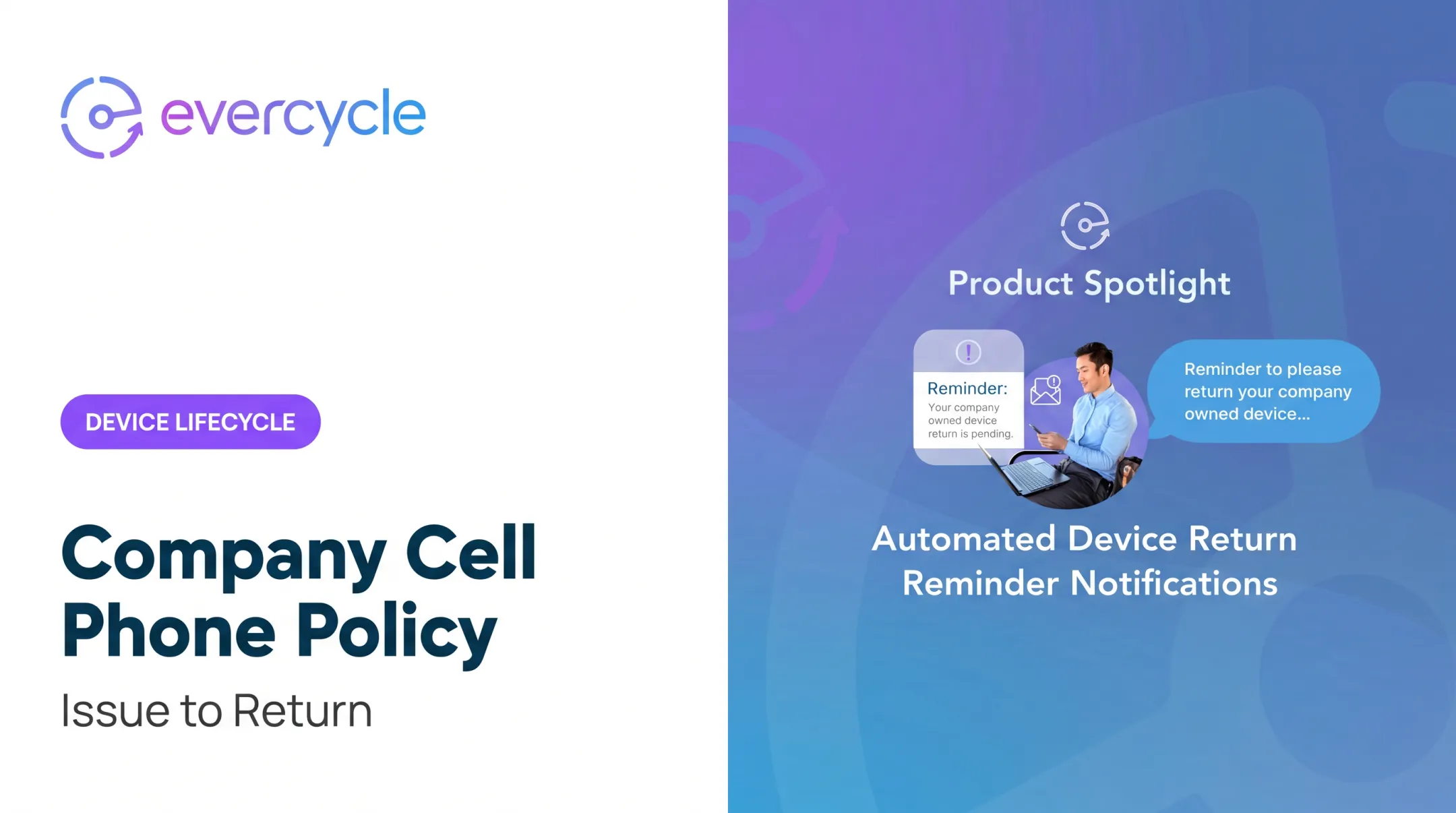
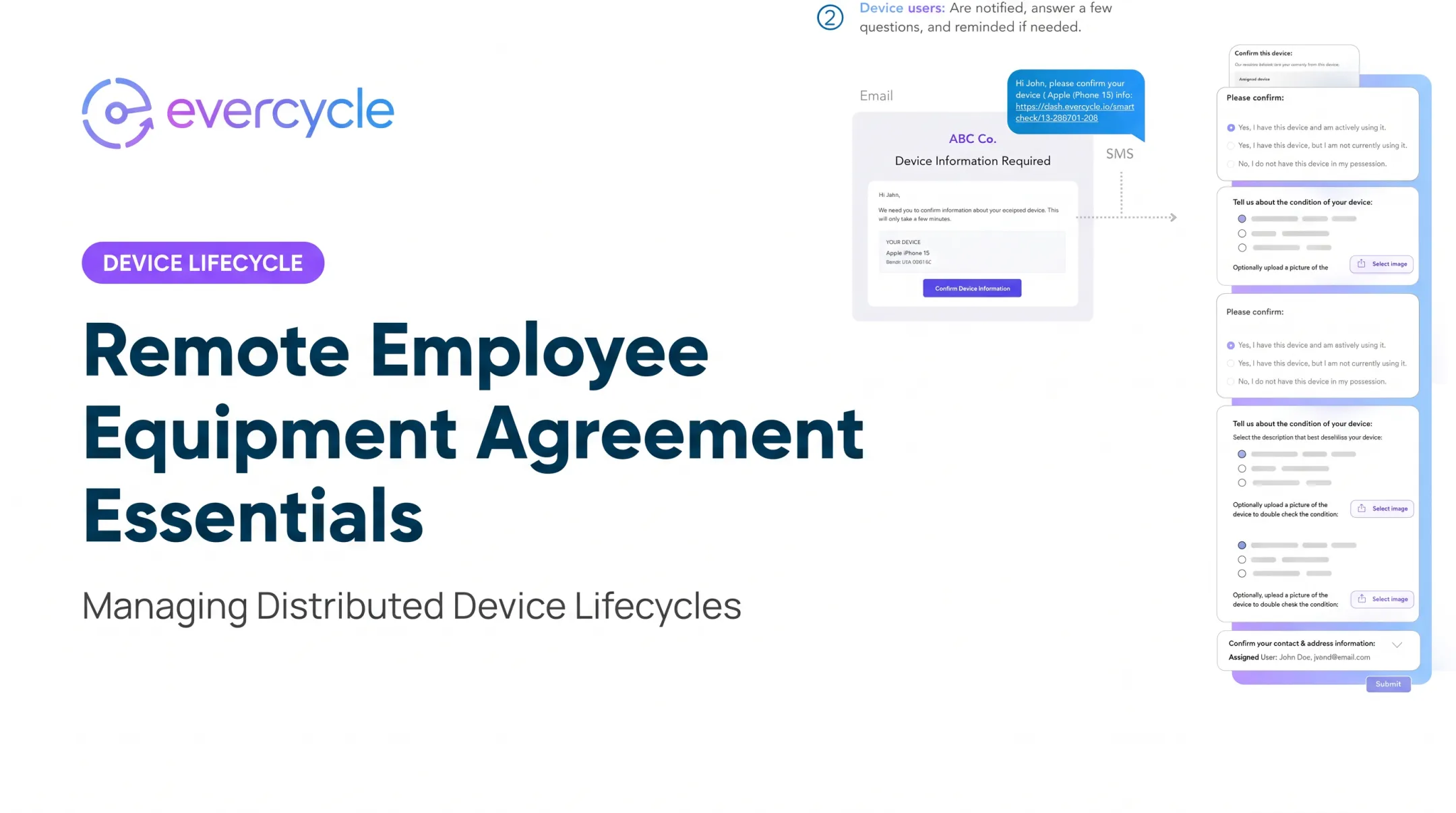
Reminders help. Evercycle's automated workflows, for example, send prepaid labels and packaging instructions right away, then remind and escalate on Days 3, 7, and 14.
Conclusion
A good equipment policy is more than a line saying employees must return laptops. It ties clear rules to accurate asset records, security controls, maintenance ownership, incident reporting, and repeatable recovery workflows.
Next steps:
- Customize the template for your environment
- Get US legal review before you publish
- Share the current version during onboarding
- Revisit it whenever equipment, workforce, security, or lifecycle processes change
Frequently Asked Questions
What should be included in an IT policy?
Cover scope, ownership, acceptable use, security, maintenance, incident reporting, and return obligations. Add responsibilities, version control, and employee acknowledgment.
What should employee laptop policies cover?
Address authorized and personal use, software installation, physical care, and security controls. Also include monitoring notice, loss reporting, and return requirements.
Who is responsible for equipment maintenance?
Typically IT or an approved service provider handles maintenance, while employees provide reasonable care and report issues promptly. Your written policy sets the exact split.
Can my company see everything I do on my work laptop?
Not automatically. Visibility depends on the company's systems and settings, and employers should disclose monitoring, device-management, and security practices clearly.
Does an employer have to provide a laptop?
It depends on the role, work arrangement, employment terms, and federal or state reimbursement rules. Get legal or HR guidance for your situation.
What counts as company equipment?
Equipment means company-owned, leased, or approved technology. Examples include laptops, desktops, monitors, phones, tablets, docking stations, chargers, headsets, security keys, and networking devices.