Introduction
One resignation touches far more than an HR file. Identity, applications, payroll, security, managers, facilities, vendors, and company-owned laptops all change at once. When each team runs its own checklist, something slips.
In 2024, CISA reported a case where a state government incident began with a former employee's account that was never immediately disabled. Attackers used it to reach internal documents.
This guide covers how to build a controlled, auditable offboarding workflow that handles remote and on-site staff, voluntary and involuntary exits, and contractors. We'll walk through triggers, ownership, workflow stages, controls, automation, and measurement.
Key Takeaways
- Design triggers, owners, and completion criteria before buying or configuring any tool.
- Never close a workflow just because a directory account is disabled.
- Branch the process by separation type, work location, and access level.
- Tie every device to a unique asset record with custody events.
- Pilot with one business unit, then measure and expand.
Why Offboarding Needs a Workflow
Emails, spreadsheets, tickets, and departmental checklists fail in predictable ways. Handoffs get missed. Timelines vary by who happens to be managing the exit. Nobody can say what's actually finished.
The business impact shows up in several places:
- Lingering access to systems and data
- Inaccurate employee records
- Lost knowledge when projects have no replacement owner
- Unrecovered equipment
- Interrupted approvals tied to a departed person
- Paid software licenses nobody reclaimed
- Missing compliance evidence
Government audits show how these gaps look in practice. TIGTA's 2024 audit found that 13 of 63 former IRS contractor employees still had both an assigned ID and active network permissions.
A later TIGTA asset review covered roughly 22,000 departing IRS employees and found 594 assets valued at $274,822 still unlocated. That audit reported no post-departure network access, so it's an asset-control finding, not a security-breach one.
These are public-sector examples, not prevalence estimates. But the pattern applies anywhere offboarding relies on memory and manual chasing.
Design the Workflow Before Automating It
Automation locks in whatever process you give it. Get the design right first.
Define the Trigger and Scope
Pick one authoritative event that starts the process: a resignation, termination decision, contract end, retirement, internal transfer, or extended leave. Then decide which system owns employee status and the separation date. Usually that's the HRIS.
Scope should cover:
- HR records and payroll coordination
- Manager tasks and knowledge transfer
- Access, applications, and devices
- Facilities, vendors, and post-exit verification
One platform doesn't need to do all of it. The workflow just needs to coordinate it.
Assign Ownership, Approvals, and Dependencies
For every task, name who initiates, approves, performs, verifies, and closes it. The usual players:
- HR coordinates the overall process
- Managers own handoffs and knowledge transfer
- IT and security own access and devices
- Payroll and finance own final pay, expenses, and corporate cards
- Facilities own badges and keys
- Legal decides on holds and preservation
Then map timing. Involuntary terminations need access cut immediately. Other tasks wait for the last working day. Some, like license cleanup and final reconciliation, continue after separation.

Design Conditional Paths and Exceptions
Build branches for:
- Voluntary versus involuntary exits
- Remote versus on-site staff
- Employees versus contractors
- Privileged users and regulated roles
- People holding multiple devices
Then plan for things going wrong:
- Failed integrations
- Missing or disputed assets
- Legal holds
- Unavailable managers
- Separation dates that change mid-process
Establish Completion Criteria and Records
Define "done" for each task: a confirmed access revocation, a verified device receipt, a documented data-preservation decision.
Retain the evidence:
- Timestamps and approvals
- Device identifiers and custody events
- Sanitization records
- Exceptions and final closure status
Map the End-to-End Employee Offboarding Workflow
Trigger and Intake Before the Last Day
Start with a controlled intake record that captures:
- Identity, role, manager, and department
- Separation type, last working date, and location
- Assigned assets, privileged access, and required approvals
Route it to the right teams. Give the employee and manager clear deadlines, return instructions, and a way to ask for help.
Knowledge Transfer and Business Continuity
Managers should list active projects, customer and vendor relationships, recurring duties, approvals, and shared mailboxes, with a named replacement for each.
Don't forget non-human dependencies:
- Scheduled jobs and automations
- Service accounts and API keys
- Shared credentials
- Distribution lists
Access, Account, and Application Changes
Coordinate access changes by separation type and approved timing across:
- Identity provider and directory
- VPN and email
- SaaS, source control, and cloud
- CRM, finance, and collaboration tools
CIS Controls v8.1 calls for a revocation process, preferably automated, with immediate disabling at termination or role change.
Add a verification task. Confirm the primary account is gone, then check secondary, local, privileged, delegated, shared, and third-party access. Route any failure to security.
Company Device and Equipment Recovery
Reconcile the assigned asset list against your inventory record: serial numbers, accessories, mobile devices, tokens, badges, and anything held at home. Offer distinct return paths:
- On-site handoff
- Prepaid shipping
- Third-party collection
- Handling for damaged or lost equipment
- Approved temporary retention during a transition
Separation Date and Final-Day Actions
On the last day, execute the access cutoff, handle badge changes, confirm manager and HR tasks, collect acknowledgments, and tell the employee what happens next. Coordinate payroll, benefits, expenses, corporate cards, and subscriptions with the owning teams.
Final pay and COBRA rules vary. The DOL notes federal law doesn't require an immediate final paycheck, and states differ, so validate requirements with qualified advisers.
Post-Separation Verification and Closure
Reconcile status across HR, identity, applications, assets, logistics, and disposition systems. A disabled directory account isn't closure.
Close only when every exception has an owner and due date, devices have a documented disposition path, evidence is stored, and the workflow owner approves.

Build Security, Data, and Asset Controls Into Each Step
Protect Identity, Access, and Sensitive Information
Apply least privilege and risk-based timing. Involuntary exits and high-risk accounts get an expedited path. If the business needs temporary access, require an approval.
Cover the less visible items too:
- Privileged accounts and shared credentials
- API keys, tokens, and browser sessions
- Local device accounts and personal devices used for work
- Remote-management tools and third-party apps outside the primary directory
Handle Data Retention and Transfer Deliberately
Decide when data is transferred, archived, preserved under legal hold, or deleted, based on approved retention policy. Separate company records from personal information. Assign owners for mailboxes, cloud storage, repositories, CRM records, and project files. Record each approval.
Retention periods attach to different record types, so don't apply one deletion date:
| Record | Typical federal rule |
|---|---|
| Payroll records | At least 3 years (DOL) |
| Time cards, wage-computation records | At least 2 years (DOL) |
| Employment-tax records | At least 4 years after the return is filed (IRS) |
| Form I-9 | 3 years after hire or 1 year after termination, whichever is later (USCIS) |
| Personnel records (EEOC) | 1 year, longer if a charge is filed |
Sector rules such as HIPAA, GLBA, and PCI DSS add access-termination requirements. None sets one universal deadline, so follow your own policy and counsel's advice. This is operational guidance, not legal advice.
Make Hardware Recovery Verifiable
Link every recovery task to a unique asset record. Capture custody events from handoff through receipt, inspection, data sanitization, repair, redeployment, recycling, or resale. NIST SP 800-88 Rev. 2 is the current reference for media sanitization.

For remote employees, include:
- Packaging instructions and labels
- Carrier tracking and delivery confirmation
- Damaged-device handling
- An escalation path for equipment that never arrives
Preserve Auditability
Record who initiated, approved, performed, verified, or waived each task, with timestamps, system responses, and exception reasons.
Maintain a Respectful Employee Experience
Send clear, consistent communications covering:
- Return instructions and personal-data considerations
- Final-pay and benefits contacts
- A channel for problems
If you run an exit survey, keep that feedback separate from security-sensitive workflow records.
Automate Integrations, Exceptions, and Communications
Connect the Trigger to the Systems That Do the Work
An HRIS record can trigger tasks in identity, ITSM, asset inventory, endpoint management, payroll, facilities, finance, logistics, and ITAD systems.
Microsoft Entra's documentation shows one example: a termination in the HR app can disable the AD account and block sign-in to protected apps. That path alone doesn't cover every downstream credential.
Pick a clear source of truth for status, separation date, access, and assets. Reconcile regularly so integrations don't quietly create conflicting records.
Orchestrate Device Recovery Across Existing Providers
Evercycle is an orchestration layer for device recovery. It isn't an HR, payroll, or identity platform. It coordinates existing systems, logistics providers, ITAD partners, and internal teams, while those providers perform the physical work.
Relevant capabilities include:
- Pickup of offboarding events from HRIS, MDM, or CSV
- Automated vendor routing and employee communications
- Return kits or prepaid labels, with real-time tracking
- Chain-of-custody records and audit reporting
- Exception visibility for the right team
- Reuse and recovered device value
It integrates with tools such as ServiceNow, Jamf, Microsoft Intune, Okta, and Entra ID, and leaves HR and IT systems authoritative for their own data.
Evercycle reports a 90% recovery rate for a Fortune 500 program across 19 countries. Without orchestration, the company notes, 20 to 30% of devices went unrecovered and each recovery event took 3 to 6 hours of IT time.

Add Notifications, Escalations, and Human Review
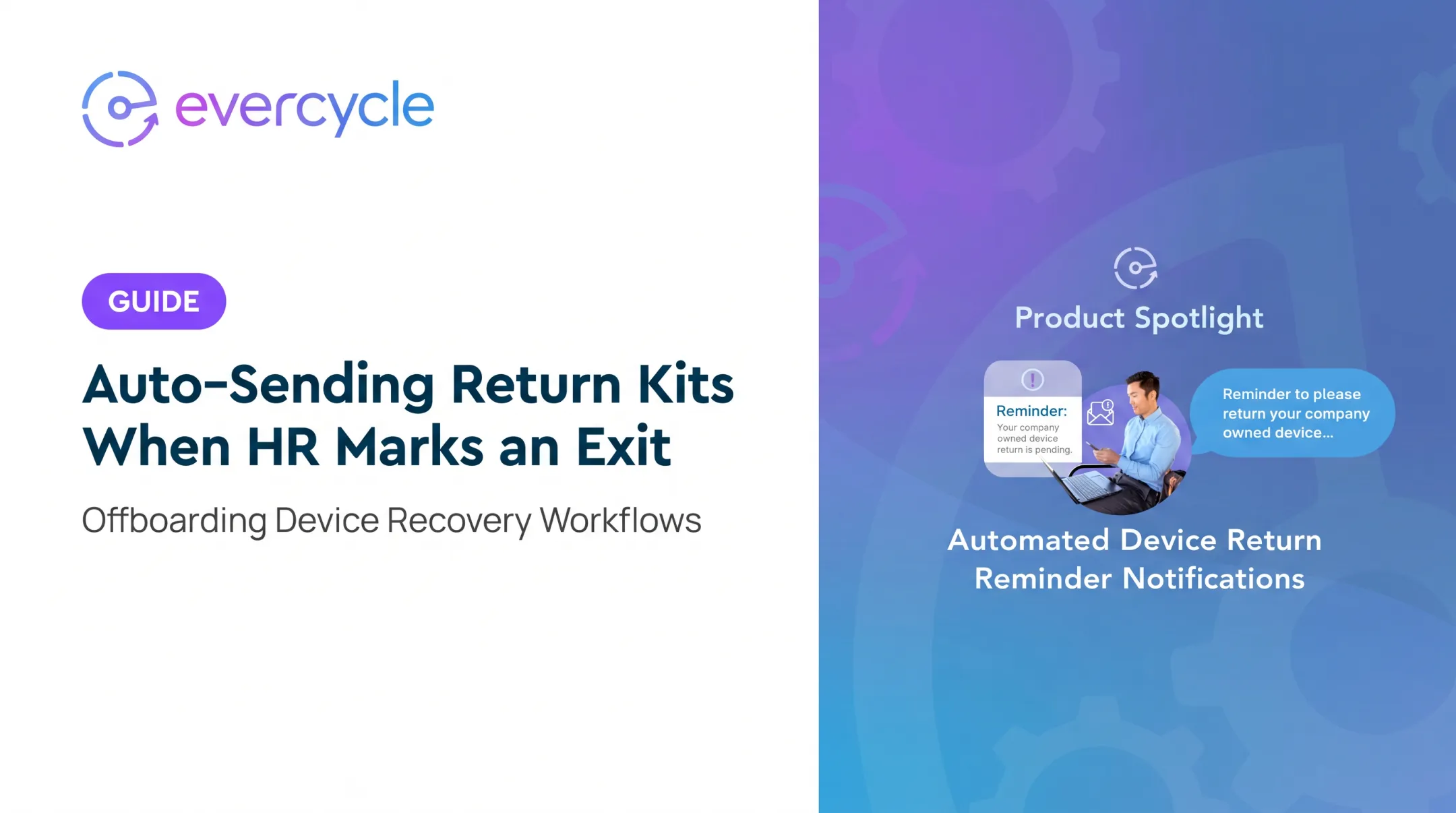
Automate reminders for employees, managers, and task owners. Evercycle's defaults run on Day 3, Day 7, and Day 14. Escalate when these fall behind:
- Overdue access removal
- Missing equipment
- Failed integrations
- Incomplete approvals
- Unresolved data decisions
Keep humans in the loop for high-risk decisions: legal holds, privileged-access exceptions, disputed ownership, sensitive data transfers, write-offs, and final asset disposition.
Test Before Broad Rollout
Build test cases for:
- Normal departures and immediate terminations
- Remote employees and contractors
- Privileged users
- Multiple devices
- Changed separation dates
- Failed API calls
- Missing or damaged equipment
Require a pilot, a documented rollback procedure, integration monitoring, and periodic rule reviews. Provisioning logs, like those in Entra, help here.

Conclusion: Make Offboarding a Repeatable, Auditable Workflow
Start with one business unit or departure type. Validate ownership, timing, communications, integrations, exceptions, and evidence before expanding.
Then measure. Useful metrics include:
- Tasks completed by deadline
- Access-removal exceptions
- Time to recover devices
- Percentage of assets reconciled
- Unresolved post-exit tasks
- License cleanup
- Employee feedback
- Audit findings
No authoritative cross-industry benchmark exists for deprovisioning time or license reclamation, so set targets against your own baseline.
Effective offboarding ties people, systems, security, and hardware into one accountable process. If distributed device recovery is your sticking point, consider an orchestration approach like Evercycle's that works across the vendors and systems you already use.
Frequently Asked Questions
What is an employee offboarding workflow?
It's the coordinated sequence of HR, manager, IT, security, payroll, facilities, asset, and compliance tasks run when someone leaves. It replaces ad hoc emails with defined owners, timing, and evidence.
What steps should an employee offboarding workflow include?
Trigger and intake, ownership assignment, knowledge transfer, access removal, data handling, equipment recovery, final-day actions, verification, and closure. Each step needs completion criteria.
Who is responsible for employee offboarding?
HR usually coordinates. Managers, IT, security, payroll, facilities, legal, finance, and asset teams each own specific tasks. There is no single universal owner, so assign coordination explicitly.
How do you handle offboarding for remote employees?
Send clear instructions early, ship prepaid labels and packaging, and track custody through delivery. Cut access on schedule and escalate missing or damaged equipment quickly.
How does an offboarding workflow reduce security risk?
Standard triggers, timely revocation, privileged-account review, preservation controls, and verification reduce missed steps. Audit trails prove what happened and when.
How can organizations automate device recovery during offboarding?
Connect the HRIS and asset records to a workflow that sends employee instructions, routes carriers and vendors, logs custody events, and flags exceptions. Verify final disposition before closing.