Introduction
A company laptop isn't fully managed once it's purchased or handed to an employee. It stays an organizational asset that needs oversight from procurement through return, reuse, or retirement.
When management is fragmented, the damage adds up: incomplete inventory records, uneven security controls, slow offboarding, avoidable replacement spending, and lost resale value.
In a 2022 YouGov survey of 213 IT professionals, Oomnitza's offboarding survey found 49% lost at least 5% of technology assets during offboarding. That figure covers all technology assets, not laptops alone.
This guide walks through a lifecycle approach: standardize procurement, register and deploy each device, monitor and maintain it, connect HR events to recovery, and document secure disposition.
Key Takeaways
- Give every laptop a known owner, location, status, condition, and next action.
- Pair endpoint controls like encryption and patching with physical tracking and recovery.
- Replace isolated spreadsheets with shared workflows across IT, HR, security, finance, and vendors.
- Favor secure redeployment, and keep proof of data sanitization.
What Company Laptop Lifecycle Management Includes
The Stages
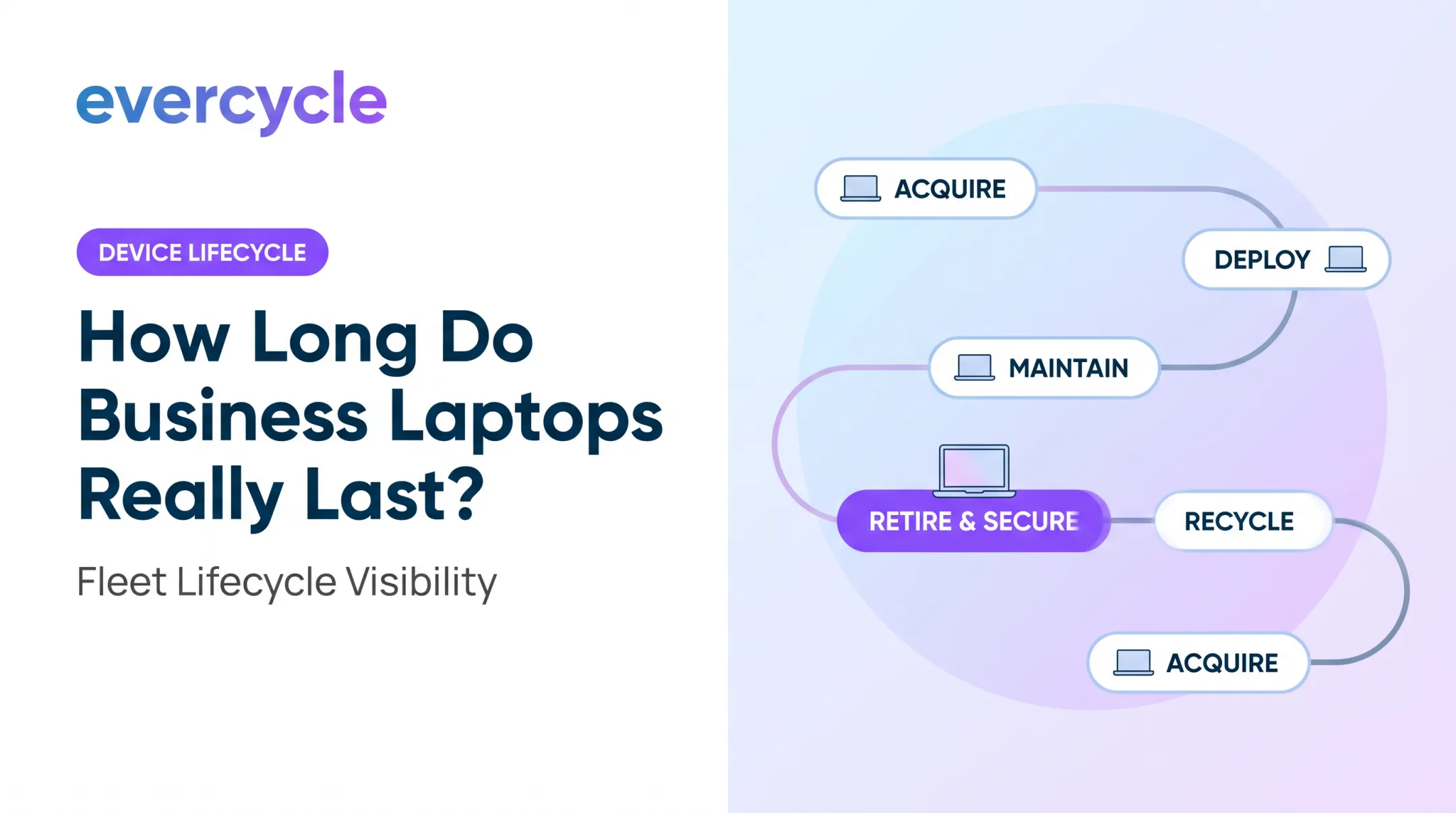
Lifecycle management is a chain of connected stages:
- Planning and procurement
- Receiving and registration
- Secure deployment
- Active use and maintenance
- Offboarding and retrieval
- Sanitization
- Redeployment, resale, recycling, or retirement
That chain goes well beyond a serial number list or an MDM agent. It covers ownership, warranties, location, custody, repair history, security status, financial records, and final disposition. ISO/IEC TS 19770-10 frames IT asset management in the same way, as lifecycle processes plus cross-cutting management processes.

Who Manages What
Three kinds of tools overlap but don't replace each other:
- MDM/UEM tools handle enrollment, configuration, compliance, and remote lock or wipe.
- IT asset management (ITAM) tracks inventory, ownership, status, and lifecycle stage.
- ITAD and recovery providers handle physical retrieval, data destruction, reuse, and recycling.
One Source of Truth
These tools share the work but not a common record. Pick a single record for each laptop and capture these fields:
- Asset ID, serial number, model
- Assigned employee, department, location
- Purchase or lease details, warranty
- Lifecycle status, security enrollment
- Repair history, return status
- Sanitization evidence, disposition outcome
Without this, spreadsheets and email threads drift apart within weeks.
How to Manage a Company Laptop at Every Lifecycle Stage
Plan and Procure
Define approved models by role. Factor in:
- Performance and operating system needs
- Accessibility and security features
- Supportability, warranty, and repairability
- Lifecycle cost
Decide up front whether devices are bought, leased, or sourced through a provider.
Refresh timing matters too. A sponsored 2026 IDC model found a three-year PC cycle produced 14% lower five-year TCO than a five-year cycle. Treat that as a modeled PC result, not a universal laptop benchmark.
Receive, Register, Reconcile
Record these details the day a laptop arrives:
- Serial number and asset ID
- Condition and accessories
- Financials and warranty
- Custodian
Reconcile purchase and shipping records against inventory so unassigned or duplicate units don't become ghost devices.
Deploy with a Repeatable Baseline
Use zero-touch enrollment for each platform. Windows Autopilot, Apple Automated Device Enrollment, and ChromeOS enrollment all automate setup before or during delivery. Then apply:
- Encryption and endpoint protection
- Identity and access controls
- Approved apps and patch settings
- Least-privilege permissions
Pilot the process with a small group. Confirm the device reports to the console and that the user and physical asset record are linked before calling it deployed.
Monitor, Maintain, Repair
Track check-ins, OS and app versions, encryption status, hardware health, warranty, and repairs. Decide who responds when a device goes offline, falls out of compliance, breaks, or nears replacement.
Document repair, loaner, and escalation workflows. Otherwise a failed laptop becomes an untracked spare, or an employee quietly keeps two devices.
Offboard and Retrieve
Tie the HR departure event to a controlled sequence:
- Revoke identity access.
- Apply remote lock or wipe where appropriate.
- Check for legal holds.
- Send clear return instructions.
- Create a trackable retrieval task.

Log every handoff, shipment, receipt, and condition change to preserve chain of custody.
Sanitize, Redeploy, or Retire
Inspect the returned laptop, verify the approved sanitization method, and update status. Then choose a path:
- Repair or redeploy
- Resell or donate
- Recycle or retire
Base the decision on security, condition, supportability, residual value, and demand. Don't default to buying a new laptop for the next hire.
Reuse pays off environmentally too. A 2025 Fraunhofer study reported about 31% GHG savings for a refurbished laptop in its comparison. That is a study result, not a guarantee for every device.
How to Maintain Security, Visibility, and Accountability Throughout the Lifecycle
Set One Security Baseline
Every laptop should meet the same minimum security baseline:
- Full-disk encryption
- Multifactor authentication
- Endpoint protection and firewall
- Timely updates and secure configuration
- Least privilege access
- Approved storage locations
CIS Control 3.6 calls for encrypting data on end-user devices. Map controls to your risk and compliance needs, and adjust by operating system and role without lowering the floor.
Separate Access from Recovery
Disabling an account doesn't bring the laptop home. Receiving the laptop doesn't remove access. Build separate but connected identity, endpoint, and logistics steps.
Plan exceptions for:
- Lost or stolen devices
- Delayed returns and offline devices
- Damaged equipment
- Legal holds and disputed ownership
- Temporary access during a transition
Keep Inventory and Compliance Visible
Your IT team should answer quickly:
- Who has each laptop, and where is it?
- Is it enrolled, and when did it last check in?
- Is it encrypted and patched?
- What action is pending?
Set review thresholds for:
- Stale records and missed check-ins
- Overdue returns and unresolved repairs
- Expiring warranties
- Devices awaiting sanitization
Preserve Chain-of-Custody and Sanitization Evidence
Document people, vendors, dates, locations, status changes, and approvals for each transfer. Disposition records should show the sanitization or destruction method, provider, device identifier, result, and retained evidence.
NIST SP 800-88 Rev. 2 (2025) is the current guidance, using Clear, Purge, and Destroy methods. Its sample certificate includes device identifiers, method, tool and version, verification, responsible persons, and date. Regulations such as the HIPAA Security Rule and GLBA Safeguards Rule add disposal obligations for certain data.

Measure Results
Track:
- Inventory accuracy
- Purchase-to-deployment time
- Time to recover devices
- Share of devices with current security status
- Repair turnaround
- Redeployment volume, storage time, and recovered value

Use these to find bottlenecks, compare vendors, plan refreshes, and show financial, security, and sustainability gains.
How to Manage Laptops for Remote and Distributed US Teams
BLS reported 22.6% of workers teleworked in March 2026, so shipping and recovering laptops is routine work.
Connect HR, IT, and Logistics Events
Trigger equipment tasks from hires, role changes, leave, and departures, right alongside account tasks. Don't rely on manual reminders.
Give employees clear instructions for:
- Receiving, protecting, and reporting gear
- Shipping and returning equipment
- Acceptable use, plus loss or damage responsibilities
Design Remote Recovery Workflows
Build recovery workflows that include:
- Trackable return instructions and approved shipping
- Packaging guidance and status updates
- Escalation reminders when returns stall
Plan for employees who move, travel, go unreachable, or can't return everything at once. Tie chargers, docks, monitors, security keys, and storage media to the same employee and asset record.
Balance Monitoring with Privacy
Tell employees up front:
- What you monitor and why
- Who sees the data and how long you keep it
- Which remote actions admins can take
Management doesn't mean unrestricted access to personal content. Microsoft's Intune documentation, for example, lists browsing history, messages, and personal photos as not visible to the organization.
Monitoring notice rules vary by state. New York, Delaware, and Connecticut have notice requirements, so review practices with legal, HR, security, and compliance before deployment.
Build a Scalable Lifecycle Program with Evercycle
From Disconnected Tasks to Event-Driven Workflows
Evercycle is an orchestration platform that connects asset data, existing systems, employees, vendors, logistics providers, and ITAD partners. Deployment, repair, recovery, and disposition run from one workflow. It integrates with tools such as ServiceNow, Jamf, and HRIS systems so IT and HR teams work from the same source of truth.
Traceability Without Replacing Providers
Evercycle doesn't ship or process hardware itself. It orchestrates the work you already run:
- Routes jobs to your existing vendors
- Sends employee notifications and prepaid labels
- Tracks shipments and chain of custody in real time
- Produces audit reports on device status, data destruction, and custody history
- Runs reminders and escalations on days 3, 7, and 14

In one case, Evercycle reported a 90% recovery rate for a Fortune 500 organization across 19 countries.
Close the Loop
A connected program makes every transition visible, supports secure data handling, and surfaces reuse opportunities. Start where visibility or recovery breaks down most often:
- Registration
- Offboarding
- Disposition
That gap is the right place to begin.
Frequently Asked Questions
Which laptop is good for business use?
No single model fits everyone. Match performance to the role, then compare business-grade durability, security features, support and warranty, OS compatibility, repairability, and total lifecycle cost.
How do I find device management?
On Windows, open Settings > Accounts > Access work or school. On a Chromebook, a managed indicator appears in the status area. On Mac, see Apple's device management settings guide. The admin console itself is limited to IT administrators.
How do companies monitor work laptops?
They use MDM, endpoint management, asset inventory, security, and remote support tools to track status, software, compliance, and health. Monitoring should follow clear privacy, access, and acceptable-use policies.
Can my employer access my laptop remotely?
Depending on tools and policy, employers can apply policies, check status, give remote support, lock the device, or wipe company data. That doesn't automatically mean access to personal content.
What is the difference between laptop lifecycle management and MDM?
MDM configures, secures, and monitors the endpoint. Lifecycle management also covers procurement, ownership, custody, repairs, retrieval, sanitization, redeployment, financial status, and disposition.
How should a company handle a laptop when an employee leaves?
Revoke access, review legal holds, apply remote security actions, send trackable return instructions, inspect the returned device, verify sanitization, then redeploy or dispose of it responsibly.