A missing device is not automatically a confirmed breach. Treat it as a potential security incident until the facts say otherwise. The stakes are real: the SEC's 2022 Morgan Stanley order described roughly 4,900 IT assets, including unwiped hard drives, sold by a moving company hired for a decommissioning project. Most drives from that project stayed missing.
This guide walks through the response: contain access, preserve evidence, reconstruct custody, assess exposure, coordinate notifications, and fix the process that failed.
Key Takeaways
- Take control of the device's access and data first; don't wait on the provider's search.
- Preserve scan logs, tickets, shipping records, and emails before they change.
- Security, privacy, legal, insurance, and business teams all belong in the assessment.
- The provider's written investigation and your contract should drive next steps.
Act Immediately: First Response and Containment
Establish the facts and preserve evidence
Start by pinning down what "lost" means. The device may never have been collected, missed a scan, vanished in transit, been misidentified, or been sent to a downstream processor and recorded wrongly.
Capture these details right away:
- Asset tag, serial number, and device type
- Assigned user or location, and last confirmed status
- Collection date and shipping information
- The exact time the provider found the discrepancy
Then preserve everything: work orders, bills of lading, handoff confirmations, scan events, tracking numbers, tickets, emails, and any relevant access or camera records. NIST's forensic guidance stresses preserving evidence integrity and recording each custody transfer.
Contain access to the device
Use your endpoint-management tools to lock, locate, or wipe the device where appropriate. Coordinate with security or forensic staff first, because remote wipe actions in tools like Intune, Apple Business, and Google Workspace can alter or remove evidence.
Then cut off access paths:
- Revoke active sessions, tokens, and certificates
- Disable VPN access and stored credentials
- Remove device-based authentication
In Microsoft Entra, you can block sign-in and revoke refresh tokens, but application-issued session tokens may stay valid. Check those separately.
Encryption status and data sensitivity set the urgency. A fully encrypted, managed laptop with no exposed recovery key is a very different problem from an unencrypted drive holding customer records.

Escalate and assign ownership
Notify these stakeholders right away:
- Security or incident-response lead
- Privacy and legal teams
- Asset owner
- Procurement or vendor management
- Business leadership
Then name one incident owner to run the timeline, vendor communications, evidence collection, risk assessment, and executive updates.
Open a formal incident with the provider
Request in writing:
- Incident acknowledgment and incident number
- A named investigator
- Last known custody point
- Search steps already underway
Have them check their facility, carriers, warehouse records, downstream processors, and any batches that may have been mislabeled or reconciled incorrectly.
Protect related assets
If the loss points to a broader control failure, consider pausing shipments or requiring enhanced confirmation for assets using the same route, facility, carrier, or subcontractor. Treat it as a risk-based decision rather than a punitive step. Operations can continue through verified alternatives, such as a different carrier or added scan confirmation at each handoff.
Investigate the Loss and Assess Exposure
Reconstruct the chain of custody
Build a timeline from offboarding, collection, packaging, and carrier pickup through each handoff, facility receipt, processing event, and final disposition. NIST's glossary defines chain of custody as documentation of each handler, the date and time of each transfer, and its purpose.

Compare your expected asset list with the provider's receipt records to find the exact handoff where the device disappeared from the records. Request:
- Scan histories and handler or location records
- Shipping exceptions and inventory reconciliations
- Subcontractor details
- Any available transport or facility evidence
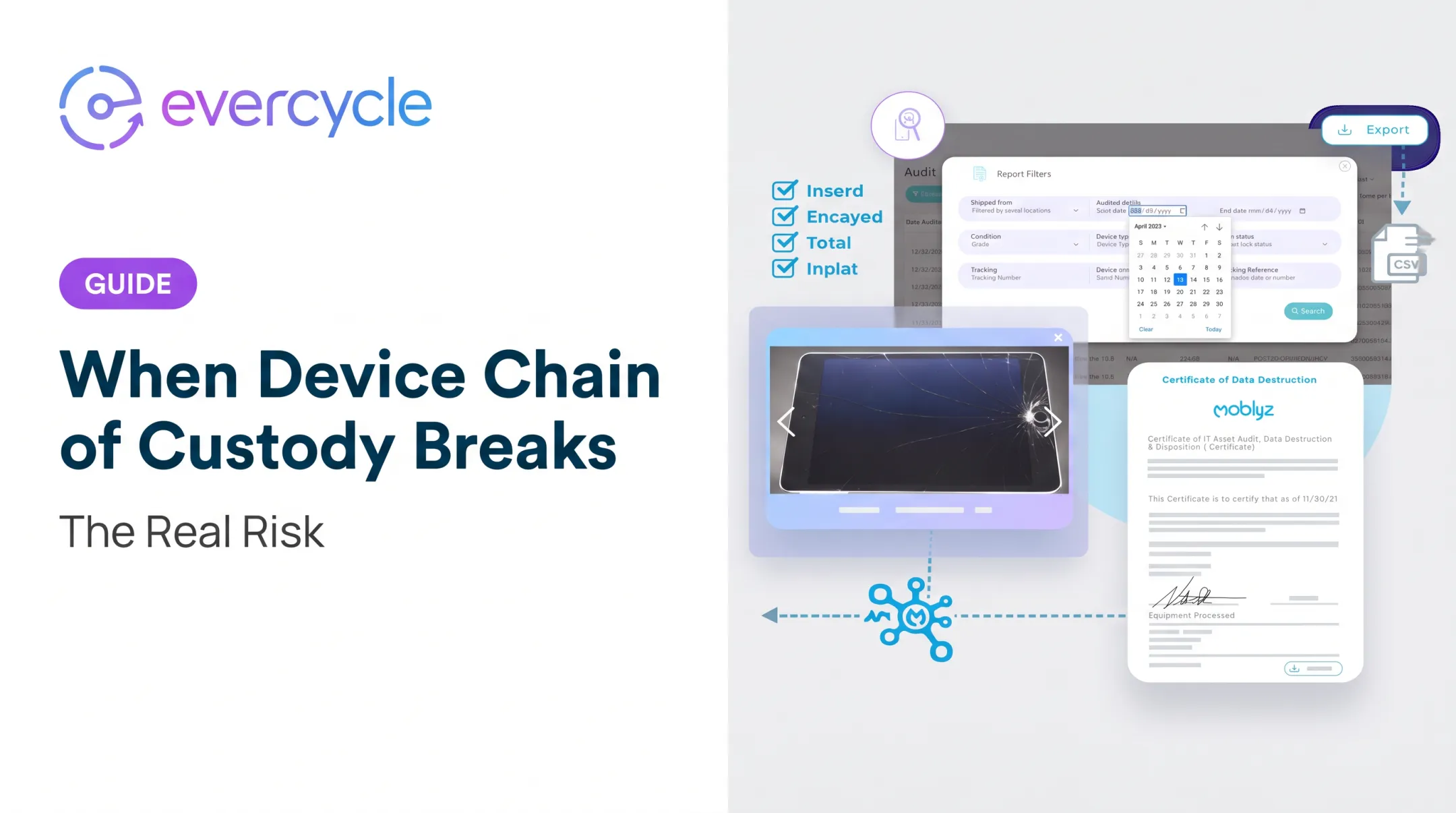
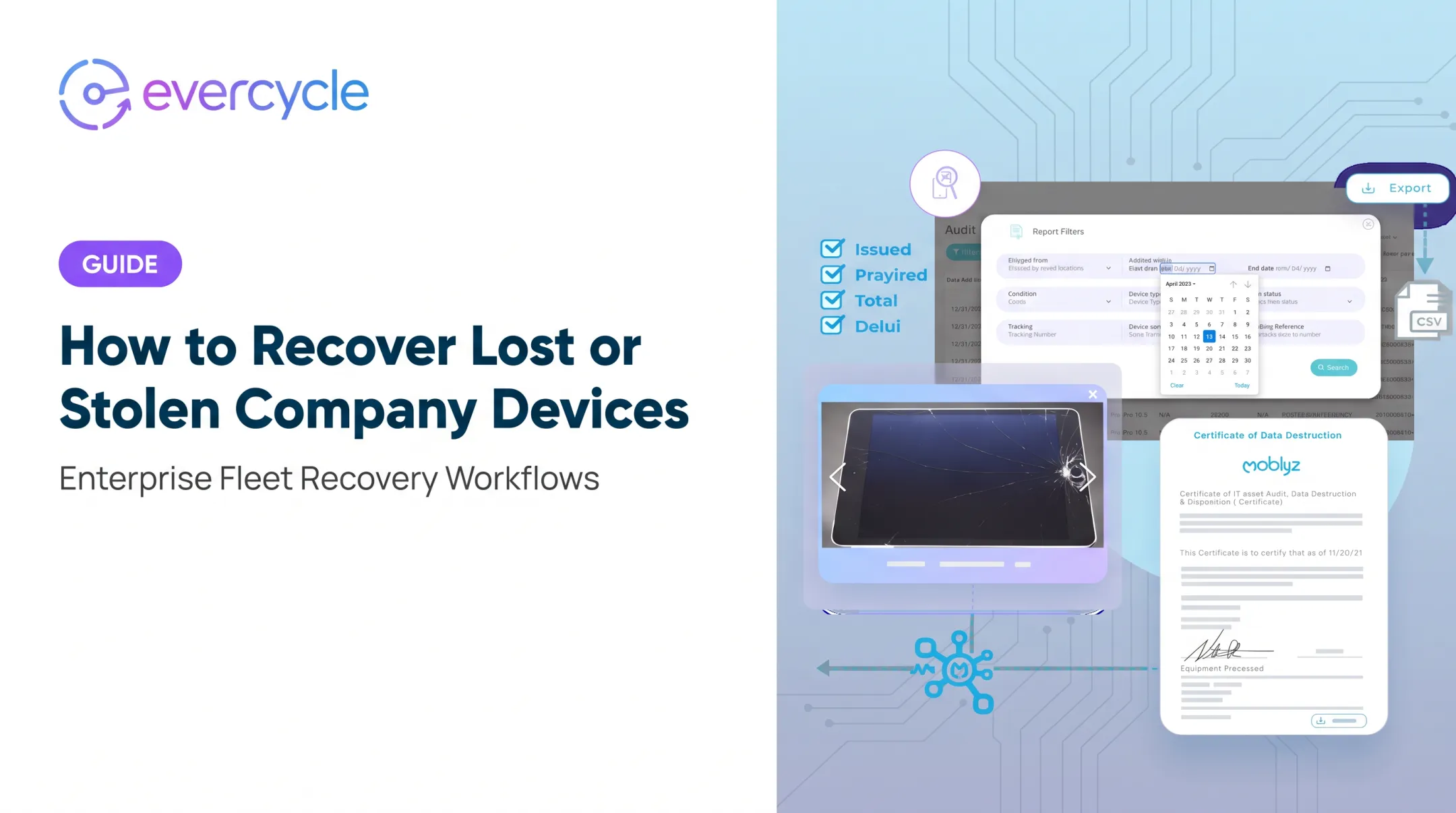
Without orchestration tooling, this reconstruction often means stitching together spreadsheets and emails. Evercycle's platform logs time-stamped custody events and shows who had a device, when, and why, which shortens this step considerably.
Determine what the device could contain
Map what the device may have held:
- Last assigned user and business function
- Applications, local files, and cached credentials
- Removable media and any regulated or confidential data
Then verify whether it was encrypted, managed by MDM or endpoint detection, protected by authentication, or already wiped.
"The device was old" and "the user had cloud storage" are not findings. Old laptops hold cached credentials and local exports. Don't close the assessment on assumptions.
Assess likelihood and impact
Weigh these questions:
- Could an unauthorized party access the device?
- Was it powered on, and could controls be bypassed?
- How long was it outside controlled custody?
- Is there evidence of use or tampering?
Keep four lists separate: confirmed facts, reasonable assumptions, open questions, and worst-case scenarios. That prevents stakeholders from overstating or understating the risk.
Don't tell anyone the data is safe until you've verified encryption, sanitization, destruction, or recovery. NIST SP 800-88 Rev. 2 is the current sanitization standard; Rev. 1 was withdrawn in September 2025.
Determine notification obligations
Work with counsel and privacy or compliance leaders. The NCSL survey shows all 50 states, D.C., and U.S. territories have breach-notification laws, and they differ on covered data, definitions, and exemptions.
Key points:
- Encryption exceptions often fail if the key or credential was also exposed (New York and California both say so).
- HIPAA presumes a breach of unsecured PHI unless a risk assessment shows low probability of compromise, with notice due within 60 days of discovery.
- The FTC Safeguards Rule requires financial institutions to report events involving unencrypted data of 500+ consumers within 30 days.
- Contracts and cyber-insurance policies may carry their own notice deadlines; some make timely notice a condition of coverage.

This is operational guidance, not legal advice. Follow your incident-response and legal-review processes.
Keep an incident record
Log the discovery, containment actions, timeline, decisions, approvals, vendor responses, notifications, and resolution in one central file. Record why you did or didn't notify, monitor, or reset credentials. Keep the final report and evidence for audits, insurance claims, customer inquiries, and future vendor reviews.
Hold the ITAD Provider Accountable
Review the agreement
Examine what the contract says about:
- Chain-of-custody tracking and incident notification deadlines
- Data protection and subcontractor use
- Insurance, indemnification, and audit rights
- Loss or damage, and certificates or disposition reports
Have legal and procurement interpret responsibility under the actual agreement. Don't assume the provider is automatically liable; i-SIGMA guidance notes the client retains responsibility for service-provider risk.
Demand a documented investigation
Ask for a written root-cause analysis covering:
- Where the control failed
- Who handled the asset
- What search and recovery steps occurred
- Whether other assets are affected
Require corrective actions with owners, deadlines, and verification methods, plus a process for confirming final disposition if the device turns up.
Insist on evidence. "It was probably wiped or destroyed" is not an answer.
Decide whether to continue, pause, or replace
Judge the provider on transparency, response speed, documentation quality, control maturity, and willingness to support the investigation. Use this checklist:
- Did they acknowledge the incident in writing, promptly?
- Is the custody evidence complete and consistent?
- Is the root cause specific, not generic?
- Are corrective actions measurable and dated?
- Does their certification (such as NAID AAA, R2v3, or e-Stewards) cover the facility and service involved?
- Does the response fit your security, compliance, and operational risk tolerance?
Depending on the answers, pause shipments, commission an independent review, remediate the contract, enforce SLAs, or replace the provider.
Prevent Another ITAD Loss
Build end-to-end asset identity and custody controls
Give every device a unique identifier and confirm it at collection, packaging, carrier handoff, facility receipt, processing, downstream transfer, and final disposition. Reconcile expected against received assets at each handoff, and trigger an exception workflow when something is missing, duplicated, misidentified, or stale past your threshold.

Serial numbers, asset tags, IMEI numbers, photographs, signed handoffs, and timestamps all reduce ambiguity. SERI's R2v3 interpretation lists manufacturer, model, serial number, and unique identifier among the data-bearing asset record fields.
Secure devices during the transition
- Define approved packaging, locked storage, transport, and segregation for devices awaiting pickup
- Require encryption, MDM enrollment, remote-lock capability, and credential revocation before or right after collection
- Separate reuse-eligible devices from those needing verified destruction, with documented approval for each
Strengthen vendor and downstream controls
Evaluate providers on certifications, insurance, facility controls, subcontractor transparency, downstream accountability, and incident procedures. Write measurable custody, notification, reconciliation, audit, and remediation requirements into contracts and work orders. Require clear processes for destruction certificates, resale records, exception reports, and unresolved-asset escalation.
Use a connected workflow
Distributed fleets lose visibility when asset inventories, HR offboarding, shipping systems, IT service providers, and ITAD portals don't share status. A 2022 Oomnitza survey of 213 senior IT executives found 49% had lost at least 5% of technology assets during employee offboarding. That figure covers departures, not ITAD losses, but it shows how fragmented handoffs leak devices.
Evercycle is an orchestration layer that connects existing enterprise systems and ITAD providers. It integrates with tools such as ServiceNow, Intune, Jamf, Okta, and HRIS platforms, automates event-driven recovery workflows, and supports real-time chain-of-custody visibility and audit reporting. It complements, rather than replaces, the physical security, transport, processing, and data-destruction controls of qualified partners.
Build a repeatable playbook
Define who starts the recovery request, who confirms collection, who escalates a missing asset, who approves a remote wipe, and who coordinates privacy or legal review. Cover remote employees, contractors, offices, leased gear, mobile devices, servers, and field or IoT hardware. Run tabletop exercises or sample reconciliations to test whether your team can find an asset, name its last custodian, and produce evidence.
Measure exceptions and improve
Track these metrics:
- Unresolved assets and reconciliation exceptions
- Time to vendor acknowledgment
- Time to recovery or final disposition
- Documentation completeness
- Recurring failure points

Review trends by carrier, facility, business unit, device type, and subcontractor. After every material incident, update policies, contracts, workflows, and training. Don't file it away as an isolated mistake.
Conclusion: Turn a Lost Device Into a Process Improvement
The sequence is straightforward: contain the device and its access, preserve evidence, investigate the chain of custody, assess exposure with the right stakeholders, and document the provider's corrective action.
Swapping recyclers won't fix this on its own. The lasting answer is continuous visibility and accountability across offboarding, logistics, ITAD processing, downstream partners, and final disposition.
Frequently Asked Questions
What should I do first if my ITAD vendor loses a device?
Preserve records, escalate to security, privacy, and legal, and contain the device's access. Then send the provider a formal written incident request with a named investigator and last known custody point.
Is a lost device automatically a data breach?
No. It's a potential security incident. Whether it's a breach depends on the data, encryption and key exposure, likelihood of unauthorized access, and applicable law.
Can an ITAD vendor be held liable for a lost device?
Possibly. Review the contract, security obligations, insurance, and indemnification terms with counsel. Liability is not automatic.
What records should I request from an ITAD provider?
Ask for custody timelines, scan logs, shipping records, handler details, subcontractor information, search results, the incident report, and any final disposition evidence.
Should I notify customers or regulators about a lost IT asset?
It depends on the data involved, the likelihood of unauthorized access, applicable US requirements, your contracts, and counsel's assessment.
How can I prevent an ITAD from losing devices again?
Use unique asset IDs, scan-based handoffs, reconciliation exceptions, secure transport, contract controls, vendor audits, and a connected lifecycle workflow.