Introduction
The employee's accounts are disabled. Final paperwork is signed. And nobody can say where the laptop, phone, charger or security key is.
That gap is common. An Oomnitza/YouGov survey of 213 senior IT professionals found 49% lost at least 5% of technology assets during offboarding, and 27% lost more than 10%. These are self-reported figures for tech assets broadly, but they match what IT teams see.
Device recovery crosses HR, IT, employees, managers, carriers and ITAD providers. This article shows where returns break, how to build a workflow that doesn't rely on scattered follow-ups, and how to handle exceptions.
Key Takeaways
- Returns fail at handoffs, not at one isolated task.
- Assign an owner, record the expected device set and define the fallback path.
- Receipt, access revocation, data protection and disposition are separate controls.
- Remote, urgent and contractor departures each need their own path.
- Automation pays off when it connects HR, IT and logistics in one traceable flow.
Why Device Returns Break During Employee Offboarding
"Recover company assets" is not an instruction anyone can execute. Between the HR trigger and final disposition sit at least six handoffs: HR, the asset database, IT, the employee, the carrier, and the receiving team.
A real example: TIGTA's 2026 audit of the IRS covered roughly 22,000 departures and 32,000 assigned IT assets. Records showed 1,308 assets (4%) as not returned, and 594 were still unlocated months later.
The auditors pointed to missing return deadlines and weak reconciliation between shipment, collection, and inventory status. That is one agency, not a national rate, but the failure pattern is familiar.
Asset-record failures
Bad records doom a return before it starts:
- Missing or duplicate serial numbers
- Outdated employee assignments
- Accessories never recorded
- Devices replaced without an inventory update
- Wrong ownership or lease status
Unclear instructions and timing
Employees fail returns for dull reasons. No box. An old address. A vague deadline. No answer on whether the dock and charger count.
Timing adds conflict. The last working day, account deactivation, carrier availability, separation deadlines, and the receiving team's ability to confirm delivery rarely line up. Disable access too early and the employee can't finish a handoff; too late and you carry risk.
Scenarios a single checklist misses
A standard checklist breaks when the situation is not standard:
- Employee is remote
- Departure is sudden
- Work runs through a staffing partner
- Multiple devices are assigned
- Only part of the kit comes back
Each case needs its own path.
When "returned" doesn't mean returned
Picture this: a tracking page says "delivered." The box sits in a mailroom for nine days. No one logs condition, notes the missing charger, or confirms the drive was wiped. The ticket closes. Delivery was recorded; custody, condition, data status, and next owner were not.

Design a Device Return Workflow That Does Not Depend on Follow-Up
Set the trigger and owner
Name the event that starts the process, usually an approved departure in the HRIS. Name one team that coordinates, one person who approves exceptions, and where HR, IT, finance, and vendors see status.
Reconcile before you ask
Confirm the expected device set before sending instructions. NIST SP 800-53 CM-8 lists useful inventory fields and calls for updates after removals and changes. Pull these for each employee:
- Asset ID and serial number
- Device type and accessories
- Ownership or lease status
- Condition history and last known location
- Data sensitivity
Make the employee experience simple
Send personalized instructions that cover:
- Confirmed return address
- Packaging or a prepaid label
- Drop-off or pickup options
- Deadline and support contact
- Plain list of what must come back
Fewer questions means fewer stalled returns.
Build reminders and escalation
No standard reminder interval exists, so set your own and test it. One workable pattern:
- Immediate request on trigger
- Reminder around day 3
- Second reminder at day 7
- Manager or HR escalation at day 14
Vary timing for urgent separations, failed deliveries, and disputed ownership.
Define closure
A return is complete only when you have:
- Delivery confirmation
- Physical intake and asset identity check
- Condition notes and missing items
- Custody evidence
- A next action with a named owner
Example: one remote employee
Jordan's last day is Friday. He's remote with an assigned laptop.
- HRIS records the approved departure, which triggers the workflow.
- The asset record is checked; the laptop and dock are expected.
- Jordan gets a return kit or prepaid label and a deadline.
- Tracking shows pickup and transit.
- The receiving team logs intake and condition.
- Status moves to returned, with the next step (wipe, reuse or recycle) assigned.

Device Return Checklist by Departure Scenario
Planned departures
- Reconcile all assigned equipment early, not only the laptop
- Time knowledge transfer before access changes
- Send return instructions before the last day
- Confirm every item, including accessories
Involuntary or urgent separations
HR, security and IT must coordinate access controls, device recovery and communications. Follow company policy and legal guidance; there is no universal timing rule.
CISA's 2024 guidance for federal agencies covers disabling access and collecting equipment, credentials and keys. It offers a useful model for private-sector teams as well.
Remote employees
- Verify the address first
- Provide packaging and a carrier pickup or drop-off option
- Give visibility into delivery
- Offer a support path for failed or delayed shipments
- Check policy for cross-border returns
Office, hybrid, contractor and third-party workers
Office staff can hand over at the desk or through facilities. Contractors and staffing-agency workers need coordination with the agency, and MSP-issued assets need the provider in the loop.
A 2016 TIGTA contractor audit estimated that return documentation was missing for 84.2% of separated contractors with access. That is a documentation gap, not proof of unreturned laptops, but it shows how easily third-party returns slip.
Lost, stolen, damaged or unreturned devices
Define who owns escalation and what documentation is required. Decide:
- Employee and manager communications
- Security actions
- Whether to replace or recover
- When the case moves from routine workflow to formal investigation
Be careful with payroll deductions. Federal FLSA rules limit deductions that cut into minimum wage or overtime, and states differ. Illinois, for instance, bars withholding wages pending return of property. Check applicable rules with counsel.
A checklist isn't done until every exception has a next action, owner, due date and evidence requirement.
Chain of Custody, Data Security, and Disposition
The minimum custody record
Track each device from assignment through shipment, delivery, intake, inspection, and its final path: reuse, repair, resale, or recycling. Record timestamps, responsible parties, tracking references, and condition. NIST SP 800-53 MP-5 calls for restricting transport to authorized personnel and recording media in transit.

Physical recovery is not data security
Getting the device back doesn't protect data. Keep these controls distinct:
- Access revocation and credential handling
- Endpoint management actions and remote lock or wipe policy
- Business-data preservation
- Legal and records-retention requirements
Work with your internal policy owners and qualified legal or security advisors on each.
Intake, grading and sanitization evidence
Receiving teams should grade condition, note missing accessories, check lease or ownership limits, and collect sanitization evidence before a device returns to service or goes to disposition.
NIST SP 800-88 Rev. 1 recommended a record per media item:
- Serial or asset ID
- Sanitization method
- Tool
- Verification
- Responsible person
Rev. 1 was superseded by Rev. 2 on September 26, 2025, so use the current version.
For healthcare organizations, HIPAA (45 CFR 164.310(d)(2)) requires policies for final disposition of ePHI and for removing it from media before reuse.
Check what a provider's certification covers. EPA recognizes R2 and e-Stewards for recyclers; NAID AAA covers secure destruction. They're related but distinct.
Measure and Automate the Recovery Process
Metrics worth tracking
- Asset-record accuracy
- Return completion rate
- Days from offboarding trigger to receipt
- Exception age
- Share of returns with complete custody records
- Cost per recovery and recovered device value
Baseline these from your own data. No reliable device-return benchmark exists. APQC's 95% median is a general inventory-accuracy comparator, not a target for returned IT assets. For value, Cascade's 2025 report put 2024 average resale at $93.50 per laptop and $66.53 per mobile device, but those are one provider's observations.
What automation does
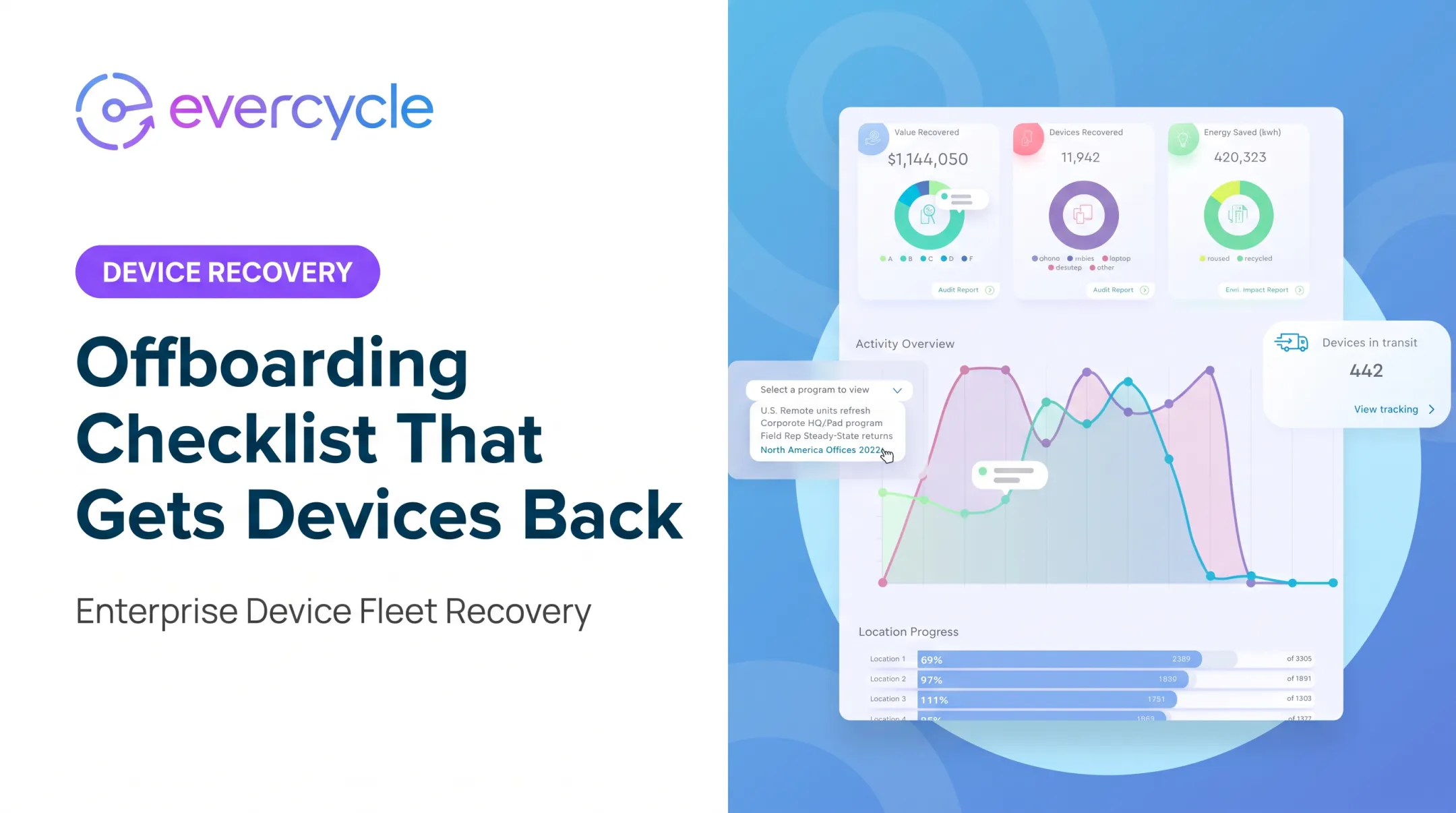
Automation creates tasks, sends reminders, routes work to the right vendor, surfaces overdue exceptions and keeps an audit trail across HR, IT, logistics and disposition teams.
Where Evercycle fits
Evercycle is an orchestration layer for distributed hardware lifecycle operations. It connects asset data, HRIS, ITSM and endpoint systems, employee communications, vendor routing and chain-of-custody reporting across your existing providers. It does not ship or process devices; your logistics and ITAD partners do.
The platform runs automatic reminders and escalations on days 3, 7 and 14. Evercycle reports 90%+ recovery with automation, versus 20 to 30% of devices unrecovered under manual processes. Those are company-reported figures; results vary by configuration and population.

Platform selection criteria
- Integrations with HRIS, ITSM and endpoint tools
- Role-based ownership and access
- Exception handling and escalation
- Real-time status and vendor accountability
- Audit-ready reporting with event, time and identity detail
- Data privacy controls
- Support for employee devices and broader fleets such as kiosks and scanners
Conclusion: Make Device Return a Managed Workflow
Offboarding isn't finished when an account closes or a label is issued. It's finished when you can prove what was assigned, what arrived, who handled it, how data was protected and what happened next.
Start this week. Pull your recent return exceptions, find the earliest handoff where each stalled, and assign a documented owner, status and escalation path before the next departure.
Frequently Asked Questions
What is the employee offboarding process?
It's the structured process of transitioning an employee out of an organization. It covers access changes, knowledge transfer, asset recovery, documentation and final administrative steps.
What is the difference between offboarding and onboarding?
Onboarding prepares a new employee to start work. Offboarding manages departure, including device returns, access removal, knowledge transfer and closure.
Is offboarding the same as termination?
No. Termination or resignation ends the employment relationship. Offboarding is the wider set of operational, security, administrative and human steps that accompany it.
What's another term for offboarding?
Common alternatives include employee exit process, separation process, departure process and employee transition. Terminology varies by organization.
Is offboarding a proper word?
Yes, it's widely used in workplaces and HR. Formal policies often say "employee separation" or "exit process" instead.