Business laptop disposal is the controlled retirement of company-owned or managed laptops, covering data protection, asset handling, reuse, resale, and responsible recycling. The stakes are real: IBM's 2026 breach report puts the average US breach at $11.5 million. That figure covers breaches generally, not disposal alone.
This guide walks through a four-step secure workflow, the decision points, the records to keep, and when to call a specialist.
Key Takeaways
- Start with authorization and asset records, not a shipping label.
- Sanitize to match the storage media, then verify and document before the laptop leaves your control.
- Evaluate reuse, resale, or donation before choosing recycling.
- Chain of custody and final reports prove what happened to every device.
What Is the Laptop Disposal Process?
What Business Laptop Disposal Includes
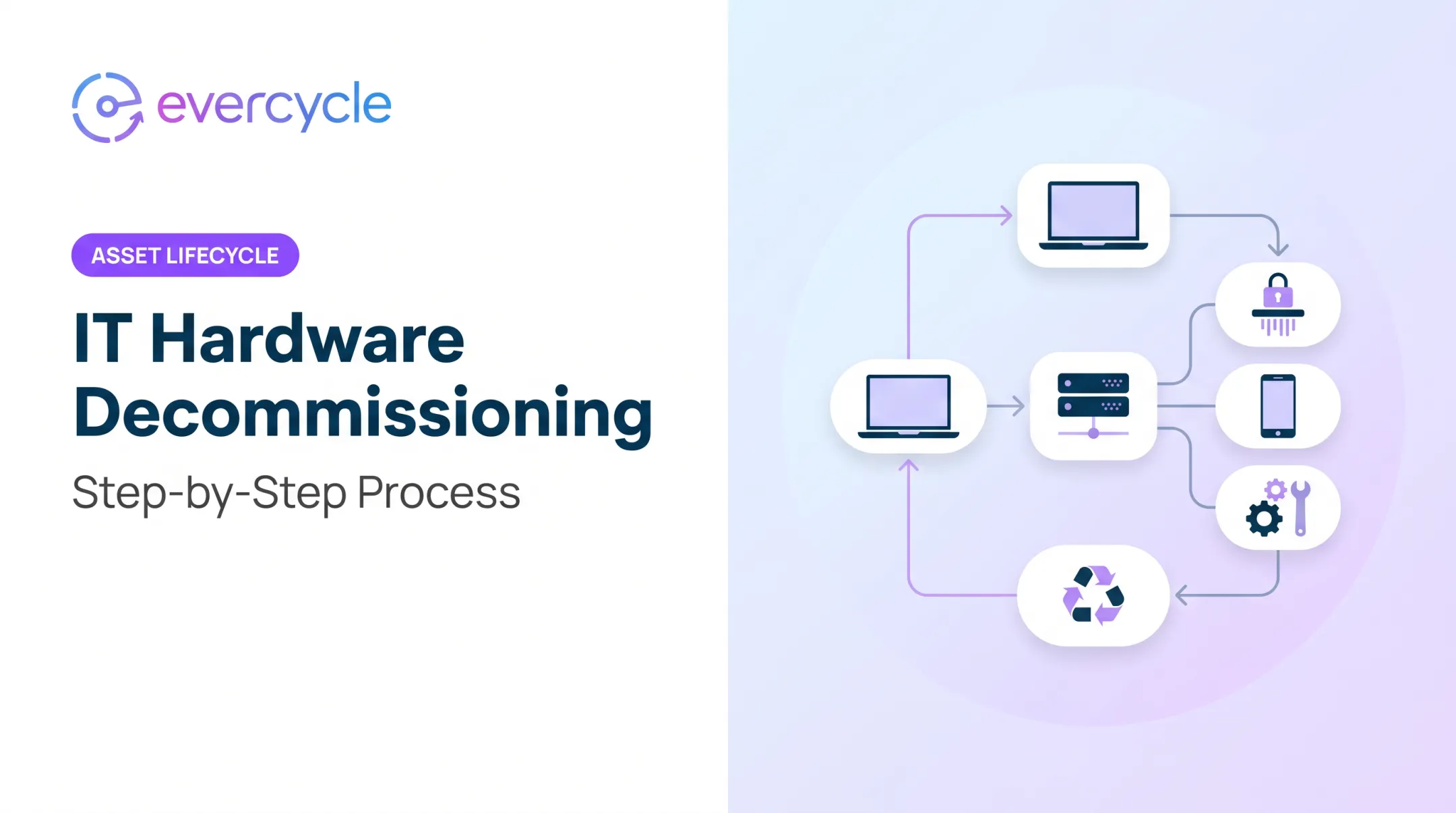
The process moves a laptop out of service through these stages:
- Inventory review
- Authorization
- Secure data handling
- Physical transfer
- Disposition
- Record closure
The goal is no exposed data, no lost accountability, no missed value, and no reusable hardware sent to a waste stream.
Related terms overlap but differ:
- Data destruction makes information inaccessible.
- IT asset disposition (ITAD) manages the broader retirement lifecycle. IAITAM describes ITAD as secure, environmentally responsible reuse, recycling, repair, or disposal.
- Recycling recovers materials once reuse and refurbishment have been considered.
Why Businesses Use a Secure Disposal Process
Key drivers include:
- Confidential data protection
- Employee and customer privacy
- Intellectual property security
- Asset accountability
- Environmental responsibility
- Recoverable value in working equipment
Remote and distributed fleets add friction. You need clear ownership, employee communications, pickup coordination, and consistent controls across locations.
Without a defined process, expect:
- Laptops that never come back from departing employees
- Missing serial-number records
- Data erasure nobody verified
- Devices sent to an unsuitable recycler
- Incomplete lease returns
- No answers when auditors or incident responders ask questions
Which Rules Actually Apply
Those gaps also create compliance exposure when auditors or regulators ask for proof. No single rule covers every business, so match your situation to the source:
| Control | Type | Applies to |
|---|---|---|
| HIPAA Security Rule, 45 CFR 164.310(d)(2) | Federal regulation | Covered entities and business associates; requires policies for final disposition and ePHI removal before reuse |
| FTC Safeguards Rule, 16 CFR 314 | Federal regulation | Financial institutions under FTC jurisdiction; secure disposal of customer information generally within two years of last use |
| FACTA Disposal Rule, 16 CFR 682 | Federal regulation | Businesses disposing of consumer report information |
| PCI DSS 4.0.1, Req. 9.4.7 | Industry standard, usually contractual | Organizations in PCI scope |
| Massachusetts 201 CMR 17; NY SHIELD Act | State law | Businesses holding residents' personal information |
| 40 CFR Part 273; 49 CFR 173.185 | Federal waste and transport rules | Batteries meeting universal-waste criteria; lithium batteries in transport |
| California universal waste rules | State regulation | Bans universal waste in the trash |
NIST SP 800-88 is guidance, not a general law. State rules vary and can be stricter, so confirm with counsel.
How the Laptop Disposal Process Works (Conceptual Flow)
The flow runs in order: identify the asset, approve its release, secure the data, transfer it under control, evaluate the next destination, and keep evidence of completion.
Inputs that shape the workflow:
- Asset records and ownership or lease status
- Device condition, storage type, and battery condition
- User or department and location
- Data sensitivity
- Retention and compliance requirements
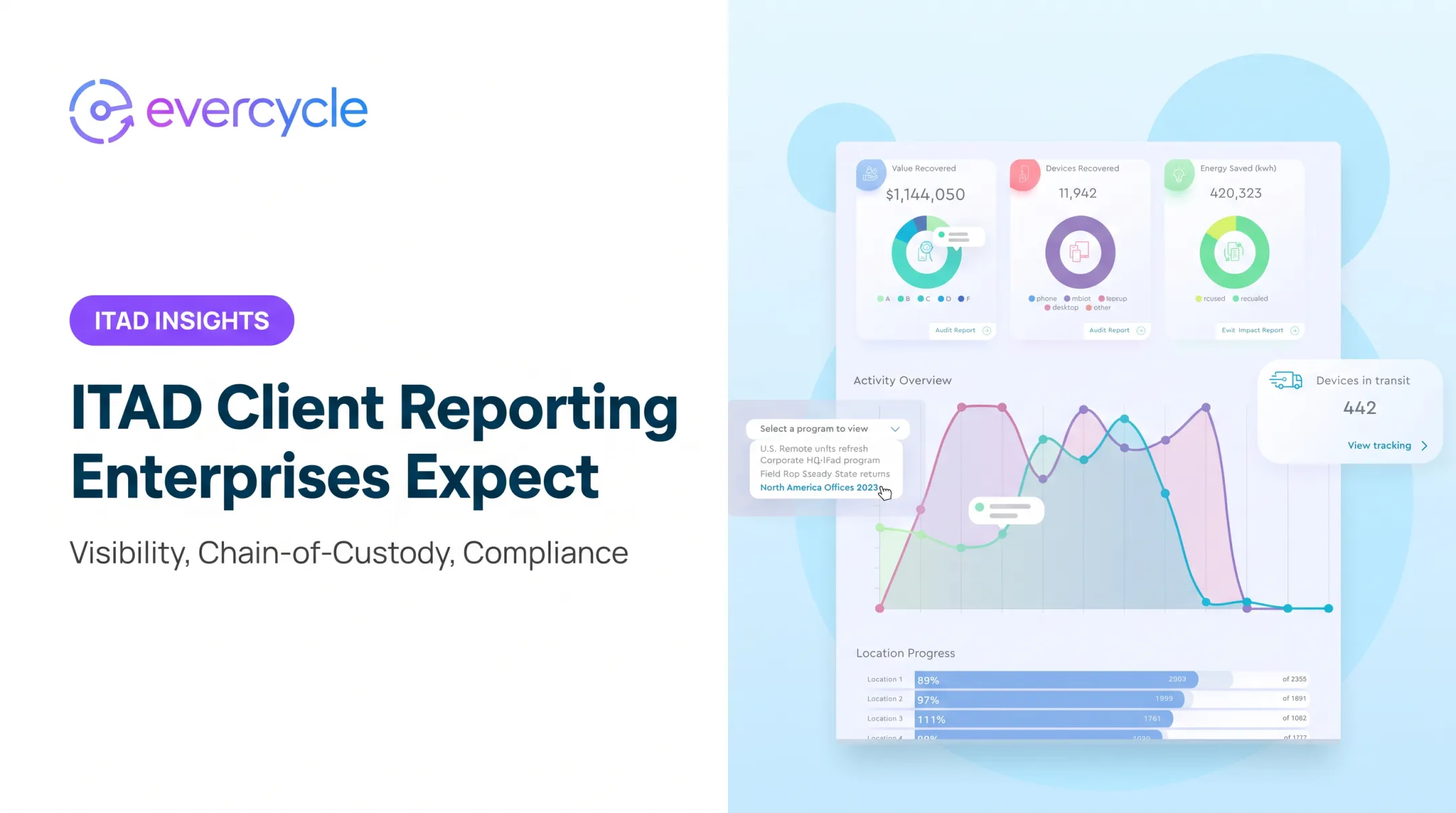
Evercycle can orchestrate this across HRIS, MDM, IT providers, logistics partners, and ITAD vendors. It automates routing, employee reminders, chain-of-custody tracking, and reporting. Evercycle coordinates the lifecycle; it does not physically process or ship devices. The vetted providers do that.
Step 1: Identify, Authorize, and Classify the Laptop
Before approving release, confirm:
- Asset tag and serial number
- Assigned user and location
- Ownership or lease status
- Condition and accessories
- Retirement reason
Then classify it: redeploy, repair, resale, donation, recycling, or specialist handling. Check for legal holds, investigations, and lease-return obligations first. A held device can't move.
Step 2: Secure and Verify the Data
Use an approved sanitization method matched to the media and the sensitivity of the data. NIST SP 800-88 Rev. 2, published September 2025, defines three levels:
- Clear: logical sanitization against simple recovery
- Purge: makes recovery infeasible even with laboratory techniques
- Destroy: makes recovery infeasible and the media unusable
For encrypted drives and SSDs, cryptographic erase counts as a Purge technique, provided the keys are properly sanitized.
Also handle firmware and account locks, encryption keys, cloud sessions, management profiles, and credentials. Intune Retire removes company data only, and Wipe is a management action, not verified sanitization. Apple Activation Lock and Autopilot associations need separate release.
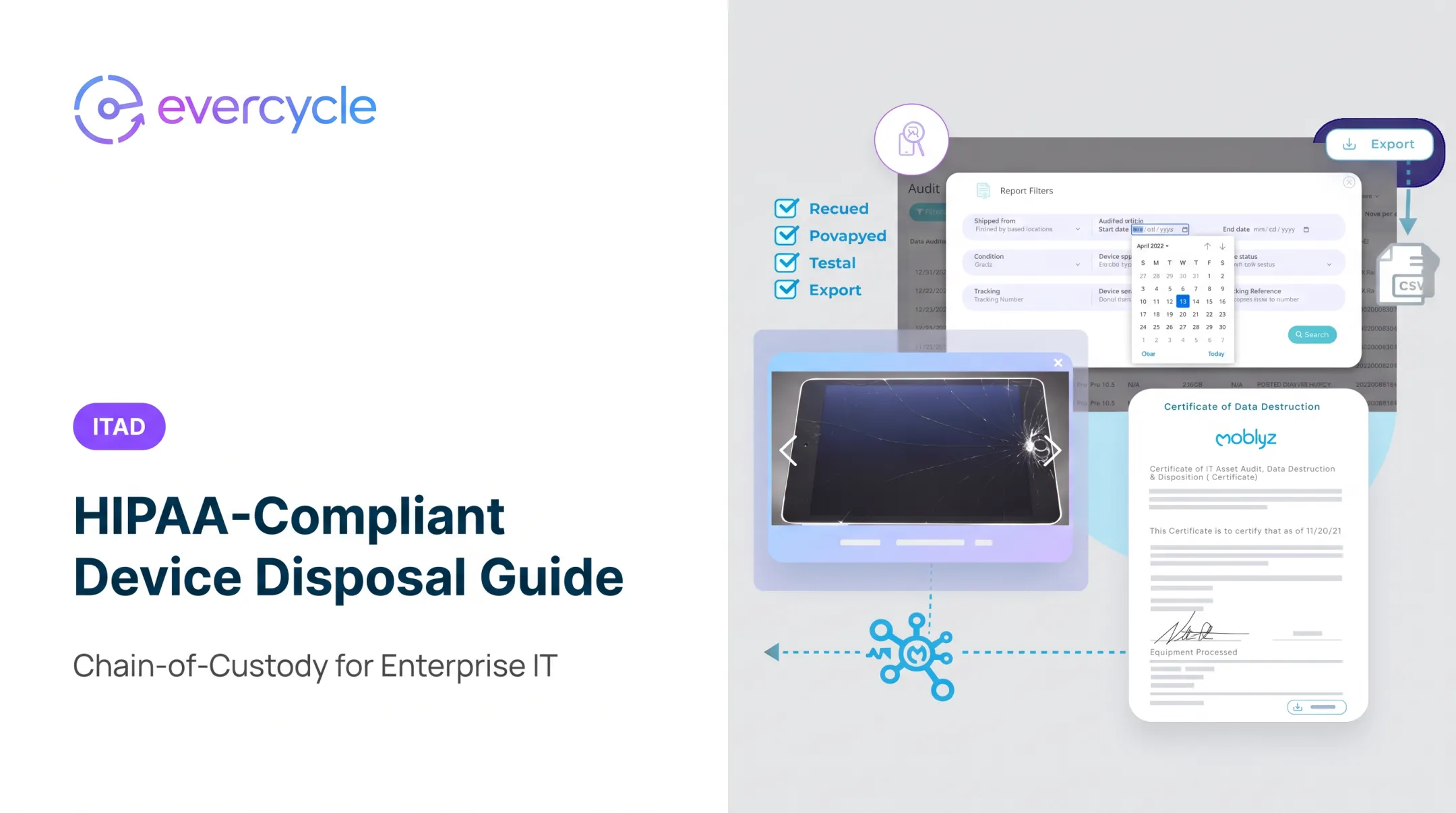
Keep a record: device ID, method, tool and version, operator, date, result, and sign-off. Where policy, contract, or risk demands it, get a certificate.

Step 3: Transfer and Determine the Best Disposition
Control the handoff. Use proper packaging and labels, approved recipients, and logged custody events from employee or site to the next handler.
Damaged or swollen batteries need extra care in transit. EPA's 2021 analysis found 245 fires at 64 facilities across 28 states from 2013 to 2020, with 89% definitely caused by lithium-ion batteries.
EPA notes the data is incomplete and not a national rate. Damaged batteries also can't go by air.
Then follow the disposition hierarchy:
- Redeploy or repair when practical
- Refurbish, resell, donate, or recover parts
- Recycle what remains
EPA's materials hierarchy ranks reuse above recycling. Condition, data status, market value, and policy decide the route.

Step 4: Confirm Completion and Close the Record
Collect the evidence you need:
- Collection confirmation and transfer records
- Sanitization results
- Disposition outcome
- Recycling or resale documentation
- Financial records
- Exception notes
Reconcile the original inventory against the physical outcome. Flag unresolved assets, failed sanitization, missing equipment, rejected items, and downstream exceptions for remediation.
Where the Laptop Disposal Process Is Applied and What Affects It
Where Businesses Apply the Process
Common triggers include:
- Office refreshes and fleet replacements
- Remote-worker offboarding and employee transfers
- Mergers, acquisitions, and branch closures
- Lease expirations
- OS or hardware upgrades
Gartner reports most organizations are extending refresh cycles to four to five years, so waves may be less frequent but larger.
The process can be one-time, recurring, event-driven, or condition-based. The same control framework works for a single device, a departmental batch, or a multi-location project.
Key Factors That Affect the Process
- Inputs: model, storage type, removable media, battery chemistry, condition, ownership, and data sensitivity
- Operating conditions: remote versus on-site recovery, shipping distance, employee availability, urgency, and working versus damaged units
- System dependencies: asset records, endpoint management, encryption, identity systems, vendor portals, and reporting integrations
- Scale: one-off versus recurring waves, multiple offices, batch processing, and exception handling
- Regulatory constraints: state e-waste rules, battery handling, privacy obligations, contracts, and evidence for review
For example, Evercycle supported a Fortune 500 program that routed thousands of devices across 19 countries to 14 processing locations, with a 90% recovery rate. Scale like that demands standardized, automated workflows.

Common Issues, Misconceptions, and When the Process May Not Be Appropriate
Common Issues and Misconceptions
- "Recycling means secure destruction." It doesn't. Recyclers vary, so vet credentials and chain-of-custody practices before you ship.
- "A factory reset is enough." SERI warns that resets may leave data recoverable by commercial tools used in R2 operations. A reset is not verified sanitization.
- "A broken laptop has no data." Damaged drives can still be readable.
- "Working devices should be scrapped." Reuse usually comes first.
Operational failures are just as common:
- Incomplete inventories and unclear ownership
- Slow employee returns
- Gaps between vendors and missing custody events
- Inconsistent sanitization records
- Reports that don't match the asset list
When the Full Disposal Route May Not Be Appropriate
Sometimes another path fits better:
- Redeployment or repair
- Return to the manufacturer or lessor
- Approved donation or resale
- Retention under a legal hold or investigation
Each still needs authorization and data controls.
Warning signs you need to escalate to qualified personnel:
- Recycling is the default with no condition or value check
- A battery is damaged or swollen
- Data is inaccessible
- The asset is leased
- The device is regulated
Conclusion
Secure laptop disposal is a controlled process covering authorization, inventory, sanitization, custody, disposition, and evidence. A trip to the recycler is only the end of it.
The right route depends on the laptop's data, condition, ownership, location, battery status, and business requirements. Build repeatable controls, document exceptions, and don't adopt one method blindly.
Frequently Asked Questions
What is the best way to dispose of an old laptop?
Authorize the retirement, record the asset, then sanitize and verify the data. Route the device to redeployment, refurbishment, resale, donation, or responsible recycling through an appropriate provider.
What should I do with an old or non-working laptop?
Non-working laptops can still hold data and recoverable materials. Keep them under company control, don't open damaged units, check battery condition, and use a qualified disposition route.
Can I throw away my old laptop, or are there rules about disposing of electronics?
Don't assume trash is acceptable for a business. Check federal, state, local, battery, and commercial e-waste rules, then use an approved collection or processing channel.
Which electronics should never be thrown away?
Laptops and other devices with data, batteries, or circuit boards. Confirm local requirements, and set aside damaged or swollen batteries for specialist guidance.
How should a business prepare laptops before disposal?
Get authorization, reconcile inventory, and decide on backup or retention. Then handle accounts and management profiles, run approved sanitization, separate accessories, check condition, and plan custody.
What documentation should a business keep after laptop disposal?
Keep asset identifiers, authorization, sanitization results, custody records, final disposition, recycling or resale paperwork, and exceptions. Add any reports your policy, contracts, audits, or regulations require.