Introduction
When a layoff hits, laptop recovery stops being a series of individual returns. It becomes a coordinated IT asset operation with hundreds of devices, a narrow window, and several teams touching each case.
Manual handling doesn't hold up. Evercycle's internal figures put unrecovered devices at 20 to 30% of offboarding cases, with each manual recovery event costing 3 to 6 hours of IT time. At roughly $1,500 per device, the losses add up quickly.
This guide covers how to prepare inventory and policy ahead of time, trigger a controlled workflow, protect systems while devices are outstanding, manage exceptions, and document every laptop through reuse or disposition.
Key Takeaways
- Verify employees, devices, accessories, locations, and owners before any message goes out.
- Revoke access and lock devices digitally while the physical return is arranged.
- Standardized instructions, prepaid shipping, tracking, and reminders make mass returns manageable.
- Document receipt, sanitization, and final disposition for every laptop.
Before a Layoff: Build the Recovery Program
Establish ownership
Define a RACI-style model covering HR, IT, security, managers, finance, legal, logistics providers, and ITAD partners. Every laptop needs one accountable owner or queue. Otherwise returns fall between departments.
IAITAM's lifecycle guidance makes the same point: reliable asset management depends on clear ownership, location records, and accountability.
Reconcile asset and employee records
For each device, confirm:
- Serial number and asset tag
- Assigned employee and accessories
- Last known location and device status
- Current replacement value
Keep a separate exception list for missing, reassigned, or unrecorded equipment. Fix these before launch, not during it.
Prepare policy and communications
Check that equipment agreements and offboarding policies cover:
- What must be returned
- Accepted return methods and the deadline
- Packaging expectations and contacts
- How damaged or missing items are handled
Have HR or legal review the wording for the states where your employees live.
Segment and baseline
Group returns by remote versus office-based, location, device type, sensitivity, and urgency. Then pick your measures:
- Percentage of devices recovered
- Days from notification to delivery
- Failed pickup rate
- Cost per return
- Unresolved exceptions
- Percentage routed to reuse
No reliable external benchmark exists for laptop return rates or per-return cost, so treat these as your own numbers. State the denominator and time period for each.
How to Recover Laptops After a Layoff: A Scalable Workflow
Trigger the wave and validate devices
Connect the HR-approved layoff event to a controlled recovery workflow. Share employee and device details only with the teams that need them, and keep recovery messages free of confidential personnel information.
Before outreach, match the roster against the asset register. Confirm the laptop and accessories, the shipping address, and the contact channel. Flag discrepancies before labels go out.

Secure accounts while returns are pending
NIST SP 800-53 (control PS-4) calls for disabling system access within an organization-defined period, revoking credentials, and retrieving organizational property. Coordinate with security to:
- Revoke identity and application access
- Lock or restrict the laptop through MDM
- Decide whether a remote wipe is appropriate
MDM actions differ. In Intune, Wipe factory-resets the device, while Retire removes company data and leaves user content.
Check for legal holds first, since a wipe destroys evidence. Digital protection never replaces getting the hardware back.
Send clear, repeatable instructions
Each employee should get individualized instructions listing:
- The laptop and accessories to return
- The deadline
- Packaging method and a prepaid label or pickup details
- A support contact
- A direction not to remove management controls or wipe the device unless IT says so
Offer practical return methods
Match the option to the person:
- Prepaid return kit
- Scheduled courier pickup
- Approved drop-off
Plan for damaged packaging, missed pickups, address changes, and hard-to-reach locations.
Monitor every return
Use one status model:
- Initiated
- Instructions sent
- Kit delivered
- Pickup scheduled
- In transit
- Delivered
- Exception
- Closed
Automate reminders at set milestones and log carrier updates and contact attempts.
Handling Missed Returns and Layoff Exceptions
Build a consistent escalation path
Document the stages in order:
- Send reminders
- Follow up with the manager or HR
- Issue a formal written request
- Review device controls
- Consult legal

A common cadence is reminders at days 3, 7, and 14, though your policy sets the real timeline.
Don't treat any single deadline, wage deduction, or remedy as valid everywhere in the US. California's DLSE wage deductions FAQ says employers can't deduct for property loss caused by accident or mistake, and New York restricts deductions too. Talk to counsel before withholding pay or pursuing collections.
Run exceptions as work queues
Create separate queues, each with an owner and a next action:
- Incorrect addresses
- Unresponsive employees
- Failed pickups
- Damaged devices or missing accessories
- Disputed ownership
- Devices not in inventory
- Shipments stalled in transit
Preserve the audit trail
Keep these records before taking further action:
- Signed equipment agreement and asset record
- Communications and tracking history
- Access-control activity
- Escalation decisions and legal review
After the Laptop Comes Back
Verify receipt and chain of custody
Match the laptop and accessories to the asset record. Document delivery date, condition, visible damage, missing parts, and who received it. Resolve serial-number mismatches before closing the return.
Sanitize and document
Run the approved sanitization process before redeployment, storage, resale, recycling, or repair. NIST SP 800-88 Rev. 2, finalized in September 2025, is the current standard. It defines Clear, Purge, and Destroy, and its sample certificate records:

- Manufacturer, model, and serial number
- Property number, if applicable
- Method, technique, and tool version
- Verification method
- Verifier name, role, date, and signature
Choose the next lifecycle step
Decide whether to redeploy, repair, store, resell, or recycle, based on condition, age, security requirements, demand, and residual value. Update the asset record and your recovery metrics.
Scale Laptop Recovery With Orchestration
Where spreadsheets and email break
At dozens or hundreds of simultaneous returns, fragmented records break down fast:
- Duplicate outreach
- Unclear ownership
- Missed deadlines
- Little vendor visibility
- Gaps in the audit trail
What a scalable system needs
- Integrations with HRIS, ITSM, asset management, identity, MDM, shipping, and ITAD systems
- Bulk workflow creation and automated employee communications
- Vendor routing and status dashboards
- Role-based access and exception handling
- Audit-ready reporting
Coordinate providers instead of adding a silo
An orchestration layer connects your current couriers, repair providers, and ITAD vendors while keeping one view of each asset and its next action. The software coordinates. Those providers still handle the physical work.
Where Evercycle fits
Evercycle is enterprise software that uses event-driven workflows to coordinate device recovery across existing systems and vendors. It picks up offboarding events from HRIS, MDM, or CSV files, then automates employee communications, return kits and prepaid labels, vendor routing, and reminders.
Real-time chain-of-custody tracking and audit reporting sit on top of those workflows. The platform integrates with tools such as ServiceNow, Intune, Jamf, Okta, and Entra ID.
Evercycle does not ship or process laptops itself. Your chosen providers do that.
Results from large programs include:
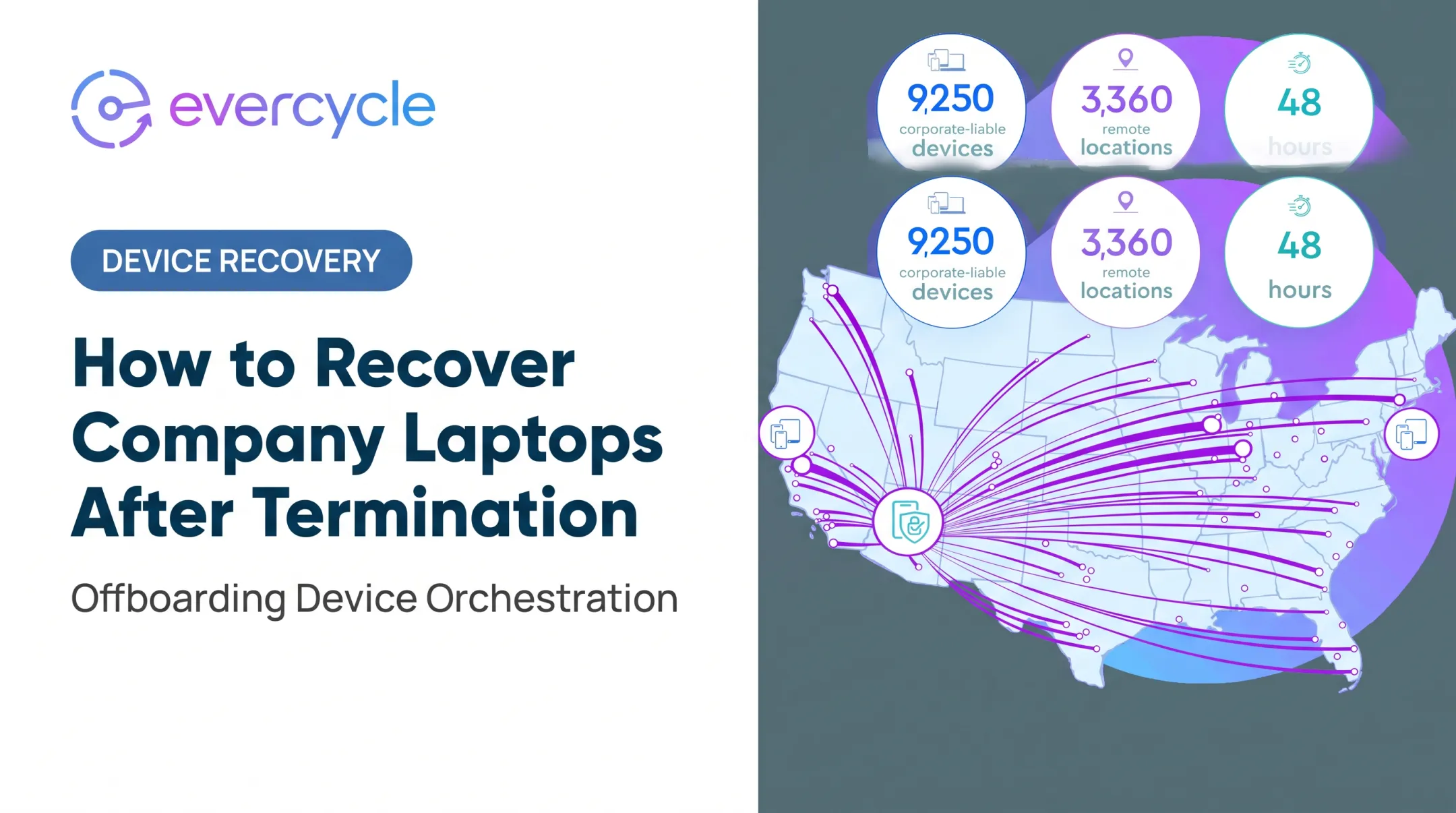
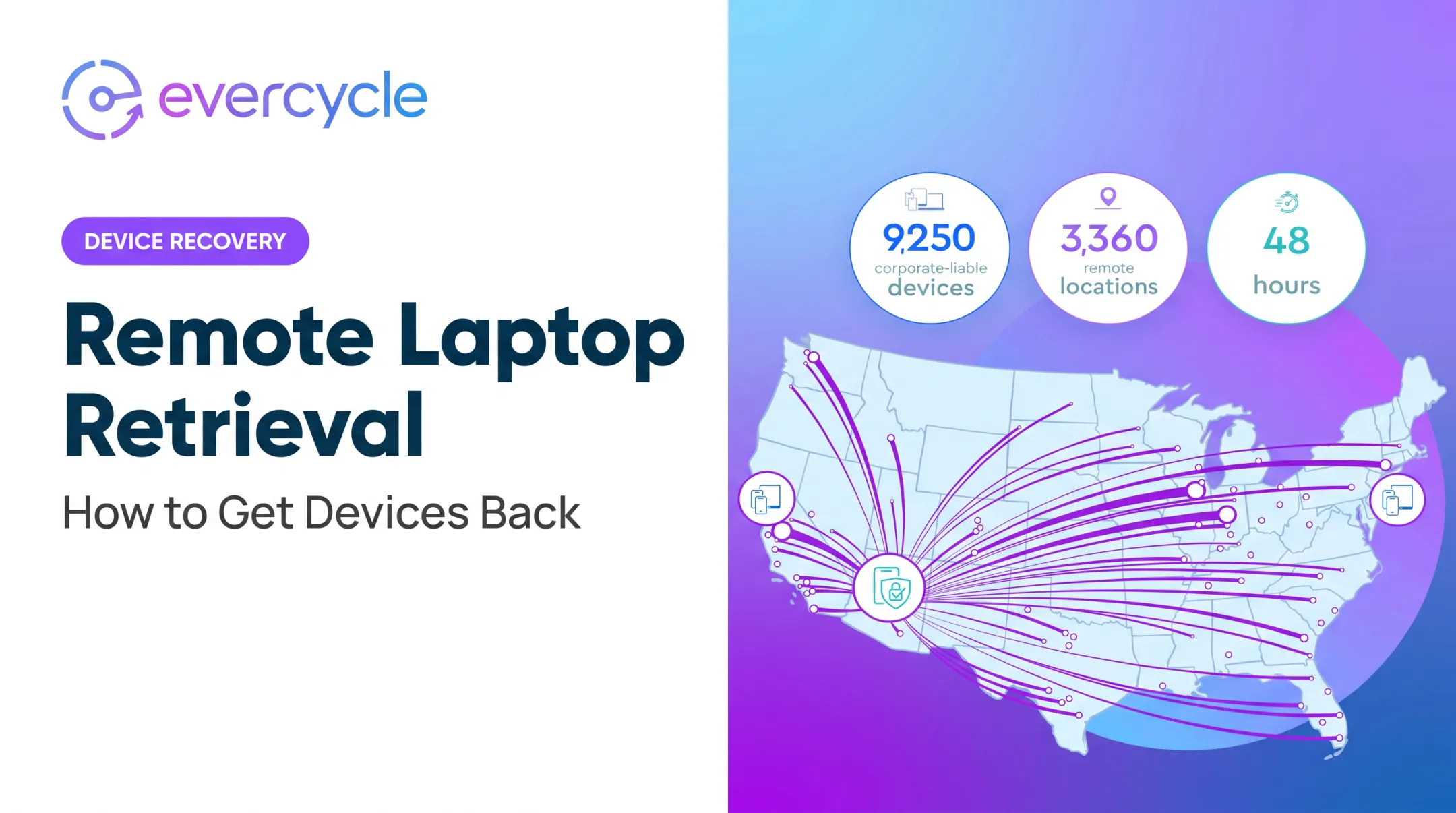
- 6,000+ return kits in transit to 3,360 locations within 48 hours
- 9,250 devices recovered from 3,360 remote locations in under 48 hours
- A 90% recovery rate for a Fortune 500 program across 19 countries and 14 ITAD partners

Measure and improve after each wave
After each wave, review:
- Recovery completion and time to delivery
- Failed collection rate and cost
- Open exceptions and sanitization evidence
- Reuse rate and vendor performance
Feed the findings back into policy, inventory accuracy, communications, and workflow rules.
Frequently Asked Questions
How do you get equipment back from a terminated employee?
Coordinate with HR, protect access, and send clear instructions with a prepaid label or pickup, a written deadline, and tracking. If the person doesn't respond, escalate in writing and involve legal counsel.
What happens during offboarding?
Offboarding typically covers access deprovisioning, asset reconciliation, laptop recovery, inspection, data sanitization, and updating the device's lifecycle record.
How do you recover laptops after a mass layoff?
Use a batch-triggered workflow with verified asset data, standardized messages, centralized tracking, and automated reminders. Handle exceptions in a separate process.
How long should a laid-off employee have to return a company laptop?
The deadline should come from your written policy and allow for location, packaging, and carrier time. Confirm any applicable return deadlines with state law and counsel.
What if a former employee doesn't return the laptop?
Document reminders, escalate through manager and HR, send a formal written request, and restrict the device. Consult counsel before any deductions or collections.
How should companies protect data on laptops during layoffs?
Revoke identity access, apply MDM controls, decide on remote wipe after checking legal holds, track chain of custody, and document sanitization once the device is received.