Introduction
An offboarding process isn't finished when access is disabled or the checklist gets ticked. It's finished when the right device is back in your hands, verified, secured, and assigned its next status.
That's harder than it sounds. BLS data shows 22.6% of US workers teleworked or worked at home for pay in March 2026, so more laptops sit in home offices than ever. Many teams still chase them through spreadsheets and email threads.
This checklist is organized by timing and ownership. It covers asset records, remote shipping, overdue recovery, data security, chain of custody, and what happens next: reuse, repair, or responsible disposition.
Key Takeaways
- Start recovery when the departure is confirmed, with a named owner and deadline per asset.
- Give remote employees a prepaid, trackable return kit and a clear contact.
- Mark a device recovered only after receipt, ID match, and condition check.
- Build escalation paths and tie recovery records to sanitization and audit reporting.
Why Device Recovery Needs Its Own Offboarding Process
Treat device recovery as an accountable workflow
"Collect company property" is too vague for a distributed fleet. Nobody owns it, so everybody assumes someone else does. Split the work:
- HR or People Ops: triggers the workflow and handles employee communication
- Manager: confirms the equipment list and the handoff of work
- IT: verifies, inspects, and sanitizes
- Logistics or ITAD provider: moves and processes the hardware
One asset record should tie it together: employee, device, serial number or asset ID, location, accessories, return method, current status, and next owner.
Protect data, access, and recovered device value
Unreturned laptops and phones can hold business data, stored passwords, and authentication certificates. NIST SP 800-124 notes that mobile devices are more likely to be lost or stolen than desktops and recommends remote lock and wipe where appropriate, including wiping before reissue.
NIST SP 800-53 also expects access to be disabled, credentials revoked, and security-related property retrieved on termination. Recovery is a security task, not just asset housekeeping.
Define what "returned" means
A promise to ship isn't a return. A carrier's "delivered" scan isn't one either. Returned means your team confirmed receipt and inspected the device.
Build your statuses around that:
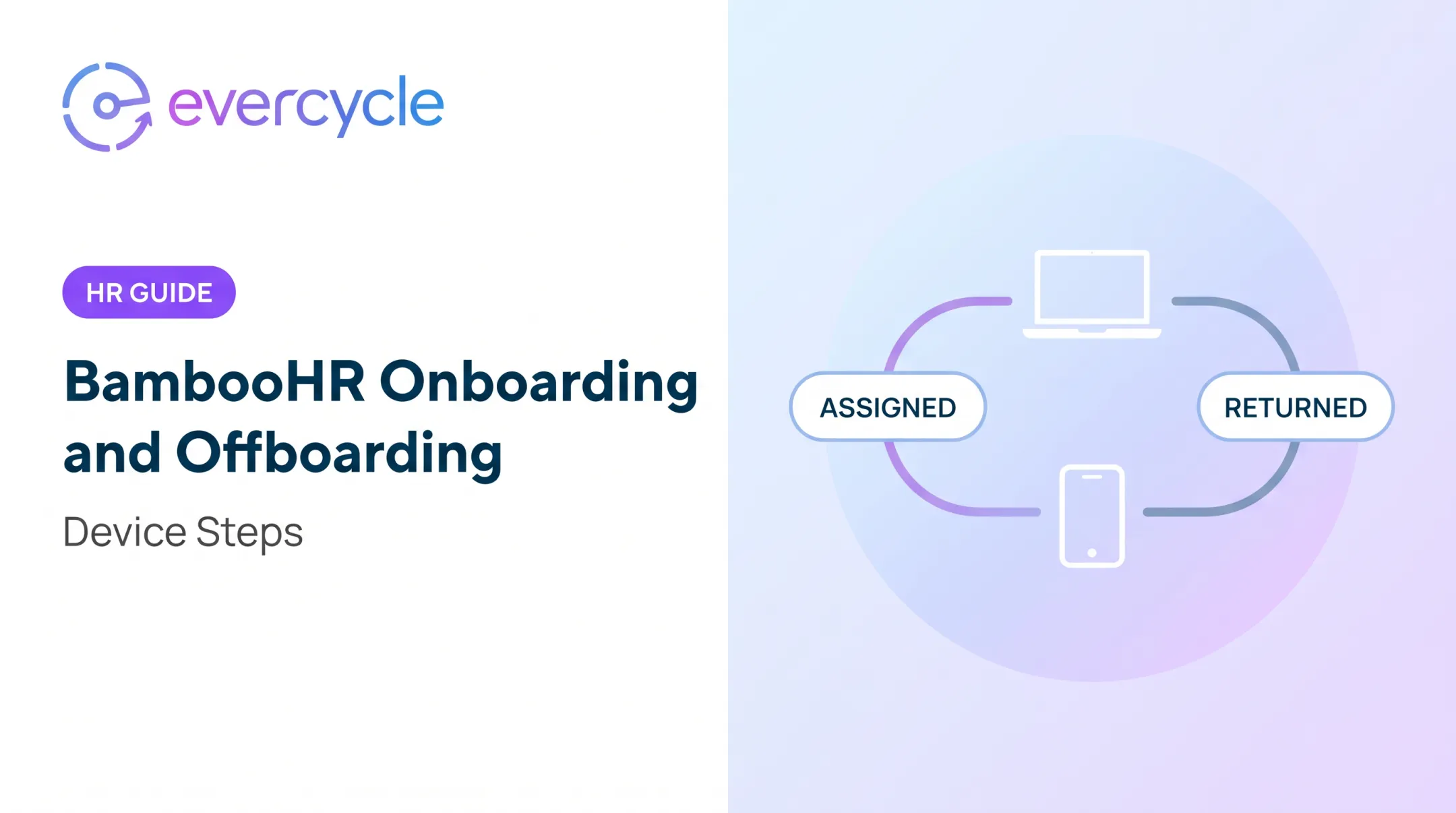
- Assigned
- Return requested
- Label issued
- In transit
- Received
- Inspection pending
- Sanitized
- Ready for redeployment, sent for repair, or recycled
- Exception
Device Recovery Checklist: Before, During, and After the Last Working Day
Before the last working day
- Reconcile equipment against the asset register. Include laptops, monitors, phones, tablets, hotspots, docks, chargers, access cards, and security keys.
- Record the details. Asset ID or serial number, model, condition at assignment, accessories issued, known repairs.
- Assign one recovery owner. Confirm the return date and method.
- Send packaging, shipping, or drop-off instructions suited to each device.
- Separate the information handoff from the hardware return. Don't close accounts in a way that breaks an approved transition.

Washington's Office of Financial Management, for example, recommends a written process with a checkout and return tracking mechanism for equipment taken home.
During the final working day
- Confirm whether the device was handed over in person, given to a courier, or is awaiting a shipped kit. Log tracking or receipt details.
- Align recovery with the security timeline.
- Escalate involuntary or high-risk departures to security and HR.
- Send a short final reminder: assets expected, deadline, return method, packaging, and who to contact.
CISA's 2024 separation guide gives federal examples ranging from one-hour access and property actions for high-risk separations to 18 hours after the last day for low-risk ones. Those aren't universal deadlines, but they show timing should follow risk.
After the device is received
- Match the device and accessories to the record by serial number or asset tag, never by employee name alone.
- Log the receipt date, shipping evidence, condition, missing parts, and visible damage.
- Route it onward: redeploy, repair, sanitize, resell, or recycle. Keep the paperwork.
NIST SP 800-88 Rev. 2 calls for sanitization records covering device identity, method, verification, and who did the work, when, and where.
How to Recover Devices From Remote and Distributed Employees
Design the return kit before an employee leaves
Decide these details in advance:
- Packaging and protective materials
- Prepaid label
- Courier or drop-off option
- Deadline
Plan separately for monitors and other bulky or fragile gear. SHRM's example of a remote return uses a flat box, packing materials, and a prepaid label.
Tell employees to photograph the package and label, keep the shipping receipt, and contact you if packaging is missing or the device is damaged.
Use trackable logistics and milestone reminders
Track distinct milestones so "in transit" never becomes a final status:
- Instructions sent
- Label accepted
- Package scanned
- Delivered
- Device received
- Inspection completed
Give each reminder a named owner. Use separate escalations for an employee who hasn't acknowledged the request, hasn't shipped, or shipped without confirmed delivery.
Adapt to distributed work
Remote staff move, travel, take leave, or work from coworking spaces. Their original shipping address may be wrong.
When standard shipping won't work, offer a controlled alternative such as an approved drop-off, pickup, or service-provider handoff, and keep proof of transfer.
Plan for exceptions
If someone reports a lost, stolen, damaged, or inaccessible device:
- Run an immediate security review
- Decide on remote lock or wipe
- Open a carrier investigation if needed
- Document everything

Publish the escalation path so the employee isn't bounced between departments.
What to Do When a Device Is Late, Lost, or Damaged
Tier your response by missed milestone:
- Unacknowledged request: automated reminder
- Missed shipping deadline: involve the manager and HR
- Unresponsive employee or sensitive data: bring in security and legal
Separate the causes so you can assign the right follow-up:
- Carrier loss
- Employee non-return
- Damage in transit
- Pre-existing damage
- Missing accessories
Preserve tracking records, photos, messages, inspection notes, and carrier claims.
Be careful with payroll deductions. Rules vary by state. The DOL's Fact Sheet 16 says deductions for damage to employer property can't cut pay below minimum wage or overtime requirements.
State rules differ further:
- California generally bars deductions for loss caused by simple negligence
- New York's Labor Law section 193 doesn't list equipment loss among permitted deductions
- North Carolina requires written authorization and notice
Check state law, agreements, and legal counsel before any financial recovery. This isn't legal advice.
Document Chain of Custody and Measure Recovery Completion
Build a record that follows the device
Keep these fields at minimum:
- Employee or business owner
- Asset ID and serial number
- Device type and assigned location
- Condition when issued
- Expected return date and method
- Tracking number and receipt date
- Inspection result
- Sanitization status
- Next disposition
- Named owners
Record each handoff: employee to carrier, carrier to company, internal inspection, and transfer to a repair, reuse, recycling, or ITAD provider.

Define meaningful recovery metrics
Track these recovery metrics:
- Return completion rate
- Average days from departure to receipt
- Overdue devices and open exceptions
- Missing accessories and damage rate
- Share of devices with complete custody records
- Reuse rate and value recovered
Set internal targets and label them as such. Treat vendor recovery figures as vendor-reported results, not industry standards.
Use workflow automation without replacing providers
Evercycle is orchestration software, not a shipping or processing operation. Selected providers do the physical work. The platform picks up offboarding events from HRIS, MDM, or CSV, sends prepaid labels and packaging instructions, and runs reminders and escalations on days 3, 7, and 14.
It also tracks shipments from label creation to receipt, routes devices to existing ITAD partners, and logs chain-of-custody and data-erasure records for audit.
In one Fortune 500 program spanning 19 countries, Evercycle reported a 90% recovery rate. The company says manual programs left 20% to 30% of devices unrecovered. Results vary by configuration, population, and provider coverage.

Frequently Asked Questions
What should be included in an employee offboarding checklist?
Name the departure owner, then cover access removal, knowledge transfer, device and asset recovery, final pay and benefits, and documentation. Add a verified device disposition step.
What are the best practices for offboarding employees?
Plan early, name owners, and set clear deadlines. Time access removal by risk, communicate respectfully, track device returns, document chain of custody, and review jurisdiction-specific compliance.
When should a company device be returned after an employee leaves?
Set the deadline in policy and return instructions. Generally, coordinate shipment or handoff with the final working day, and respond faster for high-risk or involuntary departures.
What should be on a company device return checklist?
List the asset ID, device and accessories, employee, condition, deadline, shipping method, tracking details, receipt confirmation, inspection result, and next lifecycle status.
How do you recover equipment from a remote employee?
Send prepaid packaging and labels with written instructions. Use trackable shipping or approved drop-off, milestone reminders, proof of receipt, and escalation for missed deadlines.
What should you do if an employee does not return a company device?
Apply access and data safeguards first. Document reminders and escalations, separate loss from non-return, preserve evidence, and get legal review before any payroll deduction.