This guide is for US enterprise and mid-market IT, security, HR, and IT asset teams managing employees, contractors, and distributed hardware. Done well, it protects data, keeps work running, recovers assets, and gives auditors evidence.
Most teams know the term but not the mechanics. Disabling a central account does not close every app, session, credential, device, or vendor workflow. Below, we cover the process, the controls, where it applies, and when to adjust it.
Key Takeaways
- Offboarding runs three workstreams: access removal, data transfer, and device recovery with secure disposition.
- Timing and control level differ for resignations, terminations, contractors, movers, and privileged users.
- Disabling the identity-provider account is not completion; verify apps, tokens, shared credentials, devices, and vendors.
- Central records, automation, chain of custody, and named exception owners make the process measurable.
What Is IT Offboarding and Why Does It Matter?
IT offboarding is the structured process for ending or changing a worker's access to company systems and assets. It preserves business data, transfers ownership, recovers equipment, and records each completed control.
The outcome is simple. The person can no longer reach company resources, critical work stays available, and every company-owned asset has a known status.
How it differs from related processes
- Employee offboarding is the broader HR process, including payroll, legal, and benefits.
- Identity deprovisioning covers accounts and permissions only.
- IT asset disposition (ITAD) covers the end-of-life handling of hardware.
IT offboarding connects these activities. It does not replace HR, legal, payroll, or specialist data-destruction requirements.
Why US organizations rely on it
A well-run process reduces:
- Orphaned accounts and unauthorized access
- Exposed local data and service disruption
- Unreturned equipment and wasted software spend
The evidence is worrying, though it varies in scope. 1Password's 2025 report found 38% of surveyed desk workers accessed a former employer's account, data, or apps after leaving. That was a global, self-reported survey, so treat it as a risk signal rather than a US rate.
On devices, Capterra's 2022 survey found 71% of HR respondents who had offboarded someone said at least one person failed to return equipment. Evercycle's own analysis puts manual recovery losses at 20 to 30% of devices, priced at $1,500 each in its example.
Obligations vary
Offboarding is an operational best practice. Timing and evidence may also be shaped by contracts, customer commitments, insurance, internal policy, and law.
No single US revocation clock exists: NIST leaves timing organization-defined, CIS and PCI DSS say "immediately," and NYDFS says "promptly." Confirm your obligations with legal and compliance.
How IT Offboarding Works: Access, Data and Devices
The flow runs in a fixed order. A trusted HR event triggers the work, then IT and security map the person's access and assets. Required data is transferred or preserved before access is revoked in a controlled sequence. Devices are recovered and assessed, and the team verifies closure with an auditable record.

Inputs needed before work begins
- The worker's authoritative identity and departure type
- Effective time, manager, and asset owner
- Application and privilege inventory
- Device records and shared-account exposure
- Retention or legal-hold requirements
- Vendors responsible for recovery or disposition
What changes the controls
Departure type, risk level, and role sensitivity drive the approach. Remote versus on-site status, device connectivity, and ownership of service accounts, automation, or production systems also shape which controls apply.
Step 1: Trigger the process and build the scope
HRIS events, contractor end dates, approved role changes, and documented termination decisions should start a coordinated workflow. Planned exits get a pre-departure review. Involuntary exits need an immediate containment path.
IT then builds one scope covering systems, data, devices, physical access, privileges, tokens, shared credentials, and vendors. A manually submitted ticket or a single email address is not enough to find all of that.
Step 2: Revoke access and protect data
Work through the full list:
- Identity-provider and directory accounts
- SaaS apps outside SSO
- VPN and remote access
- Active sessions and MFA devices
- Local accounts and privileged roles
- Email and cloud storage
- API keys, OAuth grants, and SSH keys
- MDM profiles and shared-account passwords
NIST AC-2 calls for changing shared authenticators when membership changes, and PS-4 requires revoking the individual's authenticators.
Sessions deserve special attention. Microsoft's Entra guidance notes that existing access tokens stay usable until expiry, typically about an hour, and that application-issued session tokens must be revoked by the application itself.
Transfer before you delete. Move ownership of mailboxes, shared drives, documents, calendars, recurring jobs, repositories, customer records, service accounts, and automations before access ends. In Google Workspace, for example, data not transferred is deleted, and deletion can remove hold protection. Preserve originals when a legal hold applies.
Verify, don't assume:
- Test representative access paths.
- Confirm session and token invalidation.
- List failed or manual removals.
- Assign each exception to an owner.
- Keep monitoring for suspicious activity after departure.

Step 3: Recover, sanitize, and close the device lifecycle
Cover laptops, desktops, phones, tablets, removable media, peripherals, security keys, access cards, and specialized equipment. Procedures differ for office-based, remote, BYOD, contractor-held, and inaccessible devices.
Chain of custody should run from return request and shipping through receipt, inspection, data preservation, sanitization, and final disposition (reuse, repair, recycling, or resale).

NIST SP 800-88 Rev. 2, published September 2025, defines Clear, Purge, and Destroy, and separates verification from validation. Certificates should record method, tools, status, and disposition. Apply your own policy alongside the NIST methods.
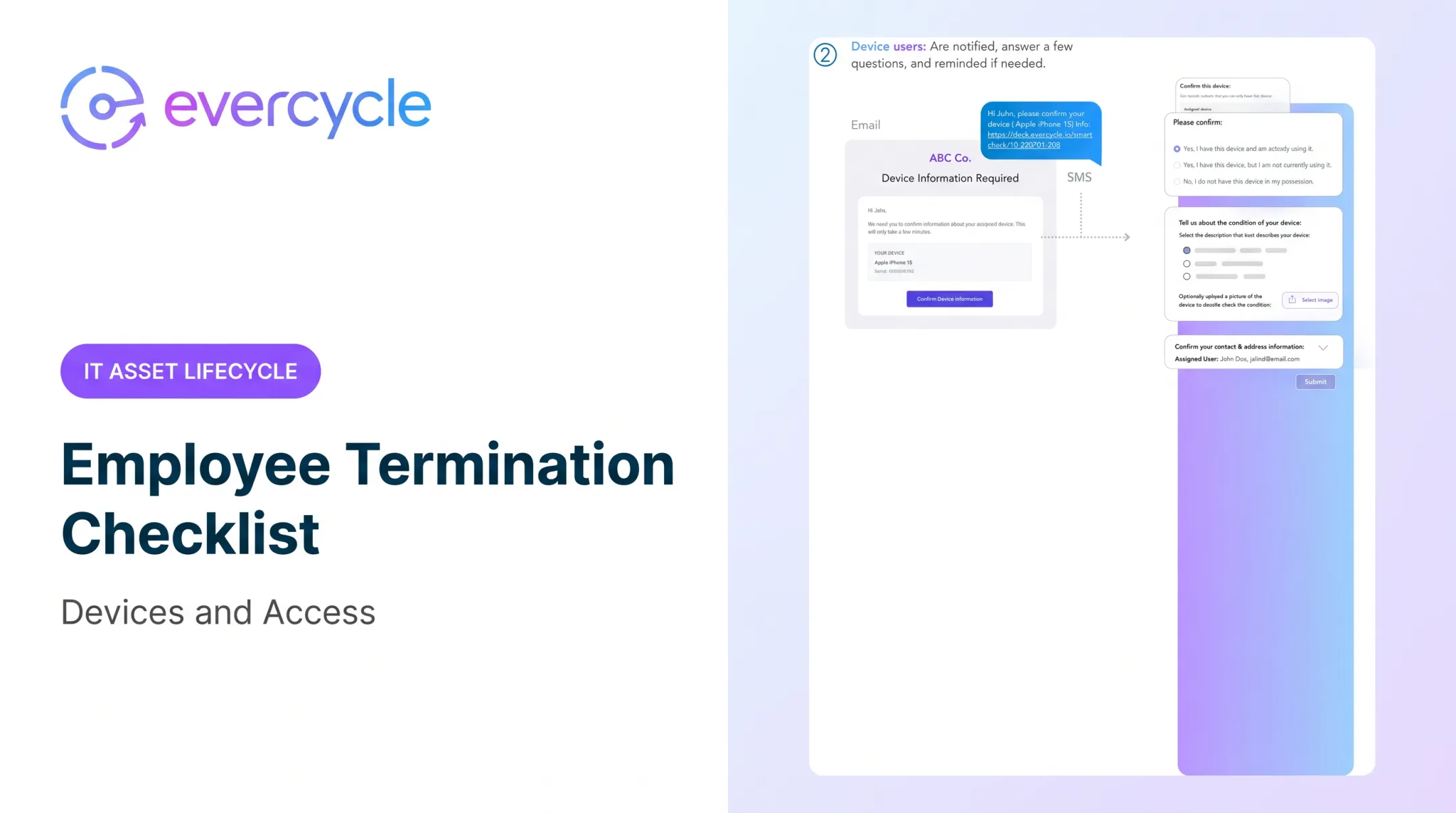
An example in practice. Evercycle, an orchestration platform, picks up offboarding events from HRIS, MDM, or CSV inputs. It sends employee instructions, coordinates return kits, tracks shipments, and records chain-of-custody events, with reminders on Day 3, 7, and 14.
It routes devices to a company's existing ITAD providers and produces audit reports. Evercycle orchestrates the workflow; providers handle the physical processing. One Fortune 500 customer achieved a 90% recovery rate across 19 countries, a result specific to that organization.
Where IT Offboarding Applies and Key Factors That Affect It
Where the process is applied
IT offboarding covers employees, contractors, vendors, interns, temporary workers, and any identity with access to systems or devices. Role changes and leave of absence are related events that may need access adjustment, not deletion.
Typical triggers:
- Resignation or involuntary termination
- Contract expiration
- Internal transfer or extended leave
- Merger or workforce reduction
- Device replacement or vendor closure
Lifecycle points include notice, the final working period, access cutoff, device return, data transfer, disposition, and post-departure reconciliation. Most of these are one-time actions.
Periodic account and asset reviews are recurring. CIS Safeguard 5.3, for example, disables dormant accounts after 45 days of inactivity. That is an inactivity rule, not a termination deadline.
Key factors that affect results
- Data quality: accurate asset inventories, current app ownership, complete identity records, reliable manager data, and known shared credentials
- Conditions: immediate termination, remote work, offline devices, BYOD, high turnover, multi-state workforces, and departing administrators
- Dependencies: HRIS, identity provider, MDM, ITSM, SaaS admin tools, logistics, and ITAD partners
- Constraints: legal holds, personal data on mixed-use devices, retention rules, customer contracts, and audit evidence

Measuring completion
Track these indicators:
- Time from approved cutoff to final confirmed revoke
- Share of steps needing manual work
- Unresolved exceptions
- Asset recovery status
- Sanitization evidence
- License reclamation and reconciliation findings
Reliable public US benchmarks for most of these don't exist, so set your own baseline and improve against it.
Common Issues, Misconceptions and When IT Offboarding May Not Be Appropriate
Common issues and misconceptions
Disabling the identity-provider account does not remove access everywhere. Apps outside SSO, active sessions, refresh tokens, local accounts, personal sign-ups, shared credentials, API keys, and unmanaged devices can all survive it. A 2024 CISA advisory described an attacker using a former employee's account that had never been disabled to reach a state government network.

Teams also oversimplify in predictable ways:
- Treating device return as proof data is secure
- Deleting accounts before transferring business records
- Matching assets by email address alone
- Closing tickets before vendor confirmation
- Applying one timeline to every departure type
Effectiveness means verified closure with evidence, not a green status in one system. Watch for these warning signs:
- Removal marked complete with no confirmation
- A step that stays manual
- An exception with no owner
- A device with no custody event after its return date
When the full process may not fit
A complete termination workflow can do harm in some cases. For a role change, temporary leave, or planned reassignment, use a mover or leave workflow that removes unneeded access while preserving authorized data. NIST PS-5 calls for reviewing access after reassignment and aligning it to the new role.
Some situations need an adjusted sequence or specialist review:
- Legal holds or active investigations
- Inaccessible devices
- BYOD privacy concerns (NIST SP 1800-22 favors removing work apps and data rather than wiping a personal device)
- Critical service-account ownership
- Safety-sensitive systems or devices that must stay operational
Document each exception rather than silently skipping a control.
Alternatives such as access reviews, least-privilege remediation, contractor recertification, device replacement, incident response, or ITAD workflows may suit some cases better. None of them excuses leaving unauthorized access open.
Conclusion
IT offboarding is a coordinated access, data, and device process. It starts with a trusted departure event and ends only when access is revoked, information is preserved or transferred, assets are accounted for, and evidence is recorded.
Distributed workforces, cloud apps, remote devices, vendors, and privileged systems create more dependencies than one account-disable can handle. Apply the process by risk, automate where it helps, and avoid a one-size-fits-all checklist.
Frequently Asked Questions
What does "offboarding" mean?
Offboarding manages departure by removing access, protecting or transferring data, recovering assets, and documenting completion. IT offboarding covers systems, data, and devices; full employee offboarding also includes HR and payroll.
What should be included in an IT offboarding process?
Include the departure trigger, access inventory, credential revocation, and data ownership transfer. Also cover device recovery and sanitization, physical access removal, exceptions, verification, and audit evidence.
When should IT access be revoked during offboarding?
It depends on departure type and risk. Planned exits are scheduled for the approved cutoff; involuntary or high-risk exits may need immediate privileged and remote-access containment. Document the policy with HR, security, and legal.
How do you protect company data when an employee leaves?
Transfer ownership, preserve data where authorized, and honor legal holds. Review cloud and local data, revoke tokens and credentials, monitor for unusual activity, and sanitize returned devices.
What happens to company devices during offboarding?
Devices are inventoried, recovered through a suitable logistics path, tracked by chain of custody, and inspected. They are then sanitized per policy and routed to reuse, repair, recycling, resale, or another approved outcome.