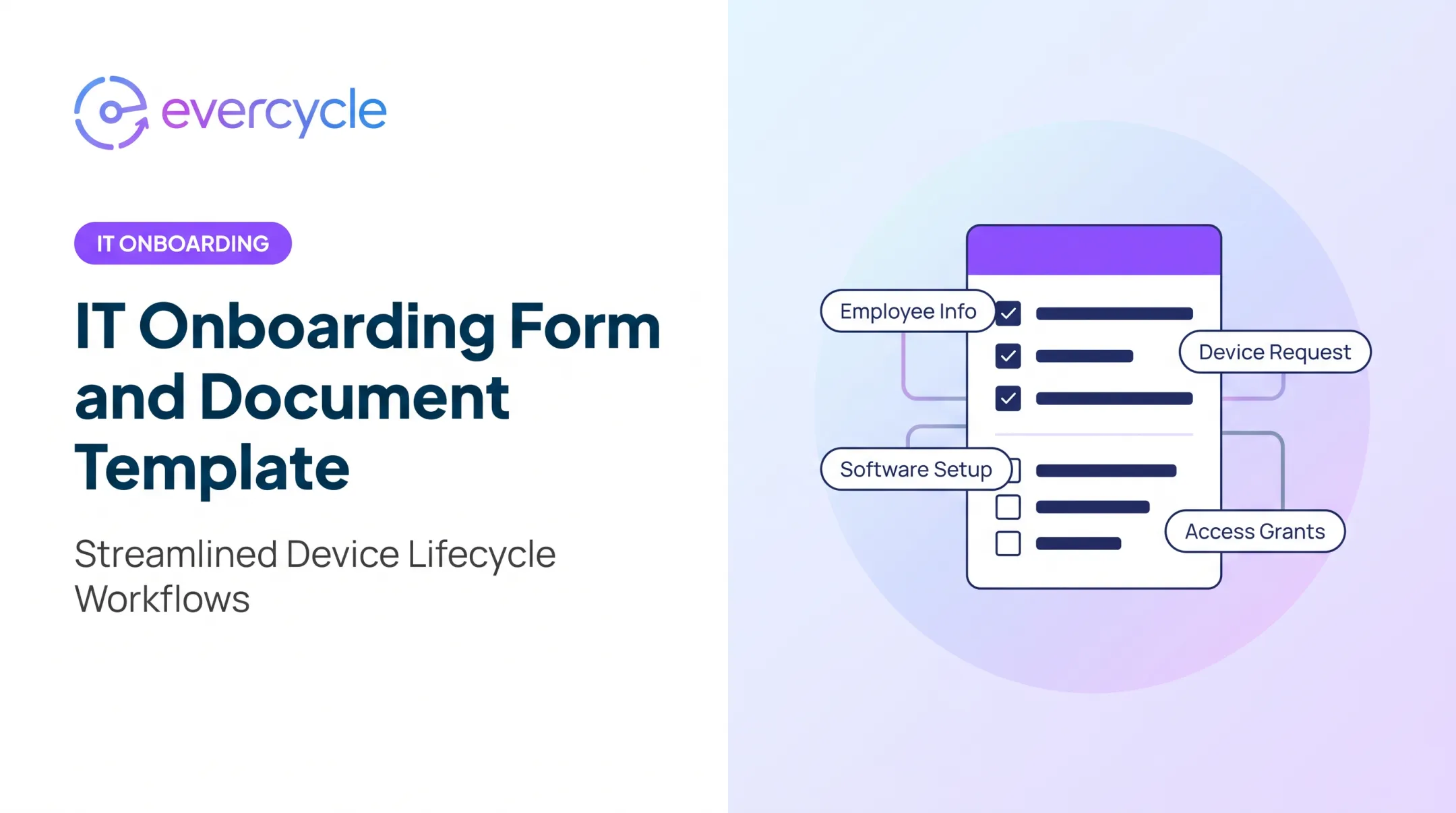
An equipment sign-out form fixes that. It records the employee, the assigned assets and accessories, the issue details, the condition, the acknowledgment and the return obligations. A Capterra survey of 287 HR professionals found 71% had at least one employee fail to return company equipment in the prior year.
This guide covers the essential fields, a day-one workflow, remote onboarding, security safeguards and offboarding.
Key Takeaways
- Every item needs a unique identifier, a named recipient, an issue date and a condition record.
- The form is a custody record, not a replacement for acceptable-use policies or employment agreements.
- Remote hires need shipping evidence, accessory checks and a return method.
- Keep the record useful after onboarding for repairs, recovery, reuse and disposition.
What to Include in an Equipment Sign-Out Form for New Hires
A short-term checkout form tracks a projector borrowed for a day. Laptops, phones, monitors and badges stay with an employee for years, so they need a long-term assignment record. Build the form around that.
Employee and assignment details
Capture only what you need to establish accountability:
- Full name, job title or department, and manager
- Worker type, if it matters (employee, contractor, intern)
- Start date and work location or remote status
- Business email and phone
Skip home addresses, birth dates and other sensitive personal data. NIST's privacy guidance centers on data minimization, and a form that many people can open is a poor place for extras.
Equipment and accessory details
Record the asset tag, serial number, equipment type, manufacturer and model. List every accessory separately: chargers, docks, cases, adapters, monitors, keyboards, security keys.
NIST's inventory controls call for details like manufacturer, model and serial number, plus a responsible person. Note that an asset tag is usually your organization's own identifier, not something a standard mandates. Precise IDs matter when five identical laptops sit on one shelf.
Condition and issue evidence
- Condition rating on the issue date
- Visible damage, scratches or dents
- Battery or component notes where relevant
- Photos or delivery evidence for higher-value gear
This separates damage that existed at handoff from damage found later.
Responsibilities and acknowledgment
Spell out in plain language:
- Approved business use and physical care
- Secure storage and prompt incident reporting
- No lending equipment or sharing credentials
- No unauthorized software or configuration changes
- Return of all items on request or at separation
Approval, signatures, and return fields
Capture sign-off and close-out fields:
- Employee acknowledgment, issuer or IT representative, and manager approval where needed
- Date and time stamps, plus expected return or review date
- Actual return date, returned condition and missing accessories
- Final status: returned, reassigned, repaired, retired or awaiting recovery
Legal note: Have HR or counsel review any language about financial responsibility, wage deductions, final pay or discipline before it goes in the form. A signed acknowledgment is not a universal authorization to deduct pay.
State rules differ:
- Under the FLSA, deductions for lost or damaged property cannot cut pay below minimum wage or into overtime
- California generally bars deductions for loss caused by mistake or accident
- Minnesota generally requires written authorization given after the loss, or a court finding
- Illinois says final pay cannot be held while waiting for equipment

New-Hire Equipment Sign-Out Workflow
Prepare the equipment before the first day
HR or People Ops shares the confirmed start date, role, work arrangement and manager with IT through an approved channel. IT then selects, configures, tags and checks the gear before handoff.
MIT's remote onboarding guidance follows this pattern: order hardware before the start date, confirm the shipping address and contact details, and confirm receipt.
Confirm the assigned asset list
The issuing owner works through a short checklist:
- Match each device and accessory to the employee record.
- Verify asset tags and serial numbers.
- Record baseline condition.
- Document exceptions such as backordered accessories, loaners or substitutions.

Complete the handoff and acknowledgment
Walk the new hire through the equipment. Confirm receipt, explain care and reporting expectations, and collect the acknowledgment. Give them a clear contact for missing, damaged or malfunctioning items.
Electronic signatures work. Under the E-SIGN Act, an electronic record cannot be denied legal effect solely because it is electronic, provided it stays accurate and reproducible. Keep it authenticated, time-stamped and retained per policy.
Support remote delivery
Log each shipment with:
- Date, carrier and tracking reference
- Delivery destination and recipient confirmation
- Package contents
Provide a way to report damage or missing parts. Store home addresses in a restricted system, not in a record many people can see.
Close the onboarding task
Mark the record complete only when every asset is acknowledged, open exceptions have owners, and your systems show the same assignment status. Set automated reminders for missing acknowledgments, overdue confirmations and assets still marked unassigned.
A simple example: HR confirms a remote hire's start date. IT configures a laptop and dock, tags them and ships them. The manager approves the setup. The new hire confirms delivery and signs on day one. Each person owns one step, and the record shows who finished it.
Digital and Remote Equipment Sign-Out
When a form or spreadsheet is enough
A simple form, spreadsheet or HRIS-linked record can work for a small, centralized team with few assets and straightforward handoffs. One person must own the review of incomplete records and overdue returns.
When a workflow is more appropriate
Spreadsheets break quietly. A Dartmouth Tuck study of 50 operational spreadsheets found only 3 with no identified errors. It wasn't about asset inventories, but the lesson carries over.
Watch for these warning signs:
- Employees spread across locations
- Multiple IT or logistics providers
- Frequent device movement
- Repeated manual follow-up
- No real-time view of who holds what
- Onboarding and offboarding records that don't connect
At that point, orchestration helps. Evercycle is a software platform that coordinates device lifecycle work across existing enterprise systems and providers. Its Deployment capability handles approved requests, shipping and delivery for new hires and remote locations. It also supports employee communications, vendor coordination and chain-of-custody visibility.

It complements your form and policies. It doesn't write them for you, and Evercycle doesn't physically ship or process hardware itself.
Security, Returns, and Offboarding
Keep sensitive information out of the form
Record device identity and custody. Leave out passwords, authentication secrets, recovery codes, unnecessary personal data, and detailed security configurations. HR and managers may see this form.
Connect equipment assignment to security controls
Issuing a device should trigger enrollment, access, encryption, endpoint management, and acceptable-use steps. Return or loss should trigger access review, remote lock or wipe where applicable, and escalation through your security process.
NIST SP 800-53 (control PS-4) calls for disabling access promptly at termination, revoking credentials, and retrieving security-related property. CIS Control 6 prefers automated account revocation.

Verify condition and completeness at return
Compare what comes back against the original record. Inspect the device, note new damage or missing items, and attach photos where useful. Change the status only after the equipment is physically received or recovery is formally recorded.
Build the form into offboarding
Your offboarding checklist should:
- List every asset assigned to the employee
- Schedule return or collection
- Provide remote-return instructions and packaging
- Confirm badge and access-item recovery
- Record final condition
- Route unresolved items to the right HR, IT, security or operations owner
That checklist matters even more for remote and hybrid staff. Capterra's survey found they were 17% more likely than on-site employees to fail to return equipment.
Handle overdue, lost, or damaged equipment consistently
Define statuses and escalation paths for overdue, lost, stolen, damaged, under repair, replaced, and unreturned gear. Keep operational recovery separate from any employment, disciplinary, insurance, or compensation decision.
A Verizon 2023 DBIR pattern covering lost and stolen assets logged 2,091 incidents, 159 with confirmed data disclosure.

Verify any claims about deductions, final pay, or employee liability against current federal and state sources before you act.
Conclusion: Make Equipment Accountability Part of Onboarding
The minimum viable form holds employee identity, asset and accessory details, condition, dates, acknowledgment, issuer, approval and return closeout.
It earns its keep when it connects to the whole lifecycle: deployment, support, recovery, secure data handling, reuse and disposition. A signature on day one is where the record starts, not where it ends.
Frequently Asked Questions
What paperwork is required for employee onboarding?
Onboarding usually covers employment, payroll, eligibility (such as Form I-9), tax (such as Form W-4), policy, and role-specific documents. An equipment sign-out form records company property issued. Confirm jurisdiction-specific requirements with HR or qualified counsel.
What should an equipment sign-out form include?
Include the employee name, asset tag or serial number, equipment and accessories, condition, issue date, responsibilities, acknowledgment, issuer, approval, and return fields.
Should new hires sign for company equipment?
Yes. A signature creates a clear record of receipt and expectations. Electronic acceptance works if it is authenticated, time-stamped, accessible and retained under company policy.
How should remote employees receive and return company equipment?
Track the shipment, verify package contents and confirm delivery. Give a way to report damage, and provide prepaid or clearly defined return logistics. Handle devices securely during role changes.
What happens to the equipment sign-out form when an employee leaves?
Update it with each asset's return, condition, missing parts and outcome: reassigned, repaired, sanitized, reused or disposed. Keep it available for authorized audit and operational review.